Font Generator: Best Free Tools for Stylish Text (2026 Guide)
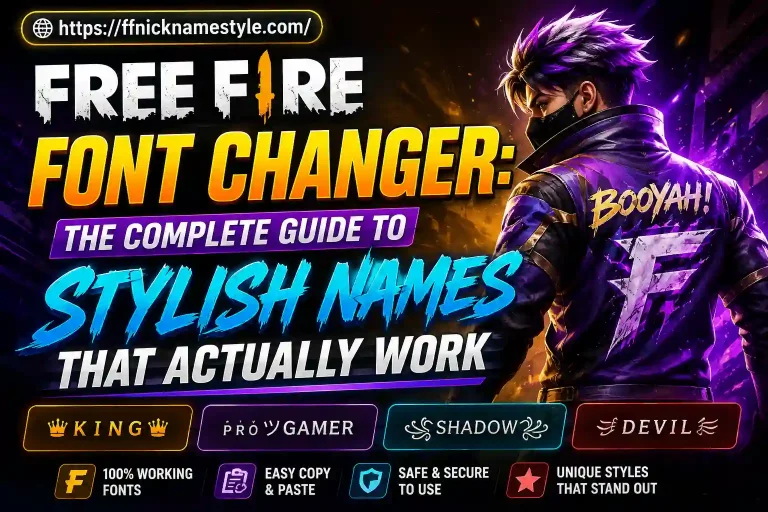
A font generator doesn’t create a new font at all it swaps your plain letters for Unicode characters that look like fancy fonts but paste as normal text anywhere, including inside Free Fire. Type “ALEX,” get “𝕬𝖑𝖊𝖝” or “꧁ムㄥ乇乂꧂,” and every device that reads Unicode Android, iOS, PC displays it the same way. No app install, no font file, no waiting.
I’ve tested dozens of these tools while building name styles for Free Fire players, and most of them fall apart the same way: they generate a style that looks great on the website and then breaks the moment you paste it into the game. This guide covers how a font generator actually works, which habits separate the reliable tools from the broken ones, and how to build a name including Urdu and Hindi-friendly styles that survives Free Fire’s character filter instead of turning into a row of blank boxes. If you want to skip ahead, the FF Nickname Style generator builds copy-paste-ready names in a single tap.
How a Font Generator Actually Works
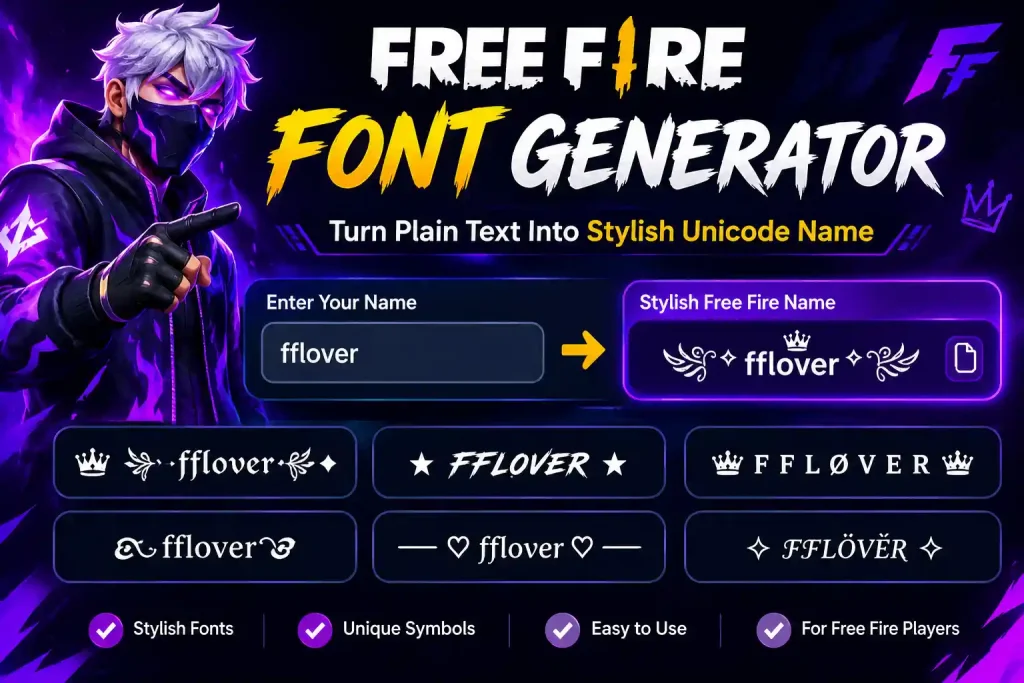
Every font generator runs on the same trick: Unicode, the character-encoding standard that gives every letter, symbol, and script its own unique code point, includes far more than the 26 letters on your keyboard. It also has double-struck letters (𝔸𝔹ℂ), circled letters (Ⓐ Ⓑ Ⓒ), fullwidth letters (A B C), and hundreds of decorative brackets and symbols.
A generator simply maps each letter you type to one of these look-alike code points. There’s no custom typeface being installed and nothing downloaded to your phone the output is still plain text, just built from a different part of the Unicode table. That’s why a styled name shows up identically whether your friend opens it on a Samsung, an iPhone, or a browser on a laptop: everyone’s device is reading the same Unicode standard, not a font file you sent them.
It also explains why some styled text fails. If a symbol comes from a rare or unsupported Unicode block, older phones or specific apps may not have a glyph for it, and you’ll see a blank box (□) or a question mark instead. A well-built generator sticks to widely supported ranges so what you see in the preview is what shows up in-game something worth checking manually on both an Android and an iPhone before trusting any tool’s style list.
Why Gamers Rely on Stylish Text Generators
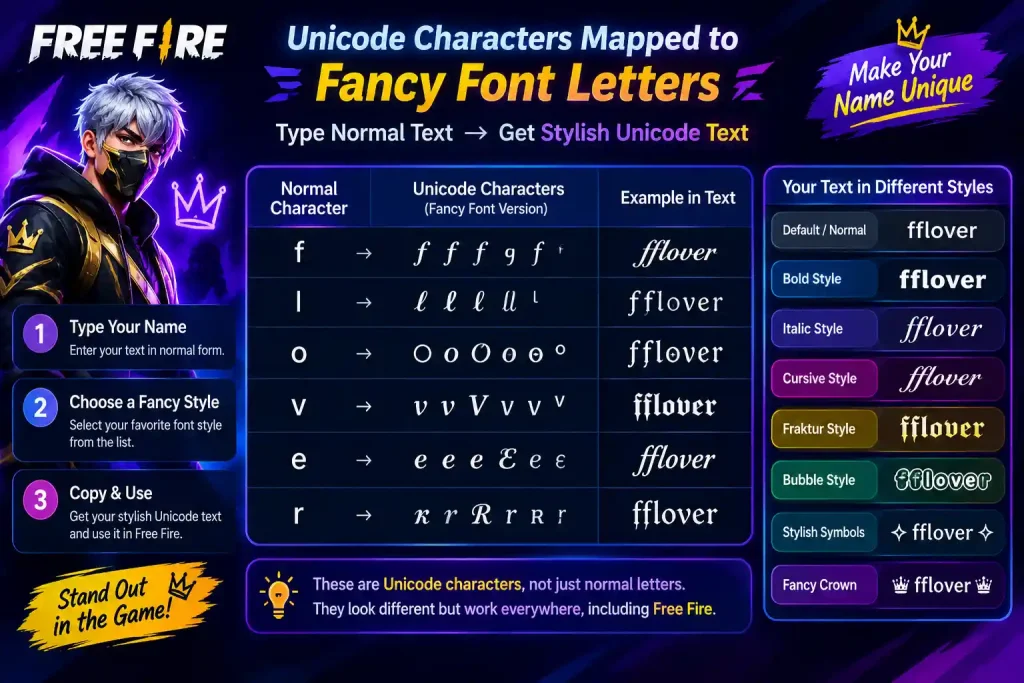
Free Fire limits usernames to 12 characters, which makes plain names forgettable fast. “Sniper123” blends into a lobby of a hundred similar names. “꧁☬Sniper☬꧂” doesn’t. In a game built around kill feeds and end-of-match rankings, a name that’s easy to notice is a small but real form of self-branding.
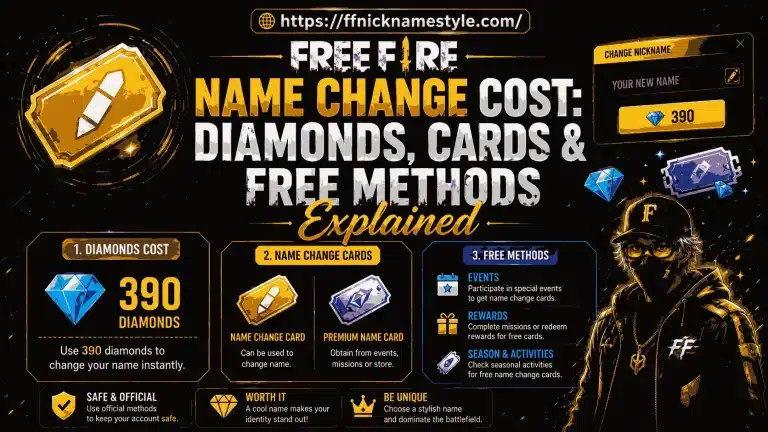
There’s also a cost angle. In-game name-change tokens cost real currency, and picking a boring default just to save money is a common regret. A free stylish name generator solves that without spending anything you can experiment with dozens of styles before locking one in.
Clans have their own reason. A squad that shares the same decorative frame across every member’s name reads as coordinated the moment the lobby loads, which matters more than most players think in the first few seconds before a match starts. Squads can lose that “team” look entirely just because two members used different bracket styles a small detail, but a noticeable one on a loading screen.
What Makes a Font Generator Worth Using
Not every tool on Google’s first page is worth bookmarking. After running the same test name through more tools than most players would bother with, here’s what actually separates the useful ones from the ones that waste your time:
- No sign-up wall. If a site asks for an email before showing you a single style, that’s a red flag a decent generator works the moment you land on the page.
- In-game-accurate preview. The characters shown on the website should be the same ones Free Fire actually accepts, not a prettier version rendered by a special web font.
- One-tap copy. Mobile players don’t want to select text manually. A copy button next to the result is the baseline, not a bonus.
- Multiple style options at once. A tool that generates ten to twenty variations from one input saves you from retyping your name over and over.
- Fast load on mobile data. Most Free Fire players switch tabs mid-lobby, so a generator that loads instantly on a phone browser wins over a heavier, ad-stuffed page.
- Script support beyond English. Very few generators handle Urdu, Hindi, or Arabic-influenced styling well this alone weeds out most “global” tools that only cover Latin letters.
The FF Nickname Style generator was built around exactly this checklist type once, get a full list of styles, tap to copy, no account required.
Unicode Symbols vs Fancy Characters: What’s the Difference
People use “Unicode symbols” and “fancy characters” almost interchangeably, but there’s a useful distinction. Fancy characters are stylized letters the double-struck, circled, or script-style versions of A through Z that replace your actual letters. Symbols are the decorative elements added around those letters: crowns (♛), stars (★), arrows (➤), Japanese-style brackets (「」), and dividers like ꧁ ꧂.
A strong stylish name usually combines both: fancy letters for the core word, one or two symbols framing it. “꧁★REIGN★꧂” uses fullwidth letters for the base and stars plus dividers as the frame. Piling on more than two or three symbols tends to backfire the name becomes harder to read in a fast-scrolling kill feed, which defeats the point of standing out in the first place.
How to Build a Stylish Free Fire Name Step by Step
- Pick your base word. Keep it short remember the 12-character cap includes every symbol you add later, so leave room.
- Generate style options. Paste your base word into the FF Nickname Style generator and scroll through the variations it produces.
- Add a frame, not a wall. Choose one symbol or dividing pair to bookend the name rather than scattering several through the middle.
- Check the character count. Count every symbol, not just letters a name that looks short can quietly exceed 12 characters once decorations are added.
- Copy and paste into Free Fire. Open your in-game profile, tap the edit icon on your name, and paste. If a symbol displays as a box, swap it out before saving.
- Match your clan tag. If you’re in a squad, run the same style through the clan name generator so your tag and username share a consistent look.
Urdu and Hindi Stylish Names: What’s Different
Most font generator guides only cover English input, but a large share of Free Fire’s player base games in Urdu, Hindi, or a Roman-transliterated mix of both and this is where most generator tools quietly fall short. Two things change when styling a name in Urdu or Hindi instead of English:
Script direction and rendering. Urdu reads right-to-left, and combining it with left-to-right symbols (like ★ or 「」) can shift how the name displays depending on the device’s keyboard and OS version. It’s worth previewing the combined name on the exact phone it will be used on rather than trusting a desktop browser preview.
Roman Urdu stays safer than native script. A lot of players type their name in Roman Urdu (like “Sultan” or “Sherni”) and style that instead of the native script version, since Roman letters have far more supported Unicode fancy-letter equivalents (𝕾𝖀𝕷𝕿𝕬𝕹) than Urdu or Devanagari script does. Native-script styling exists but has a much smaller pool of decorative equivalents, so names built this way have a higher chance of showing blank boxes on older devices.
If you play on a Hindi or Urdu keyboard, generate the styled version, then test it specifically in a private Free Fire lobby before locking it in this one extra step avoids the most common complaint players have with regional names.
Why Stylish Names Break (And How to Fix Them)
Four issues account for almost every broken stylish name:
Unsupported symbols. Some decorative Unicode ranges render fine on a website but aren’t supported by Free Fire’s in-game font, showing up as blank squares. Always trust the in-game preview over the website preview.
Going over 12 characters. Free Fire counts every symbol toward the limit. A name that reads short on your screen can be rejected simply because you didn’t count the crown and the dividers on either side.
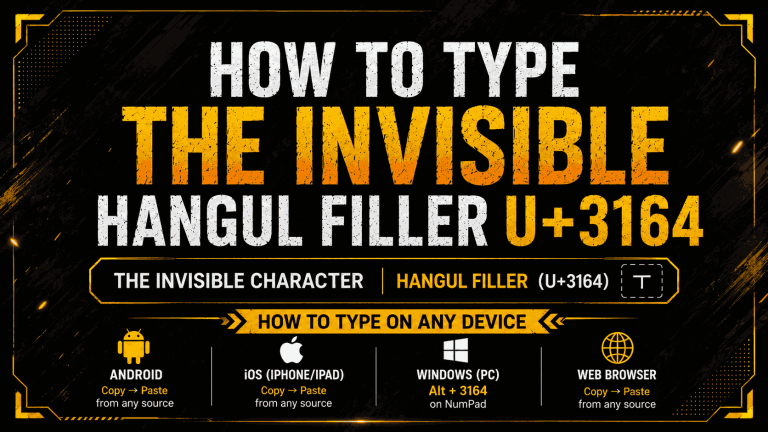
Invisible or zero-width characters. A handful of generators insert invisible spacing characters to make names look more compact. Free Fire frequently strips these on save, leaving a name that looks nothing like what you designed. Stick to visible symbols only.
Region-based filtering. A small number of symbols are blocked on specific servers even though they work elsewhere. If a name won’t save, remove the least common symbol first and try again before giving up on the whole style.
Font Generator vs Copying Symbols by Hand
| Font Generator | Manual Symbol Copying | |
|---|---|---|
| Time per name | Seconds | Several minutes |
| Style variety | Dozens generated instantly | Limited to what you can find and remember |
| Risk of broken symbols | Low pre-tested characters | Higher easy to grab an unsupported glyph |
| Best for | Most players, especially on mobile | Players chasing one very specific rare symbol |
Manual copying still has a place if you want one obscure character a generator doesn’t include. But for building a complete, game-ready name in under a minute, a generator wins on speed and reliability almost every time.
Clan and Squad Names With a Font Generator
Coordinating ten different players around one visual identity is harder than styling a single name. The fix is to lock in one shared element a symbol pair, a matching frame, or a consistent dividing bracket and let each member plug in their own word using the same frame. The clan name generator is built for exactly this: generate the shared style once, then reuse it across your whole squad’s usernames and tag.
Keep the clan tag itself short two to four characters and test it in the smaller tag field before rolling it out to the full team. A symbol that looks fine in a 12-character username can crowd out readability in a compressed tag.
Font Generators on Mobile: What to Expect
Since most Free Fire players are on phones, a generator needs to work entirely inside a mobile browser no app download, no permissions. The realistic flow: open the generator, type your name, tap a style, copy it, switch to Free Fire, paste into the profile field. On most Android keyboards, paste is a long-press away rather than a visible button, so don’t assume the copy failed if you don’t see a paste prompt right away.
Symbol rendering can differ slightly between iOS and Android, so it’s worth double-checking your final name in-game not just in the browser before you save it for good. This matters even more for Urdu and Hindi styles, since script rendering support varies more between devices than plain Latin fancy letters do.
FAQ: Font Generator for Free Fire
Is it safe to use a font generator for Free Fire names?
Yes. A font generator only produces standard Unicode text it doesn’t modify game files or interact with Free Fire’s code in any way, so there’s no risk to your account from using one.
Why does my styled name show boxes instead of symbols?
That happens when your device’s font doesn’t include a glyph for that specific Unicode character. Swap the symbol for a more common one, since widely supported symbols render correctly across nearly all Android and iOS devices.
Do free font generators actually cost nothing?
Legitimate ones do. You should never need to pay, register, or watch an ad just to copy a styled name if a site demands that, it’s not worth using.
Can I style a name in Urdu or Hindi, not just English?
Yes, though the pool of decorative Unicode equivalents is smaller for Urdu and Devanagari script than for Latin letters. Many players get more reliable results styling the Roman Urdu or Romanized Hindi version of their name instead of the native script.
Can I use the same stylish name on other apps besides Free Fire?
Yes. Since the output is plain Unicode text, the same styled name works on Instagram bios, Discord usernames, and most other apps and games that accept Unicode.
What’s the fastest way to get a Free Fire-ready stylish name?
Type your base name into the FF Nickname Style generator, pick a style from the results, and copy it directly into your Free Fire profile the whole process takes under a minute.
Looking for more name ideas? Browse the FF Nickname Style clan name generator to build matching names for your whole squad.