Stylish Text Generator: Convert Normal Text to Fancy Fonts for Free Fire
Introduction
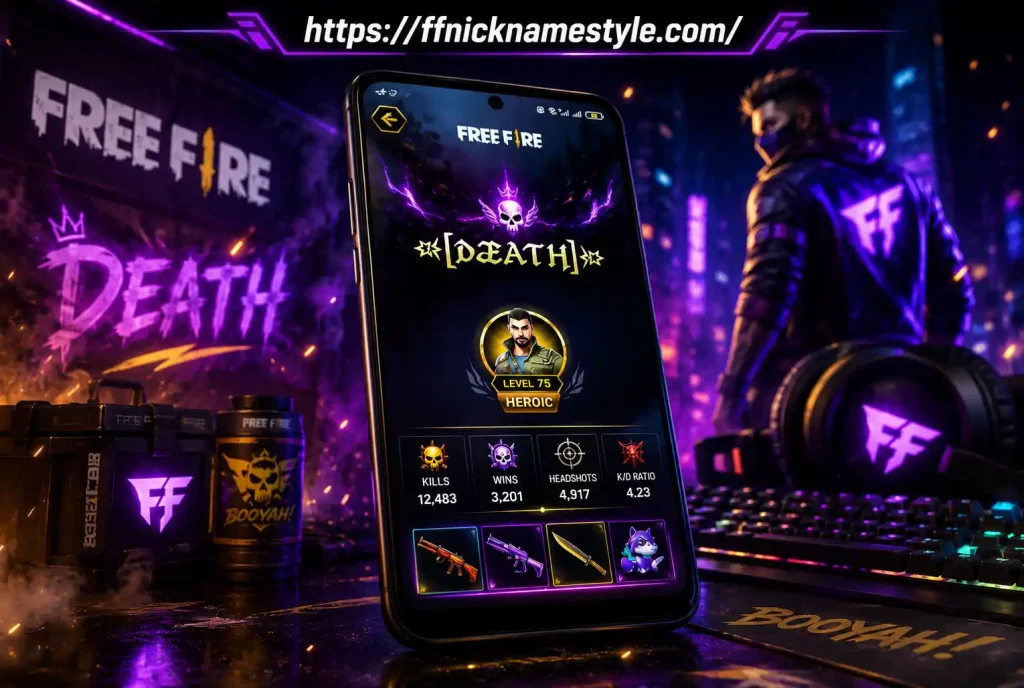
If you play Free Fire, you already know that your in-game name is more than just a tag it’s your identity on the battlefield. A plain, boring username gets lost in the lobby, while a stylish Free Fire name made with fancy fonts, symbols, and unique characters instantly grabs attention. That’s exactly where a stylish text generator comes in.
A stylish text generator is a free online tool that converts normal, plain text into eye-catching fancy fonts no design skills or apps required. In seconds, you can turn a simple name like “Warrior” into something like “𝕎𝕒𝕣𝕣𝕚𝕠𝕣” or “ᴡᴀʀʀɪᴏʀ” and copy-paste it straight into your Free Fire profile.
In this guide, we’ll walk you through what stylish text is, how a stylish text generator works, step-by-step instructions to create the perfect Free Fire name, common mistakes to avoid, and why our tool stands out from the rest.
Key Takeaways
- A stylish text generator instantly converts normal text into fancy, unique fonts using Unicode characters.
- It’s completely free, works on mobile and desktop, and requires no installation.
- Stylish text is widely used by Free Fire players to create eye-catching nicknames.
- You can combine fancy fonts with symbols and emojis for an even more unique look.
- Most stylish fonts are copy-paste ready and compatible with Free Fire’s naming system.
- Some special characters may not display correctly on older devices always test before saving.
What Is Stylish Text and Why Free Fire Players Love It
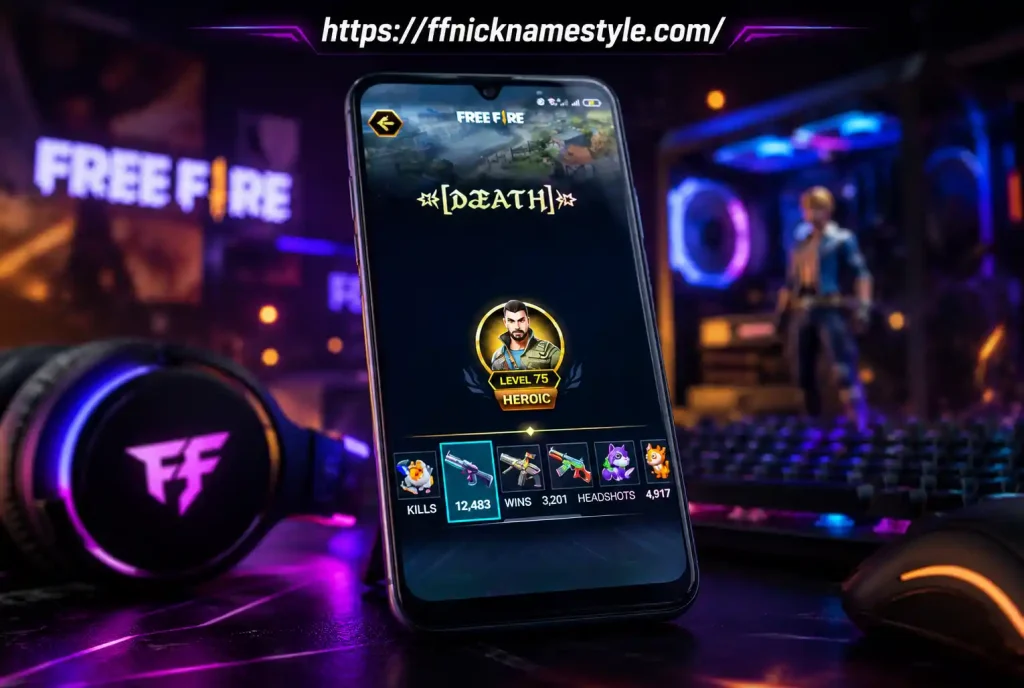
Stylish text refers to text created using special Unicode characters that visually resemble letters from the standard alphabet but look different bold, italic, cursive, bubbled, or gothic, for example. Unlike regular fonts you’d use in Word or Photoshop, stylish text isn’t a “font” in the traditional sense; it’s made up of actual Unicode symbols that render the same way across most platforms, including Free Fire’s nickname field.
Free Fire players love stylish text for a few clear reasons:
- Stand out in the lobby A fancy name is instantly noticeable compared to plain usernames.
- Show personality and style Your name becomes part of your in-game persona.
- Flex on the leaderboard A cool, stylish name looks more impressive when you’re topping the kill count.
- Easy to create No design software needed; a stylish text generator does all the work.
How a Stylish Text Generator Works
A stylish text generator works by mapping each letter you type to a corresponding Unicode character that looks stylistically different but functions like normal text. When you type “Free Fire” into the tool, it instantly generates dozens of variations bold, cursive, strikethrough, bubble text, and more all built from valid Unicode symbols.
Because these are genuine Unicode characters (not images), they can be copied and pasted anywhere text is accepted, including:
- Free Fire nickname and bio fields
- Social media bios (Instagram, TikTok, Discord)
- Chat messages and gaming forums
This is what makes a stylish text generator so powerful one click, and you get hundreds of ready-to-use font styles instantly.
Step-by-Step: Using a Stylish Text Generator for Free Fire Nickname
Creating a stylish Free Fire nickname takes less than a minute. Here’s how:
- Open the stylish text generator tool. Head over to a reliable free tool like FF Nickname Style.
- Type your desired name into the input box (for example, “Shadow”).
- Browse the generated styles. The tool will instantly display multiple fancy font variations of your text.
- Pick your favorite style. Scroll through options like bold, cursive, gothic, or symbol-decorated fonts.
- Copy the stylish text by tapping the copy button next to your chosen style.
- Open Free Fire and go to your profile settings.
- Paste the copied text into the nickname field and save changes.
That’s it your new stylish Free Fire name is ready to show off in every match.
Popular Stylish Text Styles for Free Fire Names
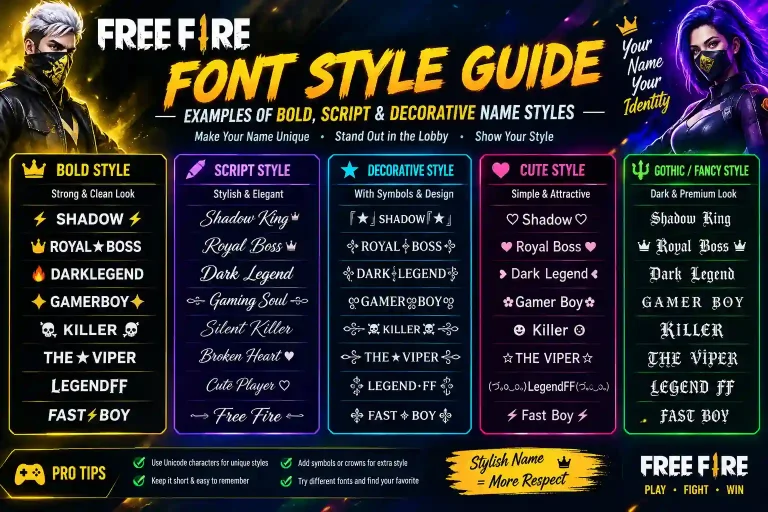
Not all stylish fonts look the same, and different styles suit different vibes. Here are the most popular categories among Free Fire players.
Bold and Cursive Fonts
Bold Unicode text (like 𝐓𝐡𝐮𝐧𝐝𝐞𝐫) makes your name look strong and confident, while cursive/script fonts (like 𝓢𝓱𝓪𝓭𝓸𝔀) give a smooth, stylish, almost elegant look popular among players who want a name that feels premium.
Cool Symbol-Based Fonts
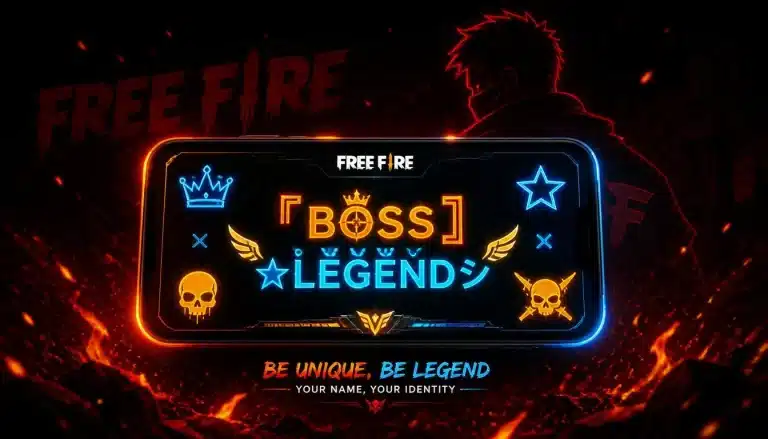
These styles surround or replace letters with symbols, such as ✞Ⓢⓝⓘⓟⓔⓡ✞ or 『NightHawk』. They’re great for players who want a name that visually pops in the player list.
Gaming-Themed Stylish Fonts
Gaming-themed fonts often mix Gothic or futuristic Unicode text with game-related symbols like ⚔, 🔥, or 💀perfect for creating a name that feels tailor-made for a battle royale like Free Fire.
Combining Stylish Text with Symbols and Emojis
For an even more unique nickname, combine your stylish text with symbols and emojis. Adding a symbol at the start and end of your name creates balance and makes it look more polished. For example:
- ☬ᴅᴀʀᴋ ᴋɴɪɢʜᴛ☬
- 『𝕏𝕩 𝕊𝕟𝕚𝕡𝕖𝕣 𝕩𝕏』
- ꧁シNightmareシ꧂
Most stylish text generators, including our tool, let you mix and match symbols directly with your generated font style, so you don’t need a separate app to add decorative characters.
Tips for Creating the Perfect Free Fire Stylish Name
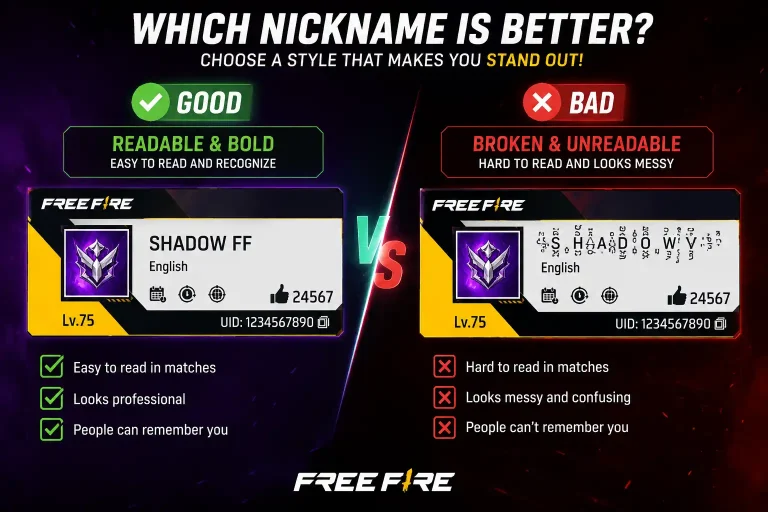
- Keep it short and readable overly long names can get cut off or look cluttered on-screen.
- Test the name in-game first some symbols display differently depending on the device.
- Match your name to your playstyle sniper players might prefer sharp symbols, while support players might go for softer, elegant fonts.
- Avoid overused symbols using the same trending symbols as thousands of other players reduces uniqueness.
- Check character limits Free Fire has a maximum nickname length, so pick a style that fits comfortably.
Common Mistakes When Using Stylish Text in Free Fire
- Using unsupported characters some rare Unicode symbols don’t render on all devices and show up as empty boxes.
- Making the name too long or cluttered too many symbols can make a name hard to read or get rejected.
- Copying directly without previewing always preview how the text looks before pasting it into the nickname field.
- Ignoring in-game name restrictions Free Fire may block certain character combinations; if a name doesn’t save, try a slightly simpler style.
- Not saving a backup of the old name if you don’t like the new stylish name, it helps to remember your original one.
Stylish Text for Regional Languages: Hindi and Indonesian
Free Fire has a massive player base in India and Indonesia, and many players prefer stylish names that reflect their regional language and script. Good stylish text generators support:
- Hindi stylish text converting Devanagari-based names or transliterated Hindi words into decorative Unicode styles.
- Indonesian stylish text stylish fonts for common Indonesian names and gaming terms, often combined with local slang or nicknames.
This regional flexibility makes stylish text generators useful far beyond English names, letting players across South and Southeast Asia create names that feel personal and culturally relevant.
Benefits of Using Our Free Stylish Text Generator
- 100% free no hidden charges, subscriptions, or sign-ups required.
- Instant results generates dozens of font styles in real time as you type.
- Copy-paste ready works seamlessly with Free Fire’s nickname field.
- Mobile-friendly fully optimized for use directly from your phone.
- Wide style variety from bold and cursive to symbol-heavy and gaming-themed fonts.
- Regularly updated new styles and trending symbols added frequently.
Why Our Stylish Text Generator Is Different
Unlike many generic tools that offer only a handful of basic fonts, our stylish text generator is built specifically with Free Fire players in mind. It offers a larger library of gaming-focused styles, faster load times, and a clean, ad-light interface so you can generate and copy your name without distractions. We also regularly update our symbol and emoji library based on current Free Fire naming trends, so you always have access to fresh, unique styles that most other generators haven’t added yet.
Frequently Asked Questions
Is stylish text allowed in Free Fire?
Yes, stylish text made from standard Unicode characters is generally allowed in Free Fire nicknames, as long as it fits within the game’s character limit and doesn’t violate community guidelines regarding offensive content.
Does stylish text work on all devices?
Most stylish text works across Android, iOS, and PC versions of Free Fire, since it’s built from standard Unicode. However, a small number of rare or newer Unicode symbols may not render properly on older devices or outdated operating systems.
Can I use stylish text in other games?
Yes. Since stylish text is just Unicode, it can be used in almost any game or app that accepts custom text input, including PUBG Mobile, Call of Duty Mobile, Discord, and social media platforms.
How do I copy and paste stylish text?
Simply click or tap the “copy” button next to your chosen style in the generator, then go to the nickname field in Free Fire, tap it, and select “paste.” Most mobile keyboards also show a paste option automatically.
Will using stylish text get my account banned?
No, using stylish text alone does not get accounts banned. However, using offensive words, impersonating other players, or violating Free Fire’s naming policy regardless of font style could lead to a name reset or penalty.
Why does my stylish name show as boxes on some devices?
This happens when a device’s font system doesn’t support certain rare Unicode characters. If this occurs, try switching to a simpler stylish font style that uses more widely supported characters.
Conclusion
A great Free Fire name can make a real difference in how you’re perceived in-game, and a stylish text generator is the fastest, easiest way to create one. Whether you want bold, cursive, symbol-packed, or regional-language fonts, the right tool lets you experiment freely and find a name that truly fits your style. Ready to level up your profile? Try our free stylish text generator now and create a Free Fire name that stands out in every match.