Fancy Text Generator for Free Fire: The Complete Guide to Bold, Cursive & Cool Fonts (2026)
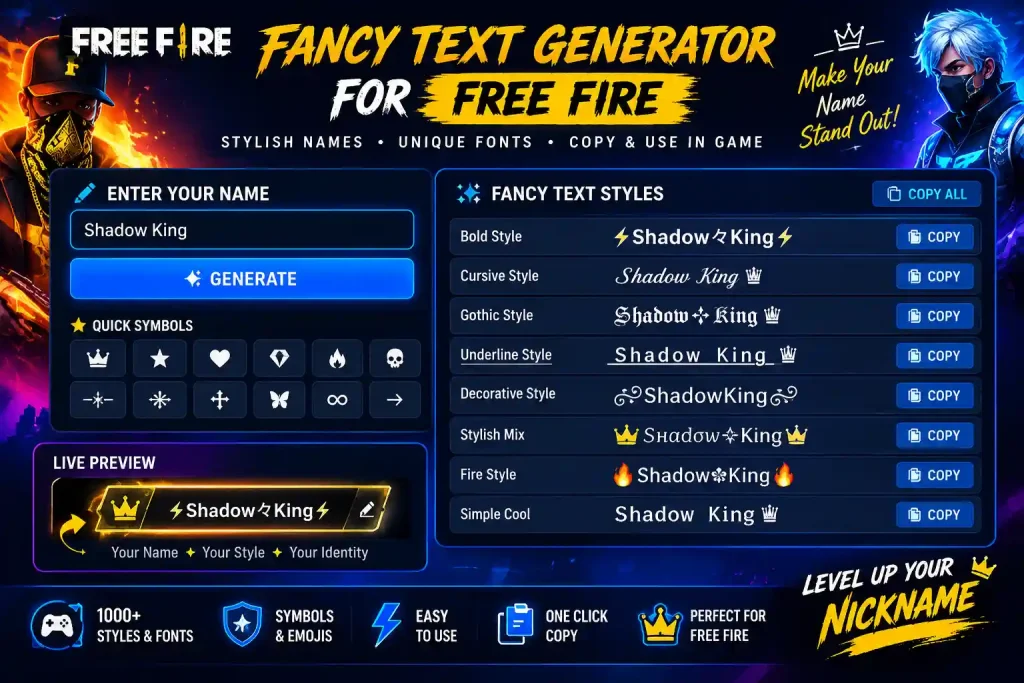
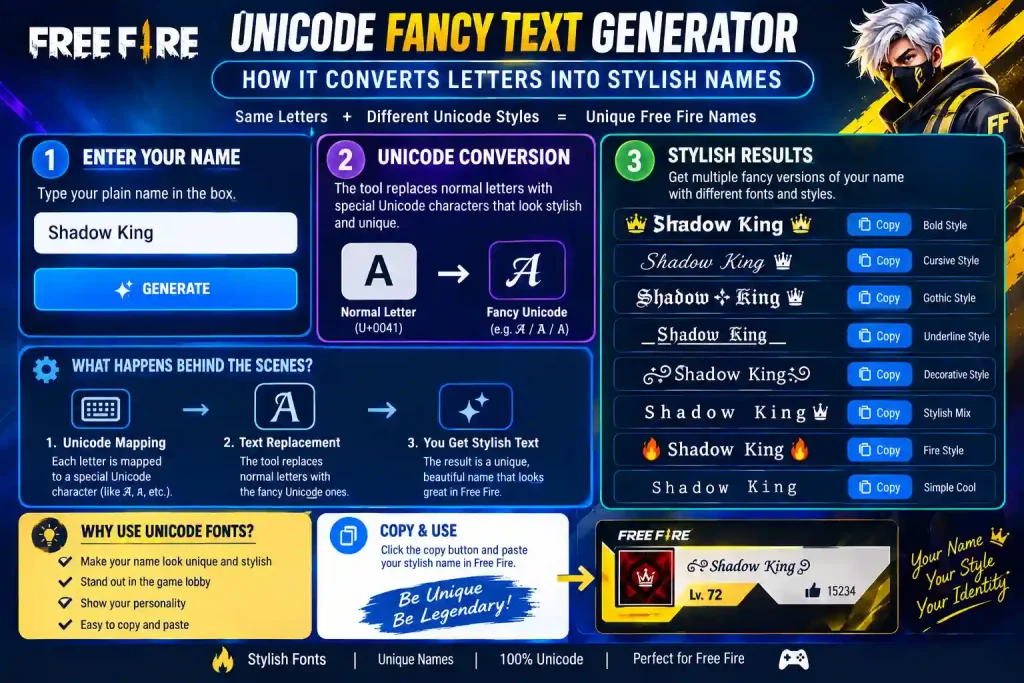
A fancy text generator doesn’t create a new font it converts your normal letters into special Unicode characters that already exist inside every phone’s keyboard. That’s the whole trick behind every bold, cursive, or symbol-covered Free Fire name you’ve ever seen in a lobby. No app, no font file, no root access needed. You type “Ali,” pick a style, and get something like “𝕬𝖑𝖎” or “ᴀʟɪ” back real, pasteable text that Free Fire displays exactly the way you see it in the generator.
If your current FF ID still says something plain like Player8827, this guide walks through exactly how to fix that using the Free Fire Stylish Name Generator what font style to pick, how many characters you actually have room for, and why some fancy names break in-game while others don’t.
Key Takeaways
- A fancy text generator swaps normal letters for Unicode look-alikes it’s real text, not an image.
- Free Fire’s name limit is 12 characters, and every symbol counts toward it.
- Bold and small-caps styles are the most reliable across Android and iOS.
- Some Unicode ranges (like certain scripts or rare emoji) show up as blank boxes in-game.
- Tools like the symbols page let you preview a style before you spend a rename card.
How a Fancy Text Generator Actually Works
Free Fire’s name field doesn’t know what a “font” is it just reads Unicode characters. When you type a lowercase “a,” your keyboard sends the standard Latin character U+0061. A fancy text generator maps that same “a” to a different Unicode character that looks stylized, like a mathematical bold “𝐚” or a small-caps “ᴀ.” Both are still plain text under the hood, which is exactly why the style survives copy-paste, shows up correctly for other players, and doesn’t get flagged as a hack or mod.
This is also why fancy names work identically on Instagram, Discord, and WhatsApp the underlying mechanism never changes. Only the character limit does.
Why This Matters for Free Fire Specifically
Free Fire renders names using a fixed font bundled inside the game client. That font only supports a limited slice of Unicode. So while a generator might offer hundreds of styles, only the ones built from character ranges the game’s font actually includes will render cleanly. This is the single biggest reason players end up with a name full of empty boxes after using a random generator instead of one built for Free Fire.
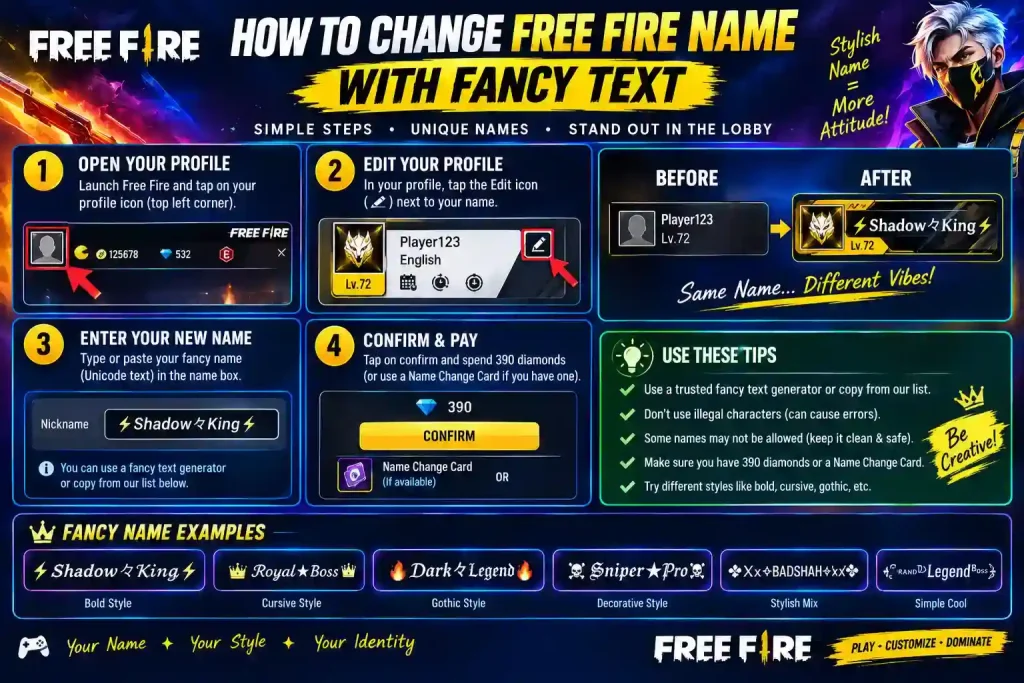
Step-by-Step: How to Create and Use a Stylish FF Name
- Type your base name. Keep it short five to eight letters gives you room for symbols later.
- Browse styles on ffnicknamestyle.com. Categories are grouped by look: gaming, girl style, attitude, cursive, gothic, and more.
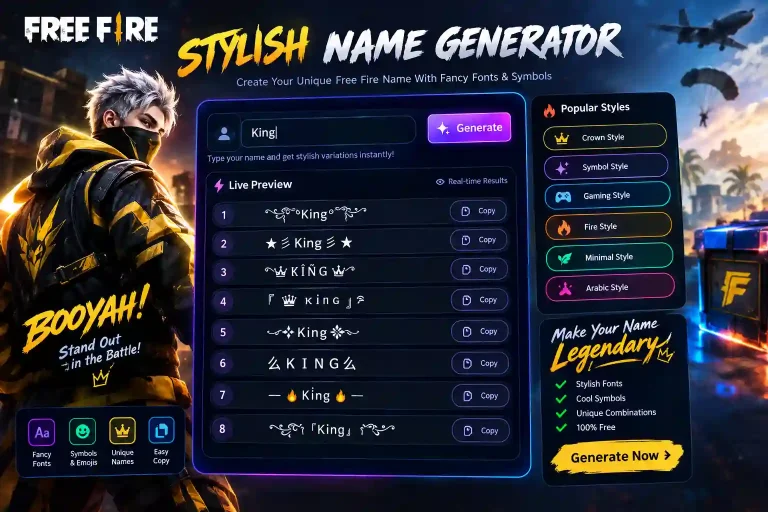
- Check the live preview. What you see in the preview box is what Free Fire will show no guessing.
- Tap copy. The styled text is copied exactly as-is, with no extra formatting.
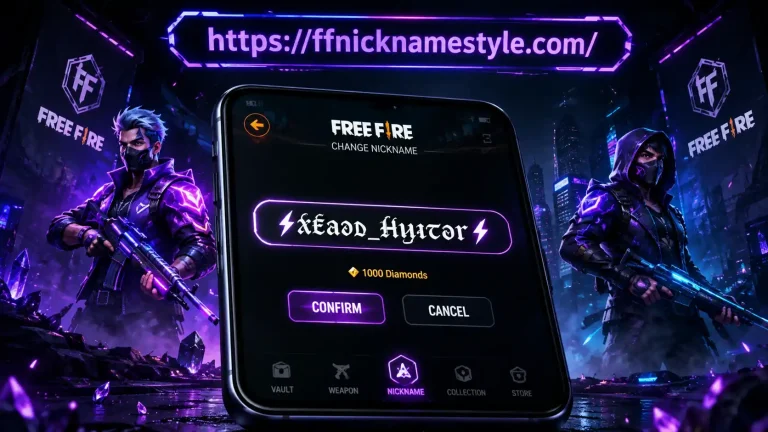
- Open Free Fire → Profile → Edit icon.
- Long-press to paste, then confirm with your Name Change Card.
If the game rejects the paste or shows boxes, the style you picked uses characters outside Free Fire’s supported font range go back and try a simpler one.
Bold vs Cursive vs Symbol Styles: Which One to Pick
| Style | Best For | In-Game Readability | Example |
|---|---|---|---|
| Bold / Small Caps | Kill feed, competitive lobbies | High | ᴅᴇᴀᴅ ꜱʜᴏᴛ |
| Cursive / Script | Profile screenshots, Instagram bios | Medium | 𝓐𝓵𝓲 |
| Symbol-Wrapped | Clan tags, attitude names | Medium-Low | ☠️Kɪʟʟᴇʀ☠️ |
| Gothic / Blackletter | Dark, dramatic gamer tags | Medium | 𝕬𝖑𝖎 |
Quick Rule of Thumb
If your name needs to be read instantly during a firefight, go bold or small-caps. If it’s mainly for your profile card or squad screenshots, cursive or symbol-wrapped styles look better but cost you readability at a glance.
Best Fancy Text Examples by Category
Different name “moods” call for different symbol sets. Here’s a quick reference so you’re not scrolling through hundreds of styles for the one that fits your vibe.
Gaming / Attitude Names
☠️ᴋɪɴɢ☠️ · ⚡Sᴛᴏʀᴍ⚡ · Dᴇᴀᴅ Sʜᴏᴛ · [ᴘʀᴏ] Aʟɪ
Girl Style Names
💖ǫᴜᴇᴇɴ💖 · 🌸ᴀɴɢᴇʟ🌸 · ☆ᴘʀɪɴᴄᴇꜱꜱ☆ · ❤️ᴄᴜᴛᴇ❤️
Clan / Guild Names
🔥EliteSquad🔥 · ⚔️WarZone⚔️ for a full set, the Free Fire Clan Name Generator builds tag-style names specifically sized for guild banners.
Aesthetic / Instagram-Style Names
𓆩⚔𓆪ᴀʟɪ · Ali✦ · 𝕬𝖑𝖎 ⚔
If none of these feel right, the ready-made FF ID names list has pre-tested names sorted by category no need to build one from scratch.
The 12-Character Limit What Actually Counts
Free Fire caps in-game names at 12 characters, and this is where most fancy names fail. A few things people get wrong:
- Brackets and symbols count.
[ᴋɪɴɢ]is 5 characters, not 3. - Combining accents can count as 2 code points even though they look like one letter.
- Emoji-heavy styles eat your limit fast a single emoji plus a Unicode letter can use more “space” than you’d expect.
Before spending a rename card, paste your styled name into a plain character counter. If it fits, it’ll paste into Free Fire exactly the same way. This is a step even experienced players skip, and it’s the number one reason a perfectly good style gets truncated mid-name.
Why Some Symbols Show as Boxes in Free Fire
Free Fire’s font engine covers Basic Latin, Latin-1 Supplement, and a curated set of decorative Unicode blocks but not everything Unicode offers. Scripts like Devanagari, Thai, or rare private-use characters usually aren’t loaded into the game’s font at all, so they render as a blank box (□) or a question mark instead of the symbol you copied.
The safest fix: stick to generators built specifically for Free Fire, since they filter out characters known to break in the game’s kill feed, lobby, and leaderboard rather than pulling from the full, unfiltered Unicode chart. The symbols page is built exactly for this every symbol listed there is pre-tested for in-game rendering.
Fancy Text Generator vs Manually Typing Symbols
Some players try to build a stylish name by hand copying individual symbols from random Google searches or old forum posts. It technically works, but it’s slower and riskier:
| Factor | Generator | Manual Copy-Paste |
|---|---|---|
| Speed | Seconds | Several minutes |
| Free Fire compatibility | Pre-filtered | Not guaranteed |
| Character count preview | Built-in | You count manually |
| Risk of invisible characters | Low | High |
| Style variety | 100+ ready styles | Limited to what you find |
A generator essentially does the filtering and counting work for you which matters more than it sounds, since a single invisible character can cause Free Fire to silently reject the whole name.
Using the Same Generator Beyond Free Fire
Because the underlying trick is just Unicode text, the exact same styled name works on:
- Instagram bios allow up to 150 characters, far more room than Free Fire.
- WhatsApp status and group names, though some older Android versions strip certain symbols.
- Discord nicknames up to 32 characters, and it accepts nearly every Unicode range.
- PUBG Mobile / BGMI same 1-tap copy-paste process.
This makes a single stylish name generator useful well beyond one game you can carry the same visual identity across your gaming profile, Instagram, and Discord server tag.
Common Mistakes That Break a Fancy Name
- Pasting into the wrong field Free Fire’s in-game name and profile nickname behave differently. Always confirm in the correct box.
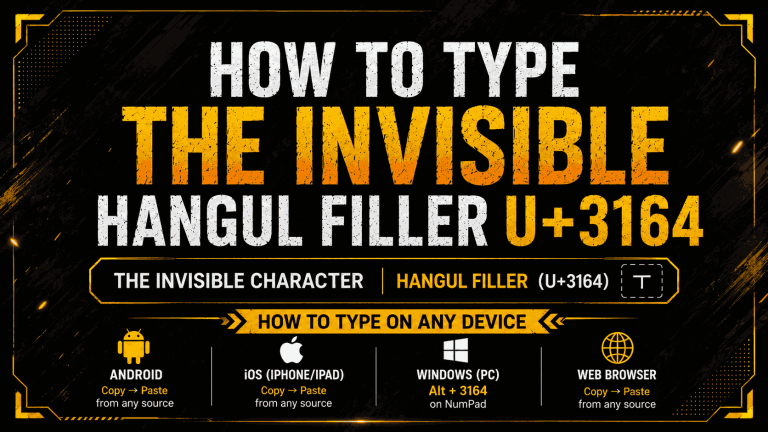
- Copying invisible characters some generators quietly add zero-width spaces. Paste into a plain notepad first if a name mysteriously fails.
- Stacking too many effects mixing bold + cursive + three symbol sets in one name usually just looks unreadable. Pick one style and one accent symbol, max.
Is It Against Free Fire’s Rules?
Garena doesn’t explicitly ban stylish Unicode names the rules target names that are offensive, misleading, or impersonate staff. Fancy fonts and symbols from a name generator are widely used and generally safe, though a name can occasionally get reset during a patch or after a report. To stay safe, avoid characters that mimic official formatting and keep the name easy to search for.
Frequently Asked Questions
Is a fancy text generator safe to use for my Free Fire ID?
Yes. It only changes how your name displays it doesn’t touch your account, rank, or progress in any way.
Why does my fancy name show boxes instead of symbols?
The character you copied isn’t in Free Fire’s built-in font. Switch to a style made specifically for the game, like the ones on ffnicknamestyle.com.
How many characters can a Free Fire name have?
12 characters total, including symbols, brackets, and spaces.
Can I use the same fancy name on Instagram or Discord?
Yes the same Unicode text works everywhere. Only the character limit changes per platform.
Will I lose my fancy name after an update?
Rare, but possible if the style uses unsupported symbols. Sticking to tested, game-compatible styles avoids this almost entirely.
Do I need to download anything to use a fancy text generator?
No. It runs directly in the browser type, copy, paste. No app, no sign-up.