Free Fire Name Ideas 2026: How to Build a Name That Actually Gets Noticed
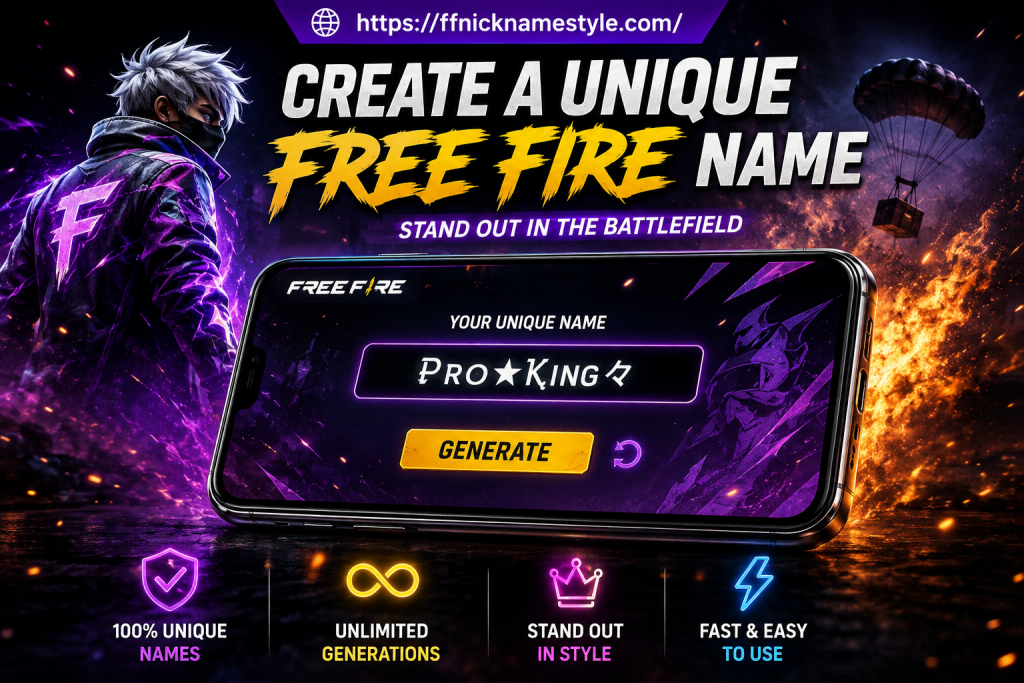
Every Free Fire match starts long before the first bullet it starts the moment someone reads your name on the kill feed. A weak, forgettable ID gets ignored. A sharp one gets remembered, gets friend requests, and sometimes even gets opponents second-guessing themselves before a single shot is fired.
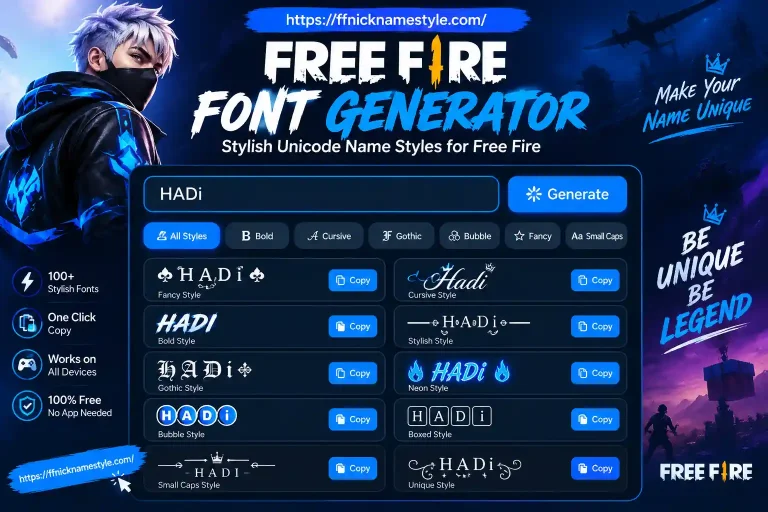
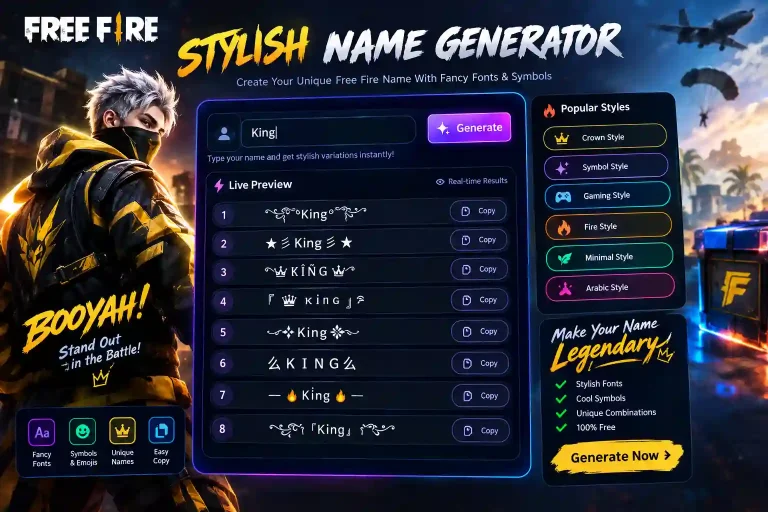
The problem is most players either copy a name they saw on a random leaderboard or throw random letters and symbols together and hope it looks good. Neither approach works long-term. This guide breaks down exactly how to build a Free Fire name that fits your playstyle, passes the game’s character rules, and still looks sharp months later plus how to generate dozens of ready-to-use options in seconds with our free stylish name generator.
Why Your Free Fire Name Actually Matters
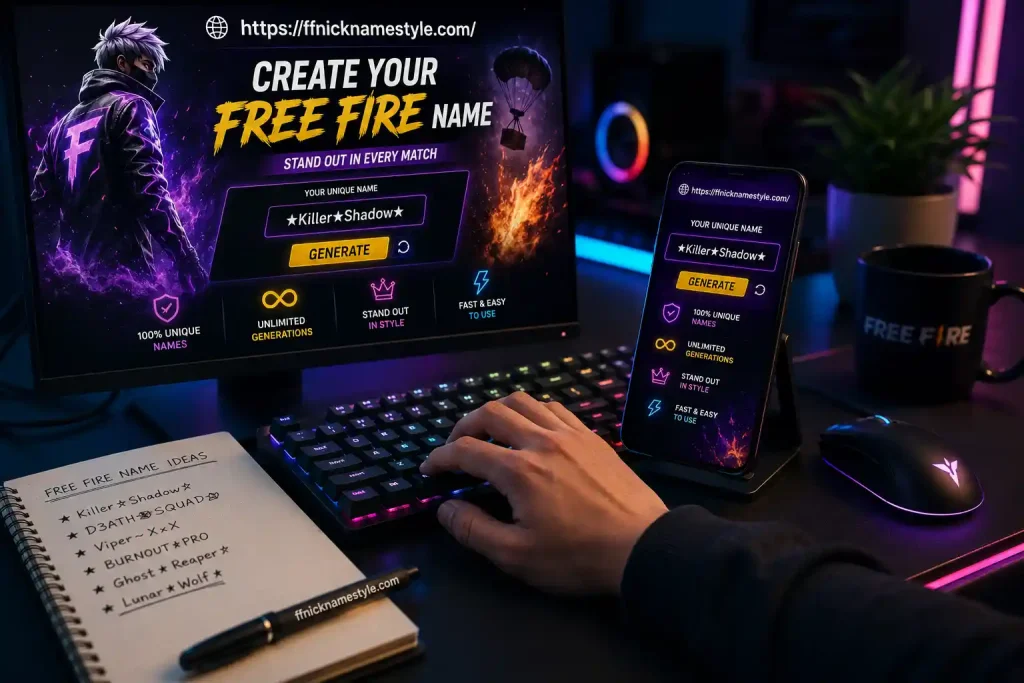
Think of your name as your in-game business card. Squadmates remember the player who clutch-won a 1v4 far more easily when that player had a name worth remembering. Random number strings (“Player8827491”) vanish the second the match ends.
There’s also a psychological angle players rarely talk about: when your name sounds confident or sharp, you tend to play with more confidence too. It’s a small mental edge, but in ranked lobbies, small edges add up.
Step 1: Start With What You Actually Like
Skip the generic “cool word generator” approach for a second and start with a short list:
- A hobby, animal, or vibe you’re drawn to (wolves, racing, storms, ghosts)
- Your playstyle (aggressive rusher, quiet sniper, support player)
- A word in your own language that feels personal
Then combine two of them. A rusher who loves storms might land on “StormRusher” or “BlitzFang.” A sniper who likes ghosts might try “GhostEdge” or “SilentPhantom.” Names built this way feel personal instead of copied and they’re far easier to remember than anything pulled at random.
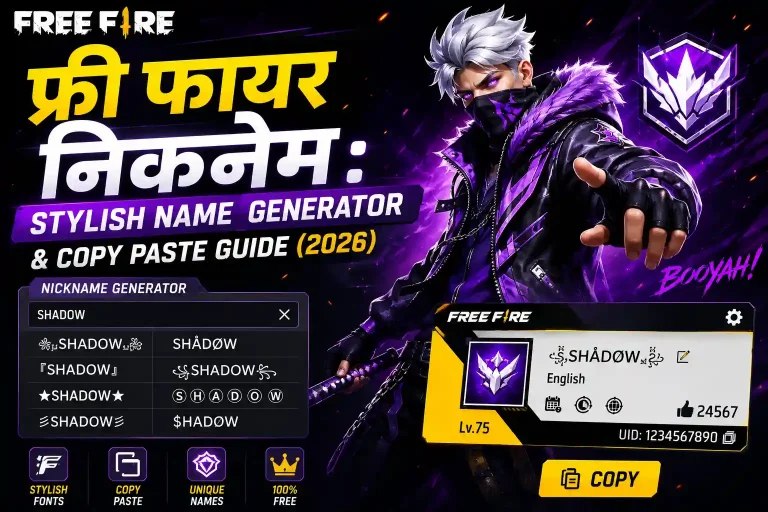
If you’d rather skip the brainstorming and see instant combinations based on your favorite words, our Free Fire name generator does this automatically and shows you dozens of options at once.
Step 2: Use Symbols Without Breaking Your Name
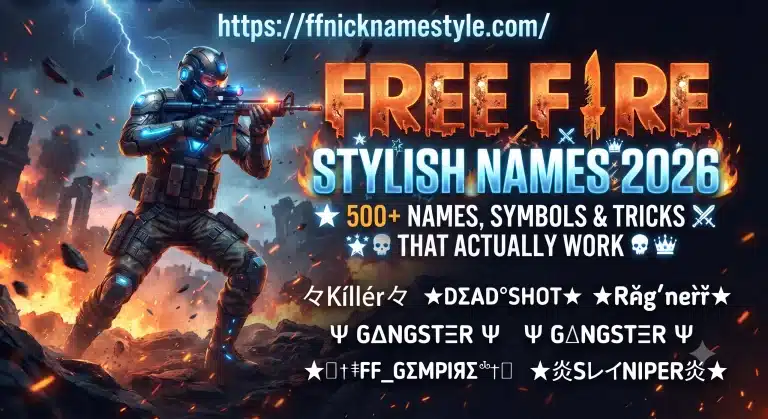
Symbols are the fastest way to make a plain name look premium but Free Fire enforces a strict character limit, and some symbols eat up more of that limit than they look like they should. A crown, a star, or a single arrow placed well can elevate a name instantly. Five different symbols crammed together usually just makes it unreadable.
A few rules that keep symbol names working in-game instead of getting rejected:
- Stick to one or two well-tested symbols (★, ♛, ➤, ♡ are consistently safe choices)
- Never use symbols to disguise offensive words Garena’s filters catch this and can trigger a forced rename
- Always preview the name before spending diamonds on the change
Our symbols library is organized by category crowns, hearts, brackets, arrows so you can copy exactly the symbol you want without digging through a giant Unicode chart.
Step 3: Style It With Fonts (Without Making It Unreadable)
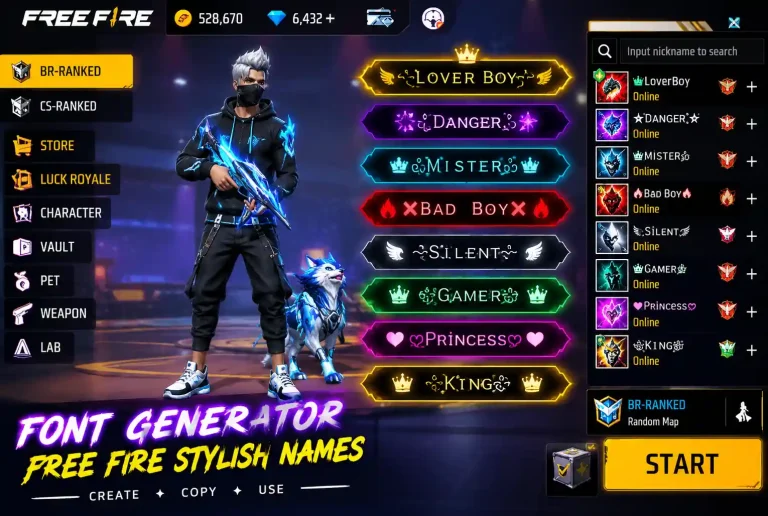
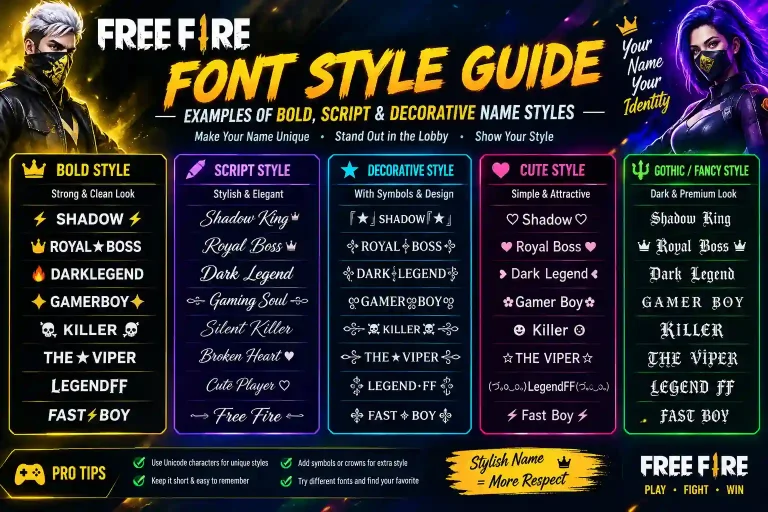
Free Fire supports a wide range of Unicode text styles, which is why you’ll see bold, cursive, and monospace names in almost every lobby. These aren’t real “fonts” they’re different Unicode character sets that visually resemble styled text, and the game happens to render them.
The trap here is going too far. A heavily stylized name might look great in a screenshot and completely fall apart in the kill feed, especially on smaller phone screens. As a rule of thumb: if your squad can’t read it out loud in under two seconds, tone it down.
Aggressive playstyles tend to pair well with bold, blocky styles. Quieter, tactical players usually suit a sleeker cursive look better. Either way, test the exact name in a match before committing diamonds to it.
Step 4: Bring In Regional Flavor
Some of the most memorable names in Free Fire aren’t in English at all. Mixing in your own language Hindi, Indonesian, Portuguese, Urdu instantly makes a name feel more personal and less like it came off a generic list. Think “SherKing” instead of “LionKing,” or “SiPalingHeadshot” instead of a plain English equivalent.
This also has a practical SEO-style benefit for your own identity: regional names are far less likely to already be taken by ten other players.
Step 5: Build an Attitude Name (If That’s Your Style)
For ranked players, an attitude name does a bit of psychological work before the match even starts. Pairing a strong word (“Ruthless,” “Venom,” “Havoc”) with a short personal tag (“RuthlessX9”) reads as confident without trying too hard. Borrowing directly from esports phrasing “ClutchKing,” “HeadshotGod” works too, as long as it still fits inside Free Fire’s character limit once symbols are added.
Say the name out loud before locking it in. If it sounds strong and is easy to repeat, it’ll work the same way in a squad call.
60+ Ready-to-Use Free Fire Name Ideas (By Category)
If you’d rather pick from a ready list than build one from scratch, here’s a category-wise starting point. Copy any of these as-is, or run them through our name generator to add symbols and font styles automatically.
Savage / Attitude
RuthlessKing, VenomStrike, GhostReaper, SavageBeast, ShadowVenom, KillerInstinct, DemonSlayer, ToxicSniper, BrutalForce, NoMercyX
Stylish / Aesthetic
VelvetStorm, MoonlitFang, CrimsonEcho, SilkShadow, IvoryBlaze, OrchidSniper, PearlStrike, AzureGhost, LunarFrost, VividEdge
Funny / Casual
NoobMaster69, ChickenDinnerFan, LagKingYT, PotatoAim, SleepySniper, CerealKiller, ButterFingers, RandomRusher, SnackAttack, WifiWarrior
Girl-Friendly
PixieQueen, RoseSniper, StarletFury, VelvetVenom, BlushBeast, CandyChaos, MoonGirlFF, SugarStrike, KittyKiller, GlitterGhost
Boy-Friendly
IronRusher, TitanBlaze, HawkStrike, WolfKingFF, StormBreakerX, VortexHunter, ThunderClapFF, SteelPhantom, RogueBladeX, NitroGhost
Pro / Esports Style
ClutchGodFF, AceMachineX, HeadshotLordFF, FraggerPrime, OneTapKing, ZeroDeathRun, MetaBreaker, PredatorAimFF, EliteSquadX, RankPusherFF
Understanding Free Fire’s Character Limit (The Part Most Guides Skip)
This is where most players lose diamonds without realizing why. Free Fire’s 3–12 character limit isn’t counted the way you’d expect it’s a byte limit, not a letter count. Plain English letters and numbers each use 1 byte, so a normal word like “Shadow” uses exactly 6 bytes out of 12.
Symbols and stylized Unicode fonts are different. Many decorative symbols and “fancy font” characters use 2, 3, or even 4 bytes each. That’s why a name that looks like only 8 characters on screen can get rejected as “too long” the actual byte count is closer to 20. If your name keeps failing to save even though it looks short enough, this is almost always the reason.
A practical workaround: build your name with mostly plain letters, then add just one symbol at the very start or end rather than styling every single letter. This keeps the byte count low while still giving the name a distinct look.
Clan Tags: The Detail Most Name Guides Forget
Your personal name isn’t the only identity marker in Free Fire your clan tag (the short bracketed code shown before your name in guild matches) matters just as much for recognition, and it has its own separate character rules from your nickname. A clean pairing, like a 3-letter clan tag plus a short personal name, reads far better in the kill feed than a long name competing for space with a long tag. When picking both together, keep the combined length in mind rather than optimizing your nickname in isolation.
Common Mistakes That Waste a Rename Card
Renaming costs diamonds every time, so it’s worth avoiding these before you commit:
- Overloading with symbols until squadmates can’t type your name to invite you.
- Copying a pro player’s exact tag most are already taken, forcing you into an awkward number suffix.
- Picking something trend-based that feels outdated within a season.
- Skipping the preview step and getting a name that renders as broken boxes on some devices.
How to Change Your Free Fire Name
- Open your profile and tap the notepad/edit icon next to your current name.
- Enter your new name it must be between 3 and 12 characters.
- Confirm the diamond cost (typically around 390 diamonds, though this can vary by region).
- Confirm the change it updates instantly across your profile, leaderboard, and lobby.
If you want to line up several options before spending diamonds, generate a batch first with our stylish name tool, shortlist your favorites, then commit to just one.
Frequently Asked Questions
How do I add symbols to my Free Fire name?
Copy a tested symbol from a category page like ours, paste it directly into the name-change field, and preview it before confirming some symbols don’t render on every device.
Is there a free way to change my Free Fire name?
Yes every account gets one free name-change card. After that, additional changes cost diamonds or come from in-game events.
What makes a Free Fire name unique instead of generic?
Combining a personal word (playstyle, hobby, language) with one well-placed symbol or font style. Avoid copying names directly from leaderboards small personal twists make a name last longer.
What are good attitude names for Free Fire?
Short, confident pairings like “《♛King》” or “༒Demon༒” work well. Keep it under the character limit and easy to say out loud during matches.
Why won’t my Free Fire name change?
Usually one of three reasons: no name-change card available, the name is already taken, or it contains an unsupported symbol. Double-check the 12-character limit and try again.
Ready to see your name in action? Try the free Free Fire name generator and get dozens of stylish, ready-to-copy options in seconds.