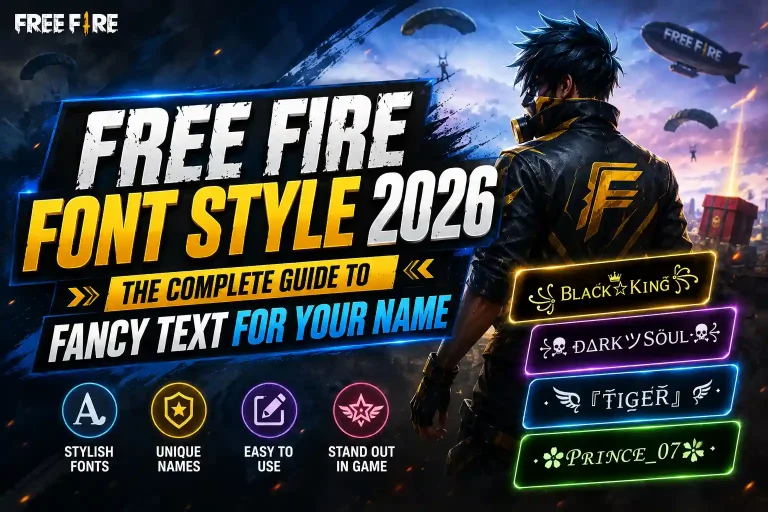
Font Generator for Free Fire: The Complete 2026 Guide to Stylish Names That Actually Work
Your Free Fire name is the first thing anyone sees before the match even loads and a flat, default username disappears in a lobby full of glowing tags and symbol-wrapped names. A font generator fixes that in seconds, turning plain text into eye-catching styles without downloads, sign-ups, or design skills. This guide covers exactly how these tools work, which styles actually survive inside the game, and how to avoid the mistakes that get names rejected.
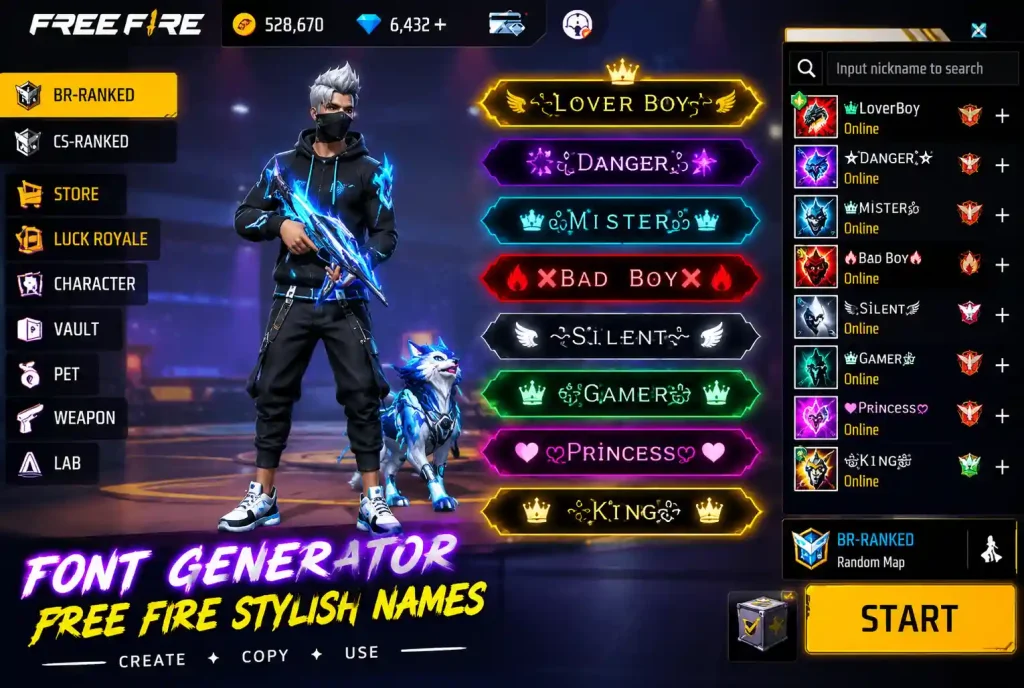
What Is a Font Generator (And Why It’s Not Actually Changing Your Font)
A font generator doesn’t swap fonts the way Word or Canva does. There’s no font file involved at all. Instead, it pulls from Unicode the massive international character set that every phone and game already understands and maps your regular letters to stylized lookalike symbols that sit in that same standard.
That distinction matters more than it sounds. Because these characters are official Unicode, not custom fonts, Free Fire’s servers read them as valid text. Nothing is being hacked, injected, or spoofed. You’re simply choosing which existing symbol represents each letter, and this Free Fire stylish name generator does that swap instantly as you type.
Why This Matters for Account Safety
Because a font generator never touches the game files or servers directly it only prepares text you paste in yourself there’s nothing here that trips anti-cheat systems or violates Free Fire’s terms. It’s the same category of action as typing an emoji.
How the Conversion Actually Happens
Under the hood, a font generator holds a lookup table pairing every standard letter and number with dozens of Unicode alternatives bold, italic, cursive, gothic, bubble, and more. When you type a name, the tool runs each character through that table and rebuilds your text using the matching stylized symbols. No files are downloaded, nothing installs on your device, and the whole process runs client-side in your browser.
Why Results Differ Between Generators
This is also why results can vary slightly between generators: each one draws from a different slice of the roughly 150,000 characters in the Unicode standard, which is why testing your final name in-game still matters no matter which tool you use.
Step-by-Step: Turning a Plain Name Into a Stylish Free Fire Name
- Open a font generator for Free Fire built for mobile. It should load fast even on weaker connections since there’s nothing to render but text.
- Type your base name. Free Fire caps display names at around 12 characters, so keep your input short some decorative styles visually expand the same word.
- Scroll through the generated styles. You’ll see cursive, bold, glitch, and symbol-framed options appear live. Don’t grab the first one; some that look great in preview break once pasted into the game.
- Tap to copy. One tap should send the styled text to your clipboard long-press and select Copy as a backup if the button doesn’t respond.
- Paste it into your Free Fire profile. Open the name-edit field, long-press, and paste. If you see boxes or question marks, that particular style isn’t supported on your device go back and pick a simpler one.
- Test it in a live match. A name that reads clearly in the generator preview can be harder to spot against a bright kill-feed background. If it’s hard to read, simplify.
How Long Should Your Base Name Be?
Aim for 4–8 characters before styling. This leaves enough room for a symbol or two on either side without hitting Free Fire’s character cap once the Unicode conversion adds visual weight.
The Font Styles Free Fire Players Actually Use
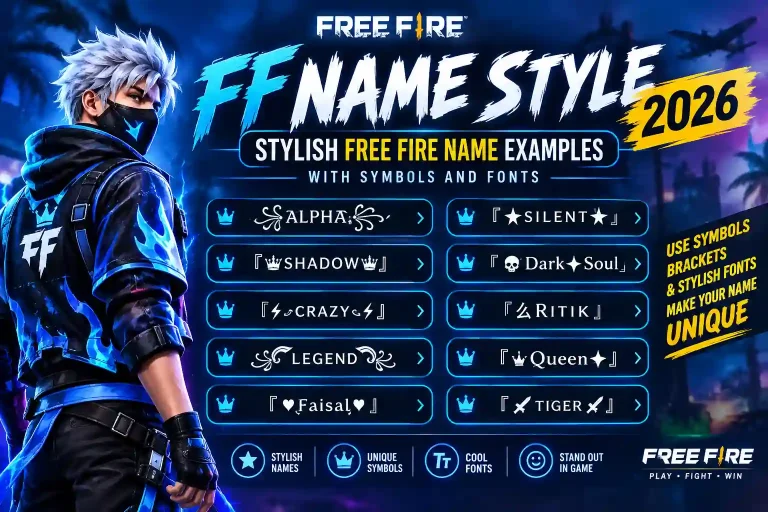
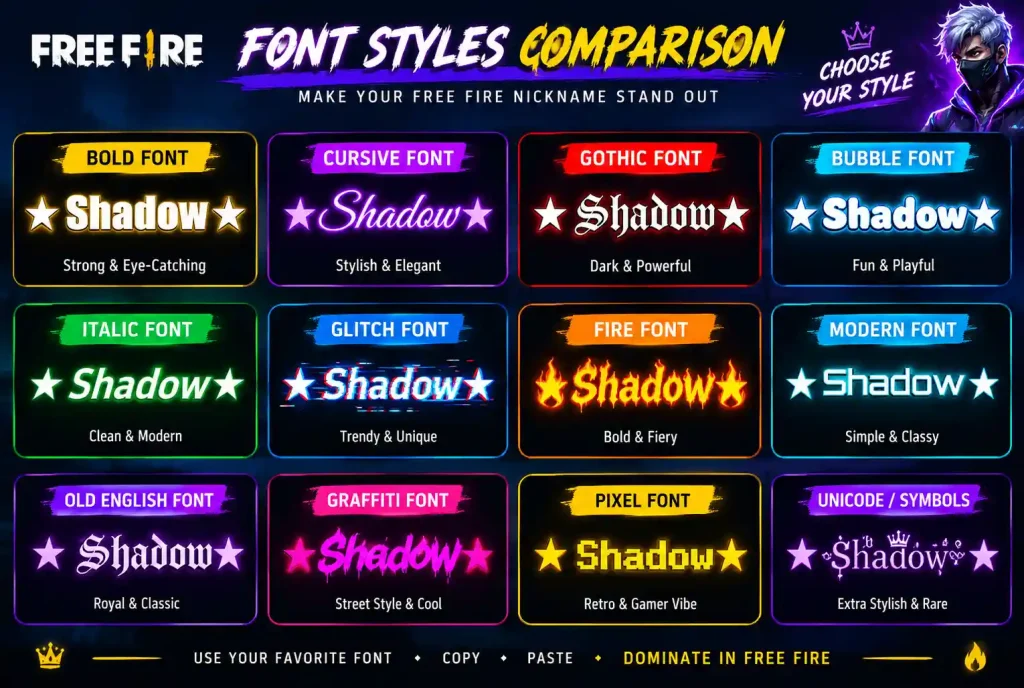
Bold styles carry weight on the kill feed short, punchy names like “Ghost” or “Reaper” hit harder in thick strokes. Italic styles lean into motion, matching the game’s fast pace. Cursive and script fonts add contrast an elegant, flowing name popping up after an aggressive play has its own kind of impact. Gothic/blackletter styles suit darker, more intense usernames with sharp, angular letterforms.
Symbol-Framed Names
Then there are symbol-framed names a single crown, a pair of wings, or a skull bracketing your tag. Used sparingly, a symbol reads as a badge. Used in excess, a name turns into visual noise nobody can parse mid-match.
Building a Matching Squad Look
Squads building a unified look often keep everyone’s symbol choice consistent across the whole roster using the same stylish name generator, so every player’s tag reads as part of the same team at a glance.
Free vs. Paid: You Shouldn’t Be Paying for This
Every legitimate free font generator for Free Fire should be entirely free there’s no technical reason to charge for a Unicode lookup. If a site demands an email address, a card number, or forces a download before it’ll show you styles, that’s a red flag, not a premium feature. Stick to tools that let you type, preview, and copy without any friction, and be wary of sites that bundle the generator with unrelated app installs or browser toolbars.
Will the Style Actually Show Up in the Game?
Most modern phones render Unicode fine, since the same characters already power emoji and multilingual keyboards. The exceptions are worth knowing:
- Very old Android versions (5.0 and earlier) may show blank boxes for less common glyphs.
- Custom ROMs sometimes strip extended Unicode ranges to save space.
- Obscure or newly added Unicode blocks are less predictable than well-established ones.
The Quick Compatibility Test
The safest habit: paste your chosen style into an in-game chat or clan announcement first. If it displays cleanly there, it’ll almost certainly work in your profile name too. It’s also worth asking a squadmate to check it from their device what renders perfectly on your screen isn’t guaranteed to match theirs.
Mistakes That Get Names Rejected or Broken
Invisible Characters
Some generators tuck zero-width spaces into the output, which look blank but can break the name or trigger a rename error. Paste into a plain notes app first to strip anything hidden before copying it into Free Fire.
Byte Bloat
A single decorative “letter” can actually be a multi-byte Unicode sequence. What looks like eight glyphs might count as sixteen or more against the character limit, so the game truncates it mid-word. Start with a shorter base name and add flourishes one at a time.
Overloading the Design
Mixing bold, italic, script, and three symbol types into one name looks cluttered on a small screen. Pick one standout element a stylized first letter or a single framing symbol and keep the rest clean and legible.
Regional and Language-Specific Styling
If you’re naming a squad with players from a specific community, styling can go beyond Unicode fonts alone. Cultural naming patterns pair naturally with font styling for a name that feels personal rather than generic.
Quick Answers
Is a font generator safe to use?
Yes. It only swaps standard Unicode characters there’s no interaction with the game client, so there’s no ban risk.
Can I use it on both phone and PC?
Yes, it works identically in any browser, so you can build your name on desktop and paste it into the mobile app, or the other way around.
Why does my name look different on a friend’s screen?
Their device may not support the specific Unicode range you picked. Sticking to widely supported blocks standard Latin variants, common symbols keeps a name consistent across devices.
Do font generators slow down or lag the game?
No. The styling happens before you paste the text Free Fire just receives a normal string of characters, so there’s zero performance impact.
Once you’ve locked in a name you like, keep building your identity and set up a matching squad look with this Free Fire font generator a name is only half the flex until your whole team matches it.