Free Fire Font Style 2026: The Complete Guide to Fancy Text for Your Name
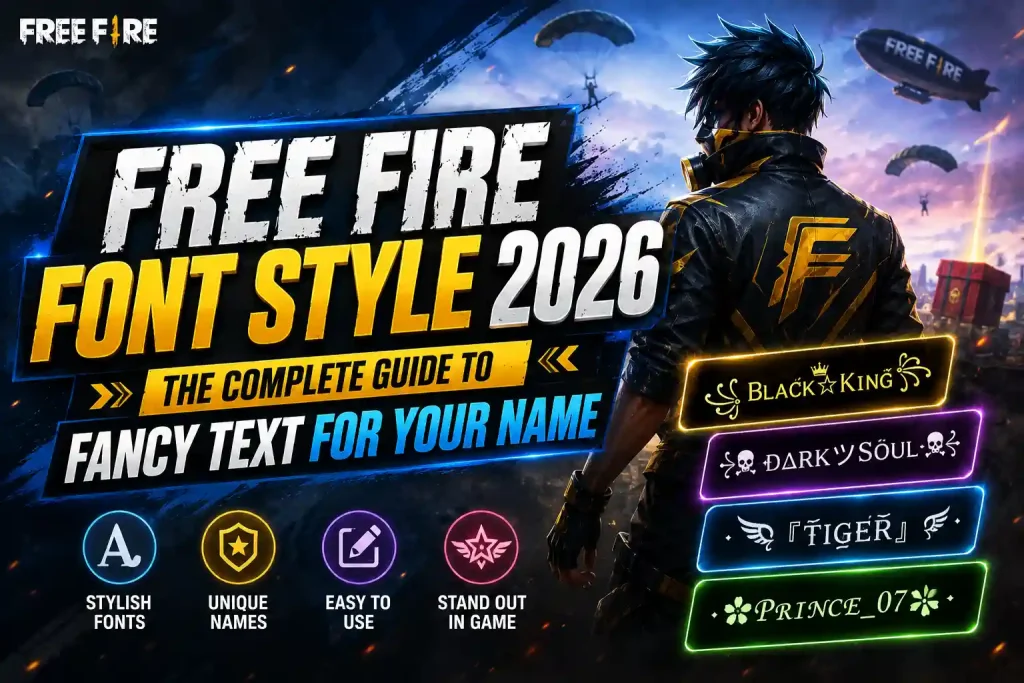
Everyone in the lobby is running the same boring default name and then one player shows up with a name that looks like it was hand-carved by a graphic designer. That’s the power of a good Free Fire font style. It costs nothing, takes thirty seconds, and instantly makes your name the one people remember.
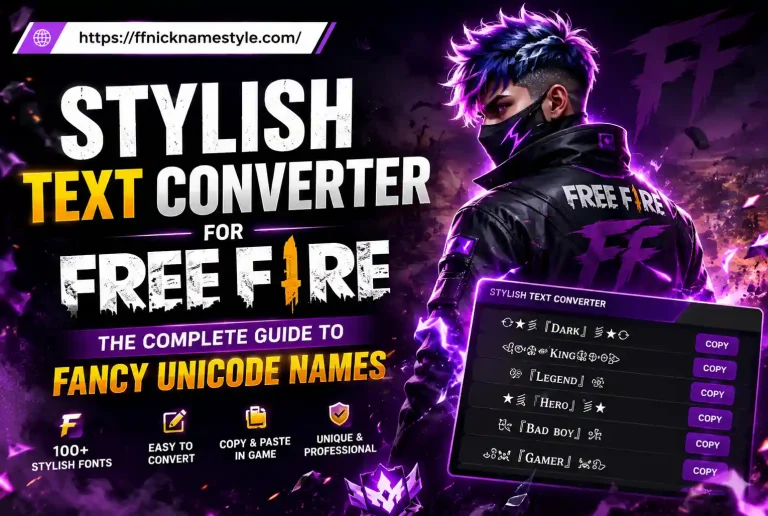
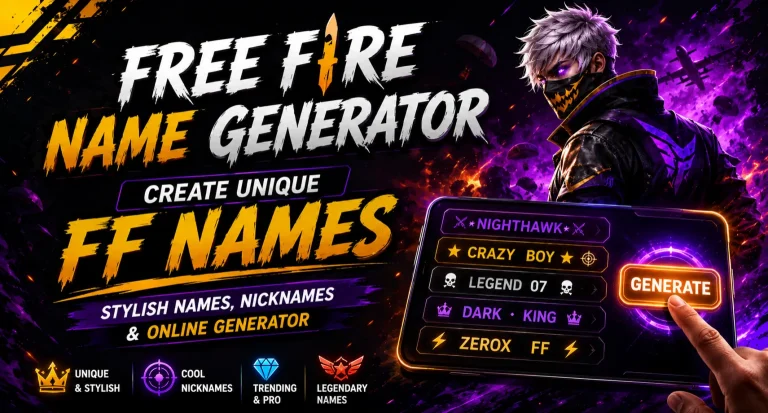
This guide breaks down exactly what font styles are, which ones are trending in 2026, and how to apply one to your Free Fire ID without wasting diamonds on a name that gets rejected. If you just want to skip ahead and generate one right now, our free Free Fire stylish name generator does it in one tap.
What Is a Free Fire Font Style, Really?
A Free Fire font style isn’t an actual font like the ones on your laptop. It’s a set of special Unicode characters that look like decorated letters but are technically still plain text. Free Fire’s servers read them as normal characters, so there’s nothing to install and nothing to hack you’re simply swapping “A” for a lookalike character from a different part of the Unicode chart, like 𝓐, Ⓐ, or ᴬ.
That’s why these names work everywhere: Free Fire, Free Fire MAX, Instagram bios, Discord tags, WhatsApp anywhere text can be pasted, a font style will render.
Quick Facts Before You Start
- Font styles are 100% allowed by Garena; you won’t get banned for using them.
- Free Fire’s name field caps out at 12 characters, and some styled letters count as more than one, so short base names work best.
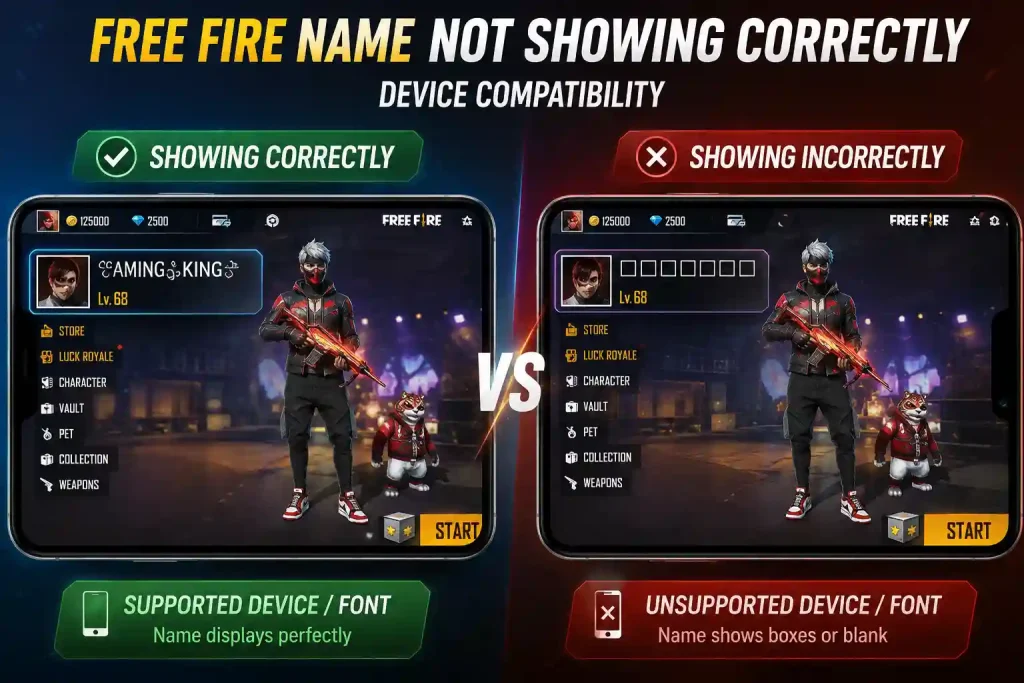
- Not every phone renders every style older Android devices sometimes show blank boxes for rare Unicode blocks.
- You need a Name Change Card (390 diamonds, or free from events) to actually apply a new name.
Why Bother With a Fancy Name Style?
Think about the last ten names you saw on the kill feed. How many do you actually remember? Now think about the one player who spelled their name with crowns and bold script that one stuck. A styled name works like a mini logo for your gaming identity.
It also signals effort. A regular name says “I just installed the app.” A name like 『ᴋɪɴɢᴏꜰʙᴇʀᴍᴜᴅᴀ』 says you’ve been in the game long enough to care about the details and that alone changes how squadmates and opponents treat you before a single shot is fired.
If you run a clan, this matters even more. A distinctive font style on your clan tag makes your squad instantly recognizable, and it’s free advertising every time someone screenshots the scoreboard. Our clan name generator is built specifically for this it pairs fonts with symbols so your whole squad matches.
The Best Free Fire Font Styles Trending in 2026
Here are the styles actually getting used right now, ranked by how often players ask for them this season.
1. Bold & Sans Serif
Heavy, thick letters (𝗕𝗢𝗟𝗗) that read as aggressive and confident. Best for rushers and fraggers who want their name to feel as intense as their playstyle. This remains the single most-copied style because it renders cleanly on almost every device no compatibility guesswork.
2. Cursive / Script
Flowing, handwritten-style letters (𝓒𝓾𝓻𝓼𝓲𝓿𝓮). This is the go-to for players who want a softer, more personal look especially popular for duo and support names, and for players building a streaming persona where the name needs to feel “designed” rather than typed.
3. Gothic (Fraktur)
Sharp, medieval-style characters (𝔊𝔬𝔱𝔥𝔦𝔠). If your playstyle is patient and calculated, this style fits a “dark strategist” persona well. It’s grown fast this year alongside the horror and dark-fantasy skin sets Garena has been pushing, which is why more players are pairing it with skull or blade symbols.
4. Small Caps
Clean, compact capital letters (Sᴍᴀʟʟ Cᴀᴘs) that stay easy to read even in a crowded scoreboard the safest pick if compatibility across devices matters to you, and the one we’d recommend if you play mostly with randoms on older phones.
5. Bubble & Circled Text
Rounded, playful letters (Ⓑⓤⓑⓑⓛⓔ) that suit funny or lighthearted names without looking cluttered.
6. Crown, Sword & Border Frames
Not a letter style but a frame wrapping a name in symbols like ♛, ★, or ╚»★«╝. These pair well with any font above and are the fastest way to make a name look “premium” without changing a single letter. Our dedicated crown symbols collection has the widest range if you want your name to read like you’re already ranked at the top.
Want to see all of these live before you pick one? The name generator shows every style side by side so you’re not guessing how it’ll actually look.
Device Compatibility: Why Some Styled Names Break
This is the part most beginner guides skip, and it’s the reason players waste a Name Change Card on a name that looks broken five minutes later.
Free Fire doesn’t have its own font engine for names it borrows whatever fonts are already installed on your phone. Mainstream Unicode blocks like Mathematical Bold, Italic, and Small Caps are supported almost everywhere, including older Android devices. Rarer blocks certain gothic variants, obscure symbol sets, or combining-character effects like strikethrough depend on the phone having a font that covers that specific range. If it doesn’t, you get a hollow box or a question mark instead of your name.
A few habits prevent this:
- Test in a custom room first. Ask a squadmate on a different device (ideally an older one) to confirm your name displays correctly before you spend diamonds.
- Stick to popular blocks for your main name. Save the rarer, more decorative styles for social media bios where rendering is more forgiving.
- iOS tends to render more consistently than budget Android phones, so if your squad is mixed-device, lean toward the safer styles covered above.
- Keep a plain-text backup of your old name noted somewhere, in case you need to revert quickly.
How to Get a Font Style for Your Free Fire Name
You don’t need any technical skill for this the process is the same whether you’re on Android, iOS, or PC.
- Open a stylish name generator. Type your base name (keep it short 3 to 6 letters works best).
- Browse the generated styles. You’ll see the same name rendered in bold, cursive, gothic, and dozens of other formats instantly.
- Tap to copy your favorite. Most generators, including ours, copy the text to your clipboard automatically no manual selecting.
- Open Free Fire and go to your profile. Tap the pencil icon next to your current name.
- Paste the styled text and confirm. If you don’t have a free rename available, you’ll be asked to use a Name Change Card.
That’s the whole process. The only real decision is picking a style and that’s where most players overthink it.
Common Mistakes to Avoid
Going too long. Free Fire’s 12-character limit is unforgiving, and styled Unicode characters sometimes count as more than one character each. Test before you spend diamonds.
Copying a streamer’s exact name. Beyond being unoriginal, near-identical names can trigger impersonation reports and get flagged by Garena.
Ignoring device compatibility. A name that looks perfect on your phone might show as boxes on a teammate’s older device. If your squad can’t read your name in a clutch moment, the style has worked against you.
Overloading with symbols. One or two symbols framing a name looks intentional. Five symbols crammed together looks like a mistake.
Font Styles for Specific Communities
Font styles aren’t one-size-fits-all a lot of players want something that reflects their background or region as well as their gaming persona. If that’s you, our Sikh & Punjabi stylish names for Free Fire collection blends cultural naming styles with the same fancy-font approach covered here, so you get a name that’s both personal and battle-ready.
Frequently Asked Questions
Is using a Free Fire font style against the rules?
No. These are standard Unicode characters, not mods or hacks, so Garena doesn’t penalize players for using them.
Why does my styled name show as boxes for other players?
Their device doesn’t have a font installed that covers that particular Unicode block. Switching to a more common style, like Small Caps or Bold, usually fixes it.
Do I need to pay to generate a font style?
No, generating the styled text is free. You only spend diamonds when you actually apply the name change in-game using a Name Change Card.
Can I use a font style on Free Fire MAX too?
Yes. Your account and name are shared between Free Fire and Free Fire MAX, so any styled name you set works in both.
What’s the safest font style if I’m worried about compatibility?
Small Caps and basic Bold styles use more widely supported Unicode blocks, so they render correctly on almost every device.
Ready to see your own name transformed? Head over to the free stylish name generator and try a few styles until one actually feels like you which one will you pick?