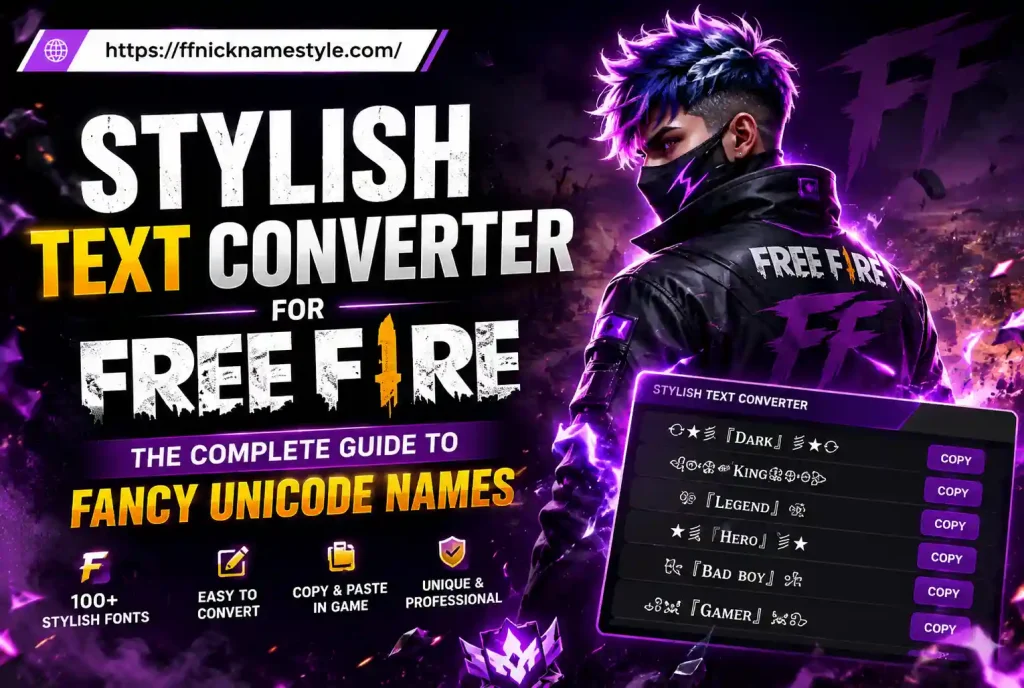
Stylish Text Converter for Free Fire: The Complete Guide to Fancy Unicode Names
Your Free Fire name is the first thing anyone sees before a single bullet is fired. A plain name like “Player8823” disappears into the lobby. A name built with a good stylish text converter does the opposite it gets remembered, screenshotted, and copied.
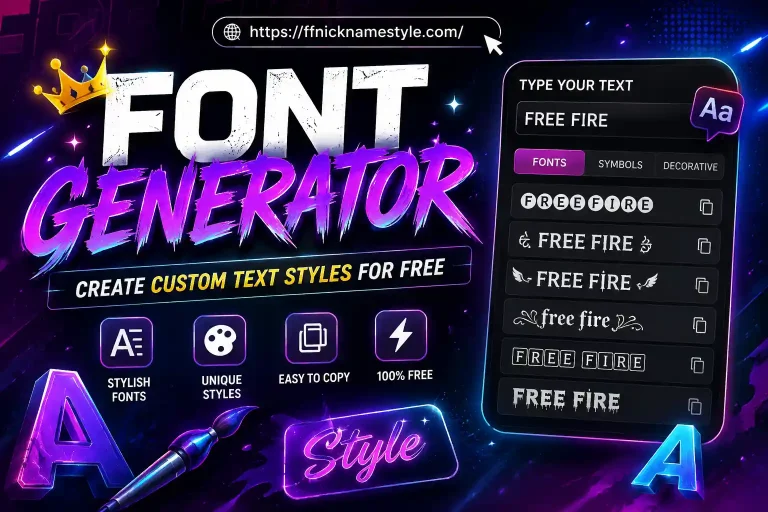
This guide covers exactly how these converters work, how to build a name that actually survives Free Fire’s 12-character limit, and which mistakes cost players their custom name completely. You can build yours right now with our free Free Fire stylish name generator no login, no download.
Quick Answer
A stylish text converter swaps normal letters for lookalike Unicode characters (bold, script, gothic, bubble, and more) so the “fancy” version is still real, copy-pasteable text not an image or a custom font file. That’s exactly why it displays correctly inside Free Fire, on Discord, and on Instagram, while a true font generator usually doesn’t.
What Is a Stylish Text Converter?
A stylish text converter is a browser tool that takes plain text you type and rewrites it using alternate Unicode letterforms. Type “Raven” and the tool instantly gives you dozens of variants: 𝐑𝐚𝐯𝐞𝐧, 𝓡𝓪𝓿𝓮𝓷, Raven, ℛ𝒶𝓋℮𝓃, and more.
None of these are pictures. They’re pulled from Unicode blocks that were originally built for mathematical notation Mathematical Alphanumeric Symbols, Enclosed Alphanumerics, Fullwidth Forms, and a handful of others. Because every character has a real Unicode code point, it copies and pastes as text anywhere Unicode is supported, including the Free Fire name field.
That’s the whole trick, and it’s also why this category of tool has exploded: it needs zero technical skill from the player, just copy and paste.
Font Generator vs. Stylish Text Converter
These two terms get used interchangeably online, but they’re not the same thing, and mixing them up is the #1 reason a “cool name” turns into plain boring text the moment it hits Free Fire.
| Stylish Text Converter | Font Generator | |
|---|---|---|
| What it changes | Swaps letters for Unicode lookalikes | Applies an installed font file |
| Works in Free Fire? | Yes it’s still plain text | No Free Fire can’t load custom fonts |
| Works on Instagram/Discord bio? | Yes | Rarely |
| Needs installation | No | Sometimes (font file) |
| Copy-paste safe | Always | Often breaks when pasted |
If you paste a name and it reverts to plain letters, you used a font generator by mistake. If it keeps its style, you used a genuine Unicode-based converter that’s the only kind worth using for a game name.
Why Free Fire Players Rely on These Tools
Free Fire caps in-game names at 12 characters, which sounds restrictive until you realize most stylish symbols still count as a single character slot. A crown (♛), a star (★), or a decorative Unicode letter each take up just one space so you can pack in far more visual impact than 12 plain letters would ever allow.
Beyond the character math, a distinct name does real work for a player:
- Recognition teammates and rivals remember a name that looks different from the default font.
- Personal branding streamers and content creators keep the same styled name across Free Fire, Discord, and Instagram so fans can find them anywhere.
- Squad identity clans and guilds often share a symbol or font style so members are instantly recognizable together. If you’re naming a whole squad rather than one player, our Free Fire clan name generator is built specifically for that.
- Confidence a name you actually like changes how a match feels before it even starts.
How to Build Your Stylish Free Fire Name (Step by Step)
- Start with a short base word. Names like “Raven,” “Kael,” or “Nyx” leave room for symbols before you hit the 12-character ceiling.
- Open a generator and type it in. Our stylish name tool shows dozens of live Unicode variants as you type bold, script, double-struck, and bubble styles included.
- Pick a style that matches your character count budget. Some fancy letters visually look “bigger” but still count as one character the tool shows the true count so you’re not guessing.
- Add one or two symbols, not five. A single crown or star at the start or end reads as intentional. Five different symbols reads as clutter.
- Copy the exact string. Double-check nothing got cut off, especially invisible thin-space characters some styles insert between symbol and text.
- Paste it into Free Fire’s name field. Go to your profile, tap the name edit icon, paste, and preview before confirming Free Fire charges diamonds per name change, so get it right the first time.
- Test on a second device if possible. Some obscure Unicode blocks render as blank boxes on certain phones. A style that shows perfectly on your device isn’t guaranteed to show the same way on a teammate’s.
Symbols That Actually Add Value
Not every symbol earns its slot. These categories consistently work well and render across devices:
- Crowns (♛, ♚) the most-used symbol in Free Fire names, signaling rank or confidence. Full set on our crown symbols page.
- Stars (★, ✦) clean, small, pairs with almost any font style.
- Arrows (»,ᐳ) good for a fast, aggressive feel, often used by rushers.
- Brackets ( 「」, 【】) frame a name without adding visual noise, popular for clan tags.
A safe rule: one symbol at the start, one at the end, nothing in the middle. If you can’t read the name at a glance in a small kill-feed font, it has too many.
Mistakes That Get Names Rejected or Rendered Wrong
- Overloading on rare Unicode blocks. The more obscure the character set, the higher the chance it shows as a blank box on some Android or iOS builds. Stick to widely supported blocks.
- Miscounting characters. A style that looks short can still eat more than 12 character slots because of how Unicode encodes it. Always check the live counter before paying diamonds to change your name.
- Trying to dodge the word filter with lookalike symbols. Garena’s filter still catches disguised offensive words, and doing this repeatedly risks a flag on the account, not just a rejected name.
- Picking a style based only on the preview box. Preview font rendering and in-game rendering aren’t always identical test the real name in a match before you’re fully committed.
- Ignoring device differences. A style that looks perfect on your phone might not display the same way for a squadmate on an older device.
Stylish Names in Other Languages
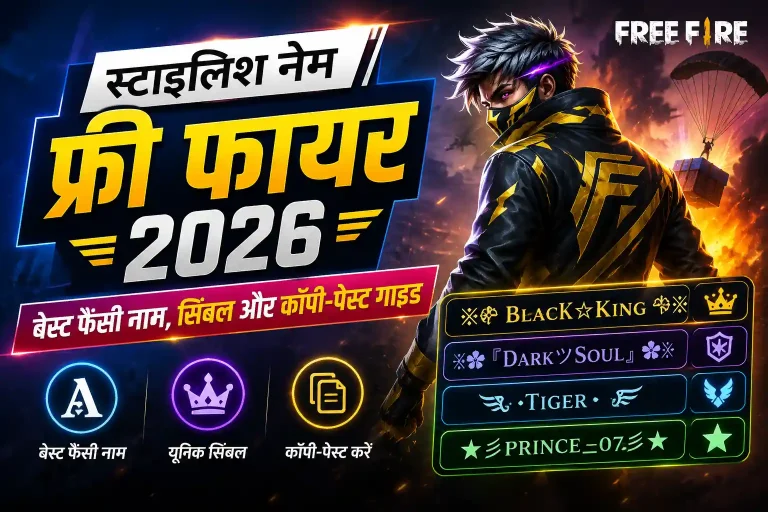
Because the underlying trick is Unicode substitution, it isn’t limited to English letters. The same conversion logic maps cleanly onto Hindi, Arabic, and other scripts, so players building a name in their first language get the same fancy-font effect without switching tools. The one thing to check is device support widely used scripts render reliably, while rare glyph combinations are more likely to show as blank boxes on older hardware.
Building One Signature Look Across Platforms
Once you land on a style you like, reuse it everywhere — in-game name, Discord tag, Instagram handle. That consistency is what actually builds recognition over time, far more than any single clever name does on its own. Keep a note of your exact copied string (including any symbol placement) so you can reapply it instantly after a season reset or a platform switch, instead of hunting for the same combination twice.
Frequently Asked Questions
Is a stylish text converter free to use?
Yes. Every legitimate converter works by generating Unicode text, which costs nothing to produce there’s no reason a basic version should ever be paywalled.
Does it work on mobile?
Yes, fully. The output is plain Unicode text, so copying from a mobile browser into the Free Fire app works exactly the same as copying on desktop.
Can I use it for games other than Free Fire?
Yes. Since the result is standard text, it works anywhere Unicode is accepted PUBG Mobile, Discord, Instagram bios, and most other apps.
Why did my stylish name get rejected in Free Fire?
Usually one of two reasons: the converted string is over 12 characters once Unicode is counted, or it contains a symbol or word Garena’s filter blocks. Shorten the base word or swap the flagged symbol and try again.
How do I know a converter is safe to use?
A safe tool never asks for your Free Fire login or any account details it only needs the text you type. If a site asks you to sign in before generating a name, close it.
Ready to build yours? Try the free Free Fire stylish name generator or, if you’re naming a full squad, the clan name generator.