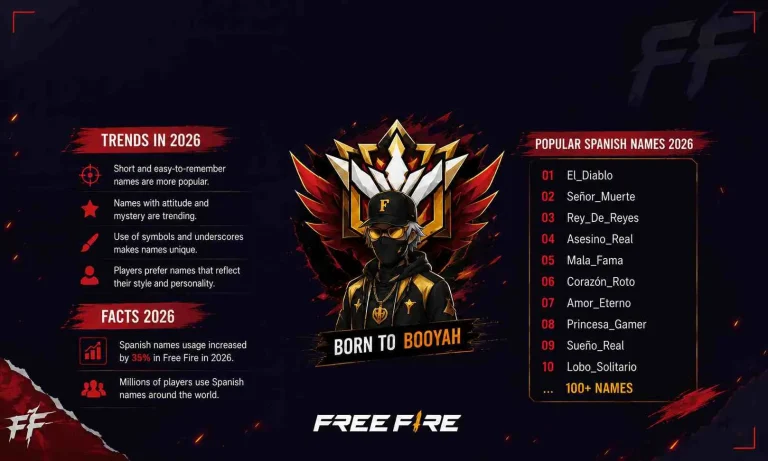
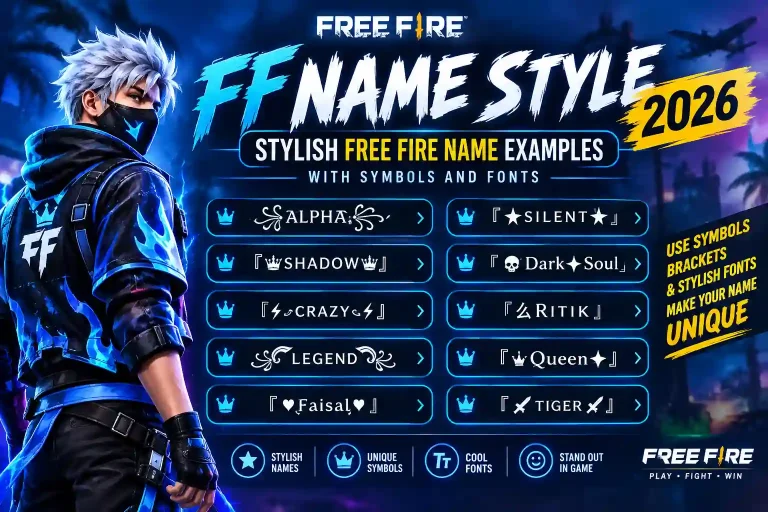
Free Fire Font Generator: Turn Your Name Into a Stylish Flex in 2026
I still remember the exact match that changed how I thought about my Free Fire name. I’d just wiped an enemy squad, and one of them typed in the post-match chat: “bro your name tho.” My username wasn’t even that creative just a bold, clean style I’d copied from a Free Fire font generator a week earlier. That one comment made me realize something: your name is doing marketing for you before you’ve even fired a shot. If you’re still running a plain, default username, you’re leaving free clout sitting on the table.
This guide covers exactly how a font generator works, which styles actually survive Free Fire’s rendering engine, how to fix the glitches that ruin a good name, and the naming rules Garena enforces so your next rename actually sticks.
What Is a Free Fire Font Generator?
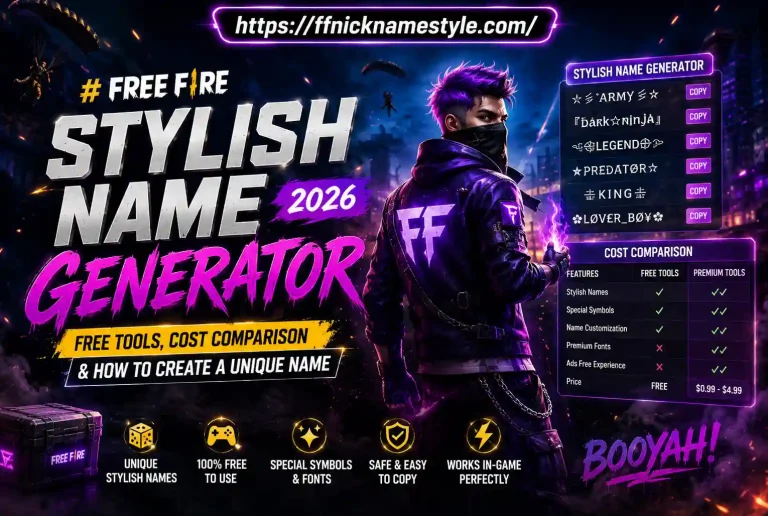
A Free Fire font generator is a free online tool that takes normal text and swaps each letter for a special Unicode character that looks like a different font bold, cursive, gothic, or symbol-styled. You’re not installing anything, and you don’t need design skills. Type your name, pick a style, copy the result, and paste it straight into your Free Fire profile.
How It Actually Works Behind the Scenes
The process isn’t magic it’s Unicode. Unicode is a massive international character library that assigns a unique code to every symbol across every writing system on earth, including thousands of letter-like glyphs that never show up on a standard keyboard. A font generator maps your normal “A” to a mathematical bold “𝐀” or a script “𝒜” that already exists in that library. Since Free Fire’s text engine already recognizes these characters as valid, your styled name displays correctly the second you save it no mods, no hacks, no custom font files.
This also explains why a name that looks perfect on one device sometimes breaks on another. Not every Unicode glyph renders identically across Android, iOS, and PC. A reliable font generator filters out the glyphs that commonly fail and only offers styles that hold up consistently, which is the real difference between a clean-looking name and one that turns into boxes the moment your squad tries to tag you.
Why a Stylish Name Actually Matters
In a game built around squads, ranks, and reputation, your name is the first impression you make. A sharp, styled username signals confidence before your first kill even lands. Teammates call you out by it in voice chat, streamers shout it after a clutch, and rivals remember it after you wipe their squad. It’s a small detail that carries real weight and with a good ff nickname style tool, setting one up takes seconds.
How to Use a Font Generator for Your Free Fire Name (Step by Step)
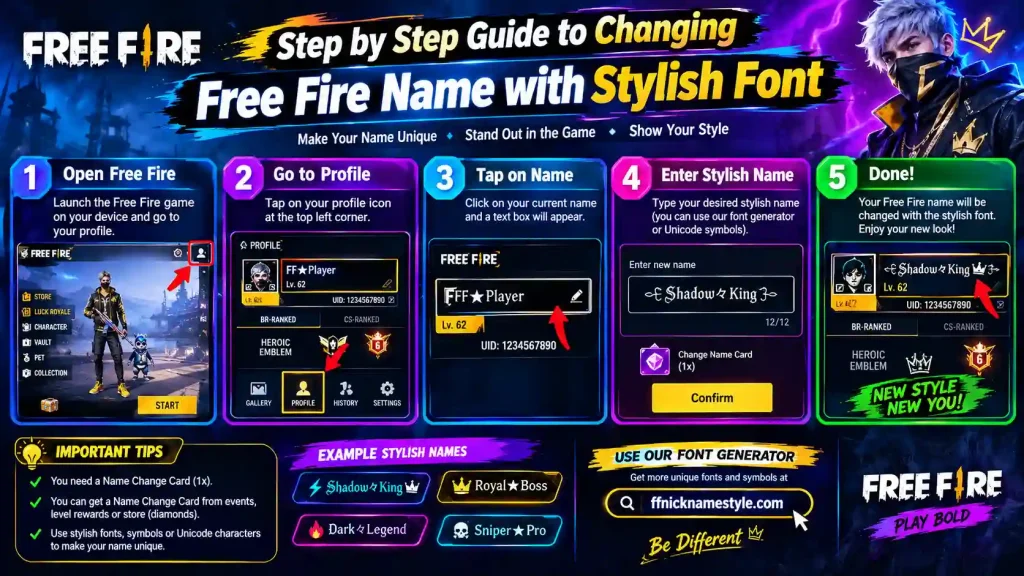
Getting a stylish name into the game is simple once you follow the right order. Here’s the workflow that avoids the mistakes most players make on their first try:
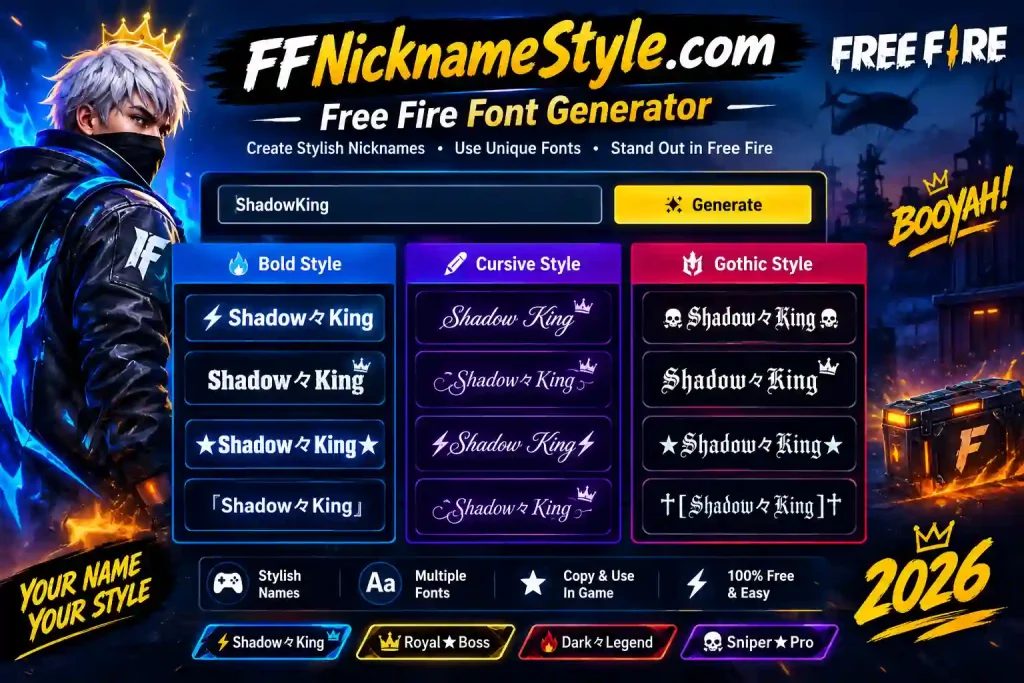
- Open a trusted Free Fire font generator, like the one on ffnicknamestyle.com. Bookmark it on your phone since Free Fire is a mobile-first game and you’ll likely rename between matches.
- Type your base name exactly as you want it. Include numbers if your name has them most styles support digits along with letters.
- Browse the style previews. Your name renders across dozens of fonts instantly, so you can compare letter shapes side by side. Pick the ones that stay sharp and readable rather than overly decorative.
- Paste into a notes app first. This step catches invisible spacing issues before you waste a rename. If the text looks correct there, it will look correct in the game.
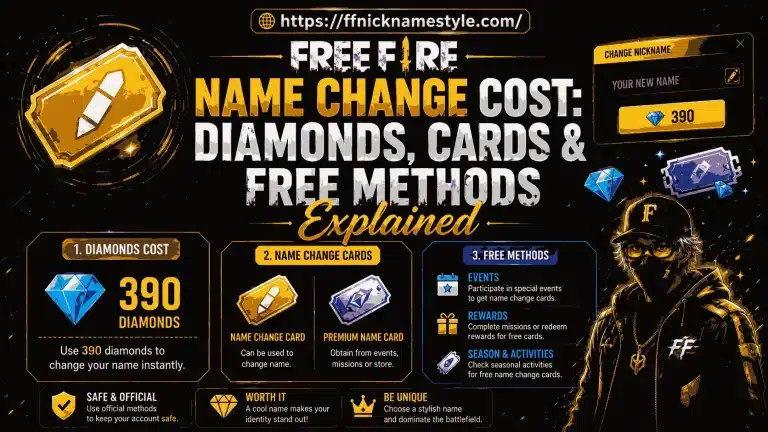
- Open Free Fire, go to your profile, tap the edit icon, and paste the styled name into the rename field. Double-check spelling and style before confirming renames after your first free one cost diamonds.
Following this order takes under two minutes and saves you from spending currency on a name that ends up broken.
Best Font Styles for Free Fire Names in 2026
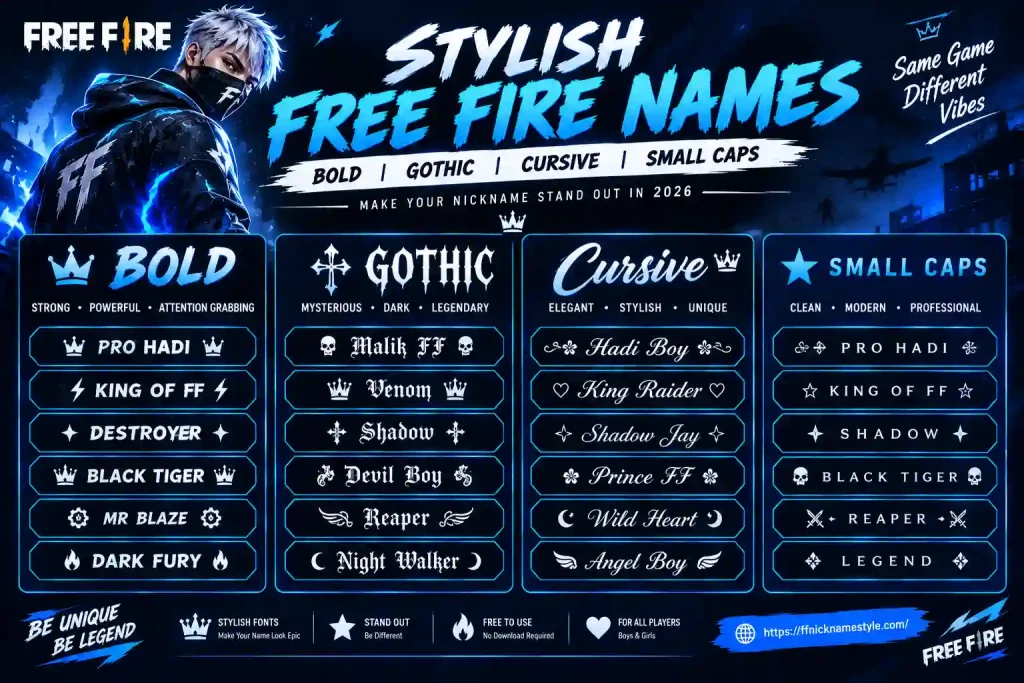
Not every style survives Free Fire’s rendering engine, so here are the ones actually worth using.
Bold Fonts
Bold styles like 𝐒𝐡𝐚𝐝𝐨𝐰 stay crisp even on small mobile screens, making them ideal for players who want instant visibility in a crowded lobby.
Gothic and Blackletter Fonts
Sharp, angular gothic text such as 𝔎𝔦𝔩𝔩𝔢𝔯 projects intimidation and stays legible during fast-paced fights a favorite among aggressive players and solo-rankers.
Small Caps
Clean small-caps styling like Sǫᴜᴀᴅ Lᴇᴀᴅᴇʀ reads as deliberate and organized, which suits clan founders and IGLs (in-game leaders) coordinating a squad.
Cursive and Script
Elegant but riskier cursive fonts look great in your profile screen but occasionally fail to render in the in-game chat. Always test a cursive style in a custom room before committing to it for ranked play.
Symbol Accents
Adding one or two symbols ★, ☠, 亗 around your name creates a signature look. Cap it at two symbols so the name stays readable in the squad list and kill feed instead of turning into clutter.
If you’re building an entire squad identity, pair your chosen style with a matching tag using the Free Fire clan name generator so every member’s name feels part of the same brand.
Font Generator Compatibility: Android, iOS, and PC
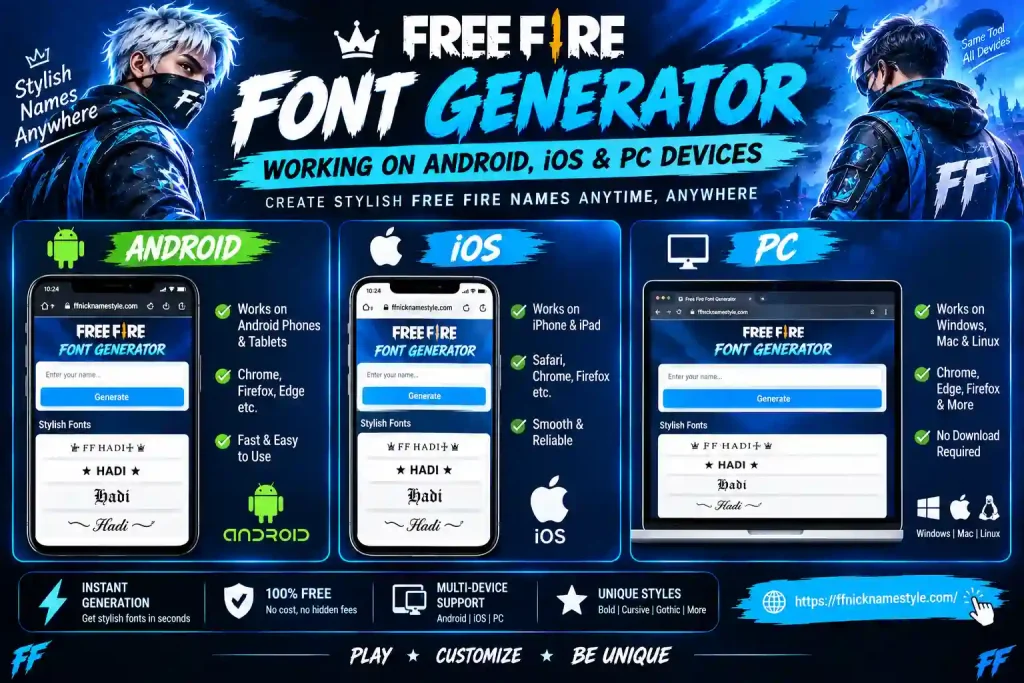
A font generator runs entirely in the browser, so the core experience is the same everywhere. Where it differs is how each device handles the copied text.
Android
Copying is straightforward long-press the styled text, tap Copy, then paste it into the Free Fire name field. Some older Android versions strip rarer Unicode symbols, so if a name looks broken, switch to a simpler style from the same generator.
iOS
iOS behaves almost identically, with one quirk: copying very rare Unicode blocks from Safari or Chrome sometimes gets converted to plain text. Paste the copied name into Notes first, then copy it again from there that second copy usually preserves the styling when pasted into Free Fire.
PC
On PC, a font generator is easiest to use because you can see the full character set clearly and copy-paste with Ctrl+C / Ctrl+V. Free Fire on PC accepts the same Unicode characters as mobile, so there’s no compatibility disadvantage just faster testing.
One restriction applies everywhere: Free Fire caps names at 12 characters, and some styled fonts count each letter as more than one character under the hood. Always check the character count before copying, and keep a plain-text backup name ready in case a styled version gets rejected.
Common Font Generator Problems and How to Fix Them
Blank or Broken Name After Pasting
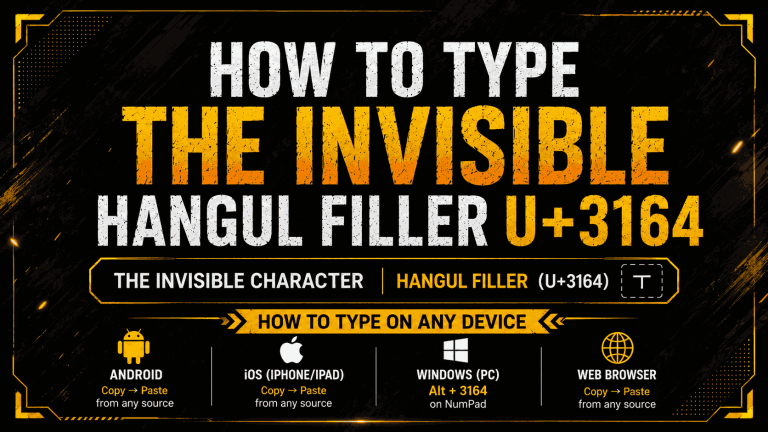
Some generators insert invisible zero-width or non-breaking spaces to make a name look centered. Free Fire often strips these out, leaving your name blank or rejected.
Quick Fix
Stick to visible symbols like stars or hearts instead of invisible spacing, and use a generator that flags unsafe characters before you copy.
“Name Rejected” Error
This usually comes from banned words, an unsupported Unicode block, or a name that exceeds 12 characters.
Quick Fix
Test your styled name in a notes app first, then paste only the plain text into the game to isolate whether the style or a hidden character is the problem.
Name Shows as Boxes or Question Marks
Your device doesn’t support that particular Unicode range, which is common on older Android phones.
Quick Fix
Switch to a simpler, more widely supported style, and always test in a custom room before spending diamonds on the rename.
Name Too Long After Styling
Some decorative styles count as multiple characters per letter, pushing you over Free Fire’s 12-character cap.
Quick Fix
Shorten the base word or trade a multi-part symbol for a single glyph like ★ to stay under the limit.
Free Fire Naming Rules to Keep in Mind
Garena enforces a few rules regardless of which font generator you use:
- 12-character limit, including symbols and spaces.
- Filtered Unicode blocks some fancy characters are blocked by profanity or impersonation filters.
- Limited free renames your first name change is free; every rename after that costs diamonds.
- No impersonation names resembling official accounts, pro players, or streamers get auto-reset.
Staying inside these boundaries means your stylish name sticks around instead of getting flagged or silently reset.
Frequently Asked Questions
Is a font generator safe to use for Free Fire?
Yes. A legitimate font generator only converts text into standard Unicode it’s not a hack, mod, or script that touches your account, and it never asks for your Free Fire login. Stick to browser-based tools that work instantly with no sign-in required.
Why does my stylish name show as blank boxes or question marks?
That happens when the generated characters aren’t supported by your device or the game’s font library. Some Unicode symbols render perfectly on Android but break on iOS, or vice versa always test before confirming a rename.
Can I change my Free Fire name more than once?
Yes, but only the first rename is free. Every change after that costs diamonds or a rename card, so test the exact styled text on a second device before spending currency.
Do font generator names work in clan tags and guild names?
Mostly, but clan tags have stricter character limits and often reject symbols that work fine in player names. Test the tag separately using a clan name generator and keep it short for the best compatibility.
Will using a fancy name get me banned?
No the output is standard Unicode text, not a hack or mod. However, names that impersonate admins, pro players, or official accounts can trigger a report and reset, so keep the style clean and avoid characters that mimic official icons.
Final Thoughts
A Free Fire font generator is the fastest way to upgrade a forgettable username into something your squad and your rivals actually remember. Keep your style clean, test it before spending diamonds, and pair it with a matching clan tag if you’re building a squad identity. Ready to style your name? Try our stylish Free Fire name generator now.