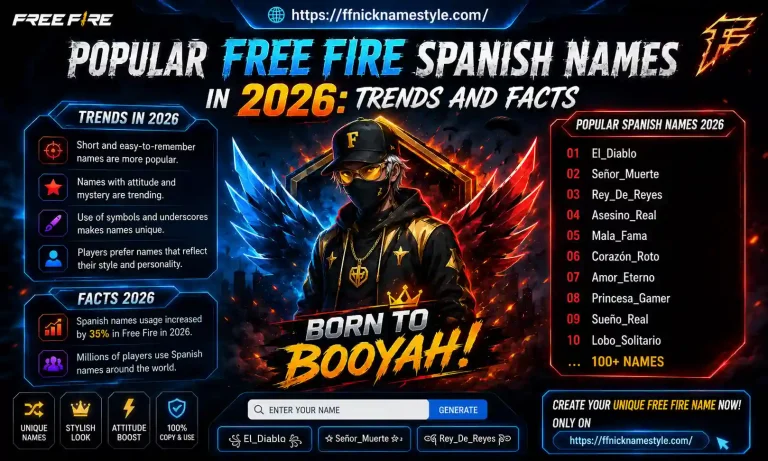
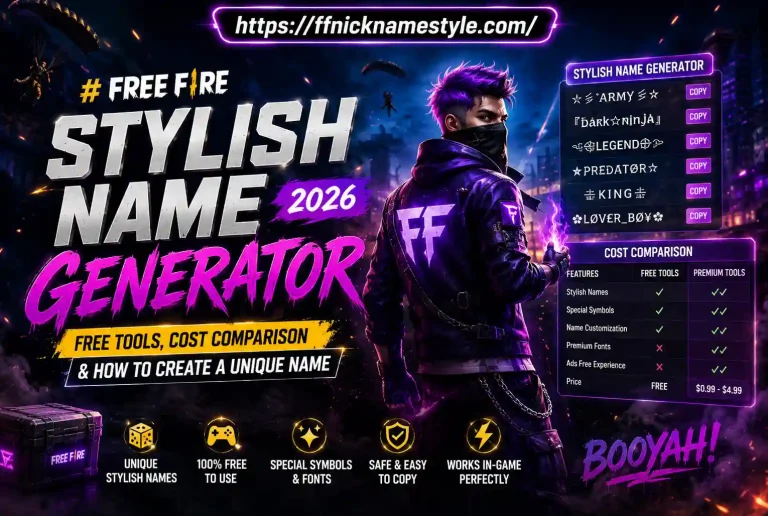
FF Nickname Generator: The Complete Guide to Stylish Free Fire Nicknames
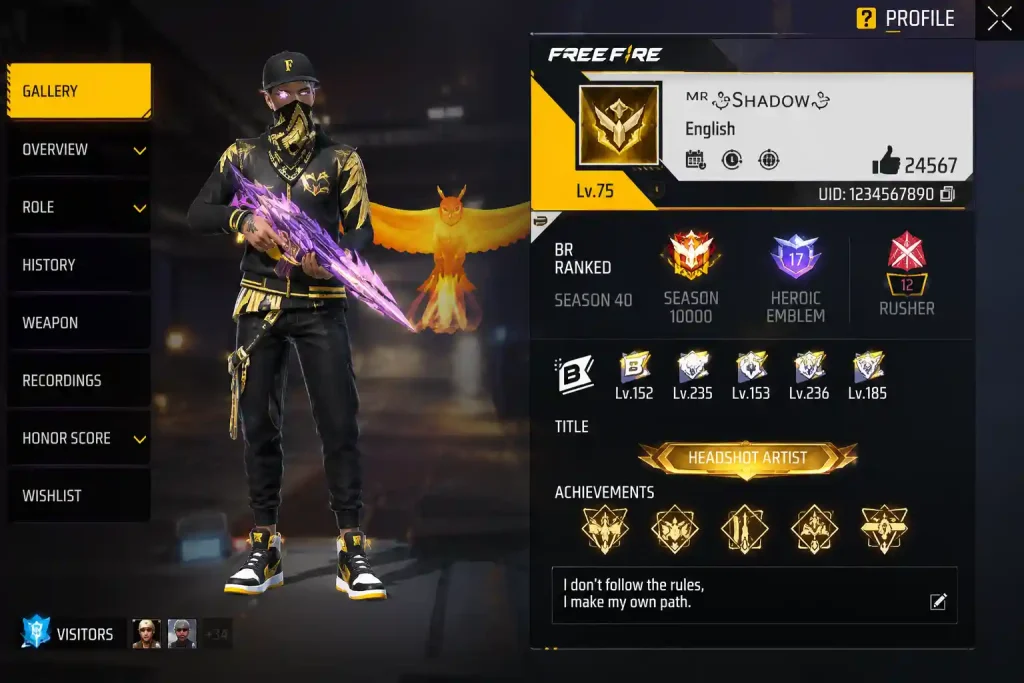
Every Free Fire player wants one thing the moment they open their profile screen: a Free Fire nickname that actually looks like it belongs to a pro, not a random guest ID. That’s exactly why the FF nickname trend exploded players stopped settling for plain usernames and started building identities with stylish symbols, bold fonts, and clean FFName combos that pop in the lobby and the kill feed alike.
This guide breaks down everything you need to know about creating, testing, and troubleshooting a stylish Free Fire nickname without the guesswork.
What Is an FF Nickname and Why It Matters
An FF nickname is more than just a username it’s your identity inside Garena Free Fire. It’s the name your squad shouts during a clutch, the name that shows up on the kill feed after a headshot, and the name that follows you across every ranked season.
A strong FFName does three things at once:
- Makes you instantly recognizable to teammates
- Signals confidence and style to opponents
- Reflects your personal brand aggressive, cute, elite, or mysterious
Unlike random default usernames, a well-built Free Fire nickname is something players actively design using stylish Unicode characters, symbols, and spacing tricks.
How a Free Fire Nickname Generator Actually Works
Here’s the part most players never think about: a nickname generator doesn’t create a “new font.” It simply swaps your normal letters for Unicode lookalike characters that already exist in every device’s character set.
For example, the letter A has dozens of Unicode variants bold, italic, double-struck, gothi and a nickname tool just maps your typed text to those alternate characters. Since Free Fire reads plain Unicode text (not image fonts), any supported character renders correctly the moment you paste it into the name field.
That’s why a stylish FF nickname works instantly with no downloads, no mods, and zero risk to your account.
Step-by-Step: How to Create Your FFName
- Pick a base name. Keep it short Free Fire’s name field is limited, and every stylish character can count as more than one slot.
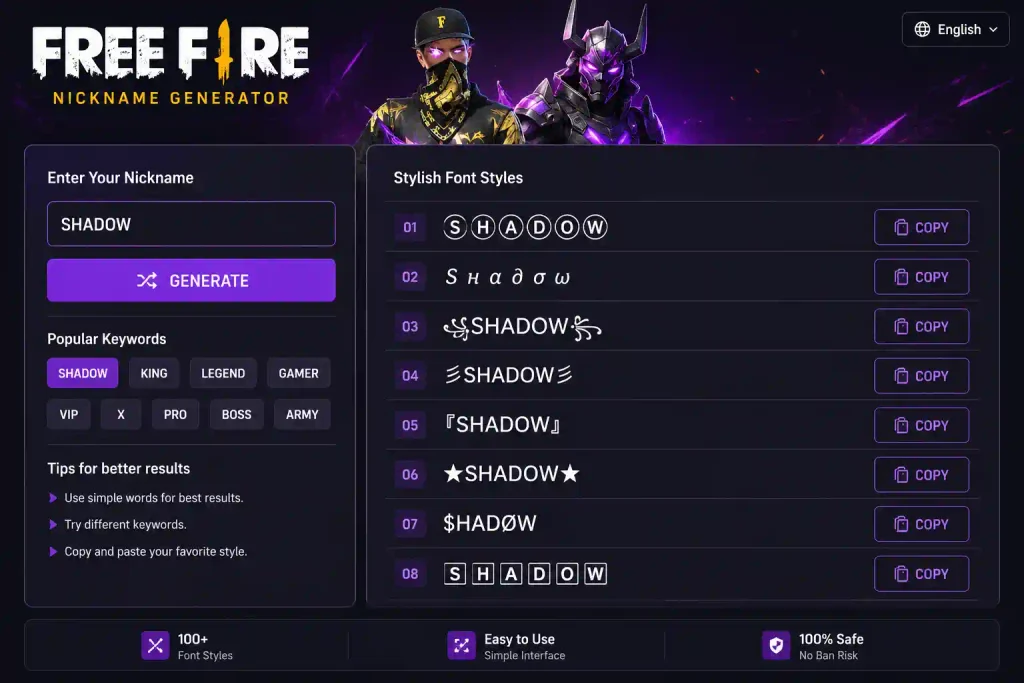
- Run it through a nickname generator. Type your base name and let the tool generate multiple Free Fire nickname styles instantly.
- Preview before copying. Look for broken symbols or boxes not every style is game-safe.
- Copy the style you like. Paste it somewhere like your notes app first to confirm it copied cleanly.
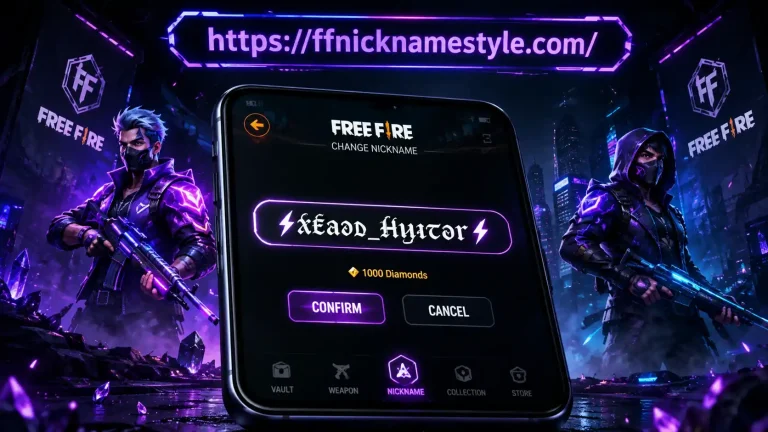
- Apply it in-game. Go to your profile, tap the edit icon, paste your new FFName, and save.
If Free Fire rejects the name, simplify it remove extra symbols and try a cleaner Unicode style.
Why the Character Limit Trips Up So Many Players
Free Fire’s 12-character cap sounds simple until you realize stylish Unicode letters don’t always count as “one character” the way plain letters do. Some decorative fonts use combining characters glyphs that stack a base letter with an accent or symbol and the game may count each combining mark separately. This is the single biggest reason a name that looked perfect in the generator gets truncated or rejected in-game.
A simple workaround: build your FF nickname in stages. Start with a 4–5 letter core name, apply your chosen style, and check the character count before adding any symbols. If you’re close to the limit, drop the crown or star rather than shortening your actual name a slightly plainer name that fits is always better than a broken one that doesn’t save.
Best FF Nickname Styles: Style vs. Readability
The biggest mistake players make is choosing a name that looks amazing in preview but turns unreadable in-game. Here’s how to balance both:
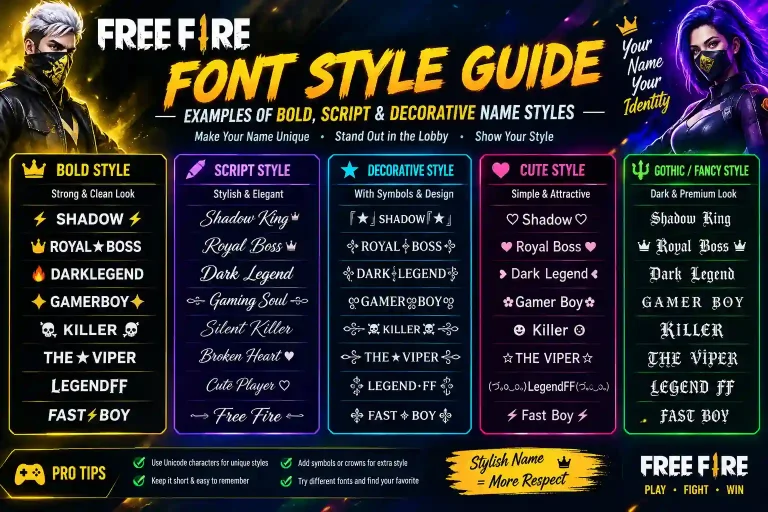
Bold and Clean Styles
Bold Unicode letters stay sharp even on low-resolution screens. These are the safest, most reliable choice for a competitive Free Fire nickname.
Symbol-Enhanced FFName Combos
Adding a single crown, star, or dot at the start or end of your name creates a signature look without hurting readability. Two symbols max is the golden rule.
Styles to Avoid for Your Main Name
Zalgo text, upside-down letters, and overly decorative scripts often break or display as blank tiles. Save those for room titles or bios not your core FF nickname.
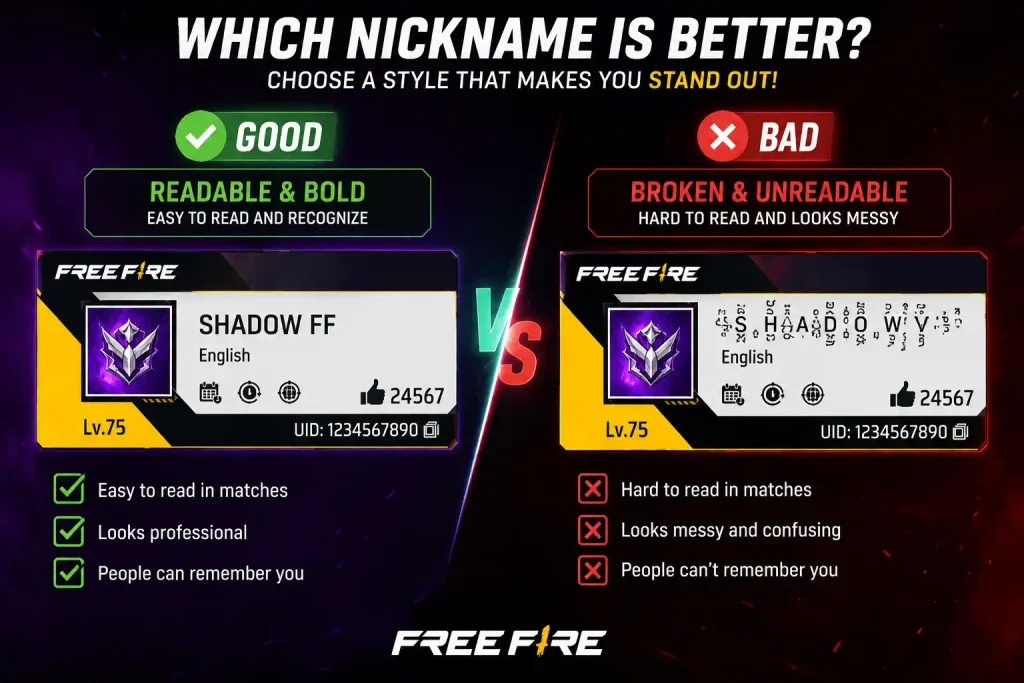
Matching Your FFName Style to Your Playstyle
Beyond readability, a lot of top players choose their FF nickname style to match how they actually play:
- Aggressive rushers often lean toward sharp, angular bold fonts paired with symbols like swords or lightning bolts.
- Support and sniper players tend to prefer clean, minimal styles a single bold or monospace font with no clutter, since their role is about precision, not flash.
- Squad leaders frequently add a crown or star to signal rank within their clan, making it easy for teammates to spot the IC (in-charge) during chaotic fights.
This isn’t just cosmetic. A Free Fire nickname that reflects your role can genuinely help squad communication during fast-paced matches, since teammates instantly know who’s calling shots.
Common Mistakes That Break Your Free Fire Nickname
- Using unsupported Unicode blocks some characters simply aren’t recognized by Free Fire’s text engine and show up as empty boxes.
- Overloading with symbols too many special characters can trigger the game’s naming filters.
- Ignoring the character limit Free Fire nicknames are capped at 12 characters, and stylish letters often count as more than one.
- Skipping the test step always preview your FFName on a second device before committing.
These issues trace back to how Unicode characters are standardized across platforms. If you want to understand exactly why some symbols render everywhere while others don’t, the Unicode Consortium’s official FAQ explains how character encoding and rendering support actually work across different devices and apps.
Free Fire Nickname on Mobile vs. Desktop
Since Free Fire is primarily a mobile title, most players generate and paste their FF nickname directly from a phone browser fast, simple, and no extra steps.
On desktop (usually via an emulator), the bigger screen makes it easier to fine-tune symbol placement and compare styles side-by-side. Either way, always double-check your final Free Fire nickname on a phone screen, since that’s how the majority of players and opponents will actually see it.
Why Your Stylish FFName Might Not Work
If your nickname gets rejected or shows as blank squares, it’s usually one of these:
- Character limit overflow stylish glyphs can use up multiple character slots
- Restricted Unicode ranges Garena blocks certain symbol sets to prevent glitches
- Device compatibility gaps older devices may not render every Unicode glyph
The fix is almost always the same: strip back to a simpler, widely supported style and rebuild from there.
Frequently Asked Questions
Is it safe to use an FF nickname generator?
Yes. A nickname generator only converts text it never accesses your account, password, or game data.
Why does my Free Fire nickname show as blank boxes?
The style you chose uses Unicode characters that Free Fire’s text engine doesn’t support. Switch to a more common style, like bold or double-struck.
Can I create my FFName on mobile?
Yes, nickname generators work directly in any mobile browser no app installation required.
How often can I change my Free Fire nickname?
Free Fire allows one name change every 24 hours, and each change requires a Name Change Card.
Will my stylish nickname stay permanent?
Yes once applied successfully, your FF nickname stays exactly as saved until you decide to change it again.