Stylish Text Converter for Free Fire: Turn Plain Names into Eye-Catching Fonts
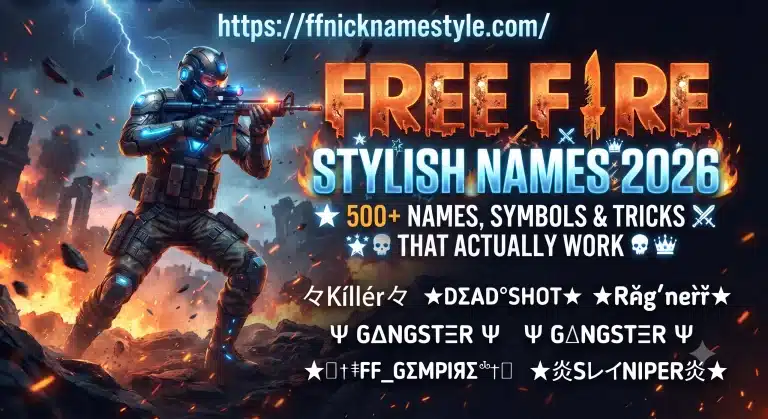
Nobody remembers a name like “Ali99” after a match ends. But a name like 𝕬𝖑𝖎 ⚔ or Ali✦ sticks in people’s heads, gets screenshotted, and gets copied by strangers in your lobby. That’s the whole job of a stylish text converter it takes the letters you already type every day and swaps them for decorative Unicode characters that look nothing like a default keyboard font, without changing what the name actually says.
I’ve renamed my own Free Fire account more times than I’d like to admit, usually right before a squad tournament when I wanted a tag that looked sharper on stream. Along the way I learned which fonts actually hold up in-game and which ones just look good in a generator’s preview box. This guide covers exactly how the trick works, how to do it properly, and the mistakes that make a good idea look messy.
What a Stylish Text Converter Actually Does
A stylish text converter isn’t editing a font file or applying a filter to your text. Every “fancy” letter you see already exists inside Unicode, the character set that every phone and app in the world reads from. Unicode has far more than the 26 letters on your keyboard it has multiple full alphabets of lookalike characters sitting in blocks most people never open, things like mathematical script letters, fullwidth forms, and circled letters.
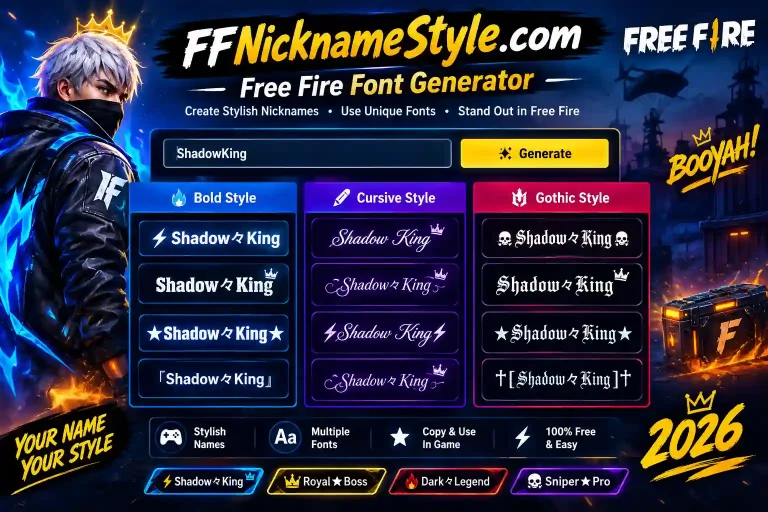
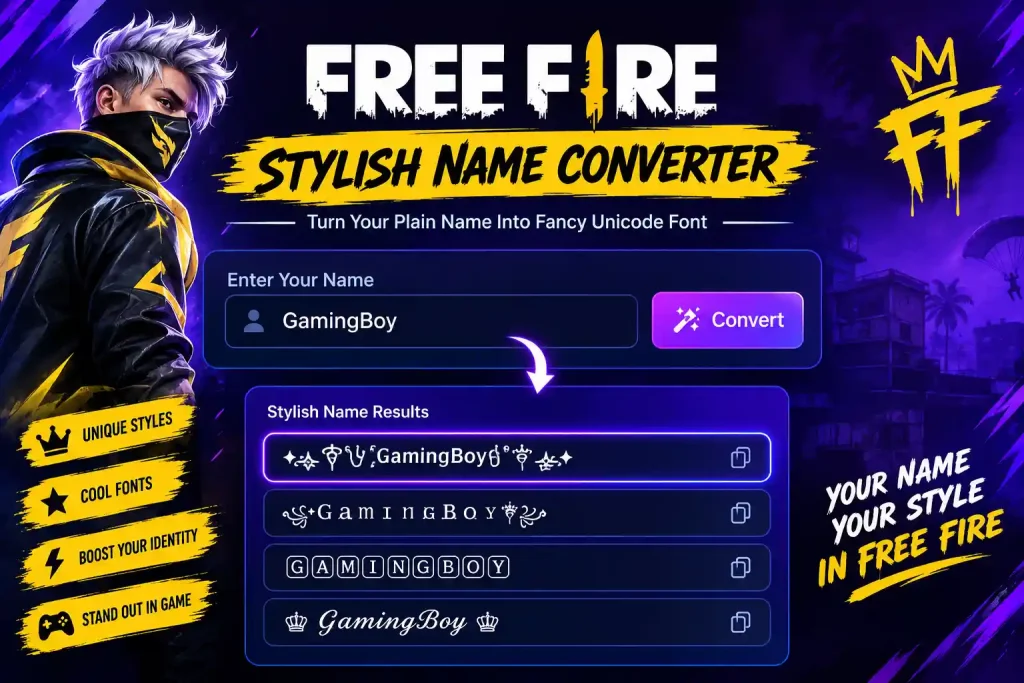
A converter’s whole job is matching. You type “Ali,” it checks each letter against a chosen alphabet block, and it spits out the Unicode twin of every character 𝓐𝓵𝓲, 𝔸𝕝𝕚, or whatever style you picked. Copy that string, and it pastes into Free Fire’s name field exactly like normal text, because to the game, it is normal text. It’s just pulling from a different shelf of the alphabet.
That’s the difference between this and something like Photoshop text. You’re not creating an image of a stylish name you’re generating actual characters you can paste anywhere: Free Fire, Instagram bios, WhatsApp, Discord. I’ve reused the same converted name across three different apps without touching it once, because the characters themselves travel with the text.
Why Free Fire Accepts These “Fonts” At All
Free Fire’s name field doesn’t have a “choose font” option, and it never will, because the game isn’t rendering custom fonts it’s rendering whatever Unicode characters you send it. Since script capitals, bold math letters, and fullwidth characters are all valid Unicode, the game happily displays them as long as they fall within its character limit and don’t hit a blocked symbol.
This is also why the same trick works identically on iOS, Android, and PC emulators. There’s no app, plugin, or font pack involved. The name is stored as text on Garena’s servers exactly the way it looks when you paste it, which is also why it shows up unchanged in the kill feed, leaderboard, and squad chat.
The catch is that not every device has every Unicode block installed as a visible glyph. Rarer symbols can render as a small blank box (☐) on an older or budget phone even though the name saved correctly. I found this out the hard way with a rare gothic style that looked perfect on my own phone but showed up as boxes on a teammate’s older Android that’s a device limitation, not a converter bug, which is why sticking to popular, well-supported styles matters more than chasing the most obscure font on the list.
How to Convert Your Name Step by Step
- Type your base name first, without symbols. Keep it to 4–8 letters. Long names lose options later because Free Fire’s character cap includes every symbol you add.
- Preview a few styles side by side instead of grabbing the first one you see. A style that looks striking in a big preview box can turn unreadable at the size Free Fire actually displays it.
- Copy the result and paste it into a notes app first. This catches any character that didn’t convert cleanly before you waste a rename token inside the actual game.
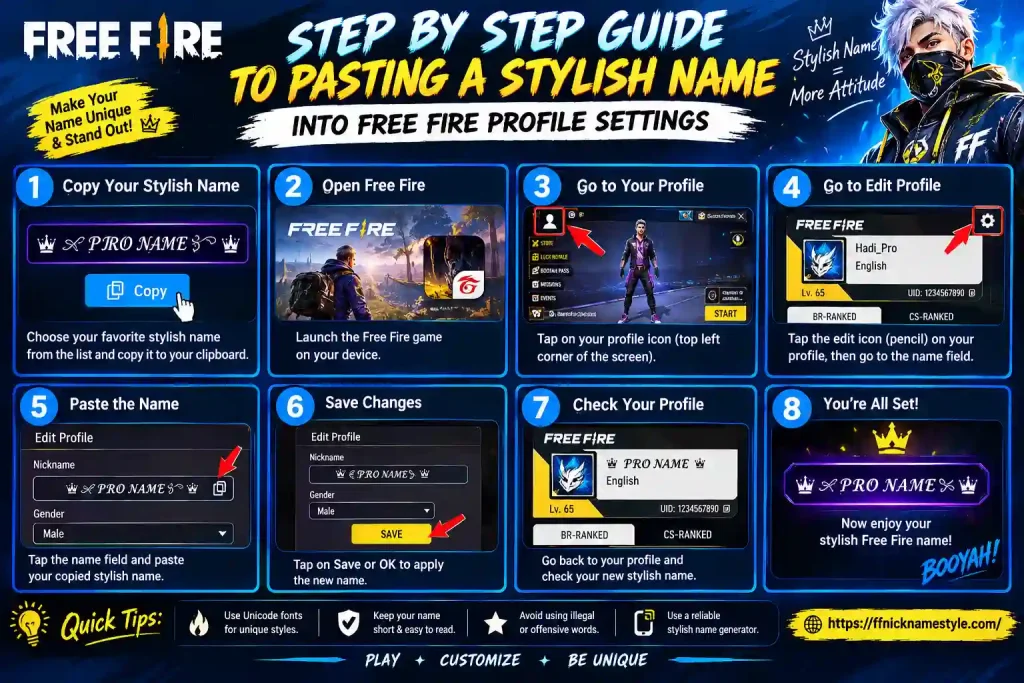
- Open Free Fire → Profile → Edit Name, paste the converted text, and check the character count Free Fire shows you. Fancy Unicode letters sometimes count as more than one character even though they look like a single letter.
- Add one symbol, if any, from a stylish name generator rather than typing a random emoji game-safe symbol sets are tested against Free Fire’s filters so they don’t get silently stripped.
- Confirm the name, then check it in a custom room before a ranked match, since that’s the actual size teammates will see it at.
I still do this exact routine every time I rename, because I’ve lost a rename card once to a symbol that looked fine in the converter and then got silently rejected in-game.
The Font Styles Worth Actually Using
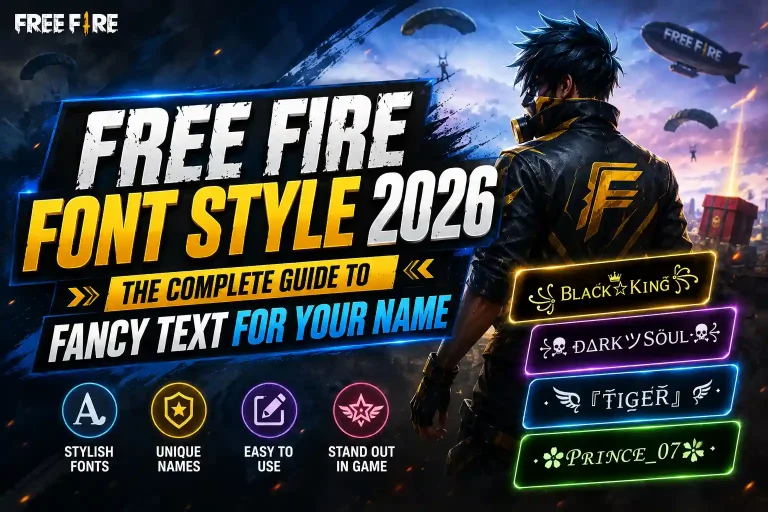
Not every Unicode block is worth converting into. A few families come up again and again in top lobbies because they stay readable at kill-feed size:
Bold script and cursive softens a plain name and reads well for support players or anyone who doesn’t want an aggressive look.
Gothic/blackletter heavier, sharper letterforms that read as intimidating; pairs well with a short clan tag.
Small caps and circled letters compact styles that fit more personality into Free Fire’s tight character limit without looking cluttered.
Bubble and outline fonts playful, rounded, easy to spot in a crowd of default names, though they can blur at very small sizes on older screens.
Fullwidth letters wide-spaced, clean-looking characters that read almost like a stretched sans-serif; a favorite for squad tags because they stay legible even on small phone screens.
The pattern worth remembering: pick one style family and commit to it, rather than mixing three different alphabets into a single name. A name in one consistent style reads as intentional. A name stitched from five different fonts reads as an accident. When I’ve tested this with my own squad, the names that got the most “how’d you make that” messages were always the simplest ones one font, one symbol, nothing else competing for attention.
Where Symbols and Crowns Fit In
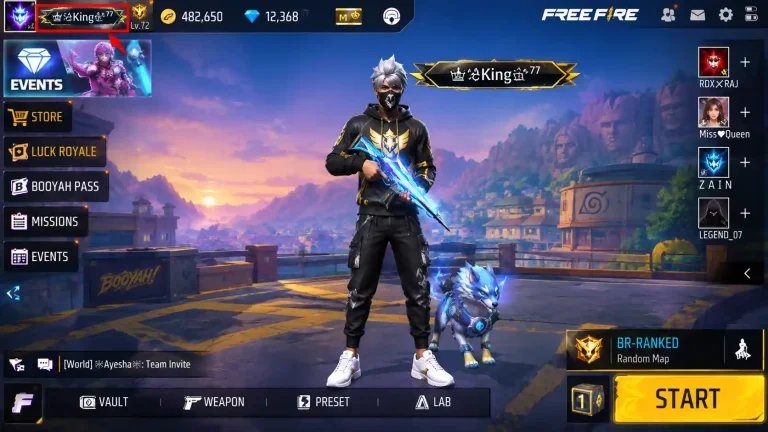
A converted name carries most of the visual weight on its own, so symbols should frame it, not compete with it. One crown before the name and nothing after, or a single star on each side, is usually enough. A crown-style name works because the symbol stays visually attached to the letters instead of floating around them.
The most common overcorrection is stacking three or four symbols per side “for effect.” In practice this eats into your 12-character limit fast, and it makes the actual name harder to read at a glance which defeats the point of standing out in the first place. If you want a signature look, pick one symbol that means something to you and keep it consistent across every name you make, including your clan tag if you run one.
Converting Names in Hindi, Urdu, and Indonesian
Regional players get asked this constantly: does a stylish converter even work outside the Latin alphabet? For Hindi and Urdu names, results vary more than for English ones, because far fewer decorative Unicode blocks exist for Devanagari or Nastaliq script compared to Latin letters. The safest approach for South Asian players is a hybrid name keeping the native-script word as-is and pairing it with a converted English word or symbol, like राहुल✦Rahul or احمد⚔.
Urdu names carry an extra wrinkle: Nastaliq script renders right-to-left, so mixing in a left-to-right English word or symbol can shift spacing unpredictably depending on the device’s keyboard. When I’ve tested Urdu-English hybrid names, keeping the symbol on the outer edge (not sandwiched between scripts) avoided most of the rendering oddities.
Indonesian names convert more smoothly since they’re written in Latin script, so the same fullwidth and bold-script styles used for English names apply directly a name like “JagoanFF” becomes Jagoan𝐅𝐅 with zero loss of readability.
Mistakes That Ruin a Good Stylish Name
Overloading the character limit. Free Fire caps names at 12 characters, and fancy Unicode letters sometimes count as two. Test before you commit a rename card.
Using invisible or control characters. Zero-width spaces meant to “clean up” spacing between symbols often get stripped by the game, leaving a broken name other players see as boxes.
Picking a font that looks great in a converter but not at kill-feed size. Always preview it small before locking it in, not just in the big generator box.
Ignoring how the name reads out loud. Squadmates still need to call out your name in voice chat during a clutch. A font so decorative it obscures the actual letters makes that harder than it needs to be.
Copying a name that’s already widely used. A converted name is only interesting the first time someone sees it. Building your own combination from a free fire name generator takes the same ten seconds and actually belongs to you.
Quick FAQ
Does a stylish text converter risk a ban?
No. It only changes how letters display through standard Unicode. Garena’s rules target offensive content, not font style.
Will my name look the same for every teammate?
Yes, since it’s stored as text, not an image anyone with a modern device sees the identical characters you copied.
Why does my name show boxes for some friends but not others?
Their device or Free Fire build is missing the glyph for that specific Unicode block. Switching to a more common style (script, bold, or small caps) usually fixes it instantly.
Can I combine a converted style with symbols and still fit the limit?
Yes, but budget for it count your base name plus symbols against the 12-character cap before you finalize anything, using a live counter rather than guessing.
Does the converter work for clan or guild names too?
Yes, the same Unicode swap applies to clan tags. Keep them even shorter than your player name, since clan tags display next to every member’s name and get cluttered fast if the font is too dense.
Once you’ve settled on a style, the fastest way to try different combinations without burning rename tokens is running a few variations through a stylish name generator first, comparing them side by side, and only pasting the one that actually reads well at real game size.