Free Fire Invisible Name 2026: Working Blank Name Guide (Step-by-Step)
Imagine walking into a lobby where every player has a flashy name symbols, Punjabi fonts, fire emojis and then there is one player with absolutely nothing where their name should be. No text. No symbols. Just a blank space.
That player stands out more than anyone else.
The Free Fire invisible name trick is real, it is simple, and it is still working in 2026 and you can combine it with styles from our FF name generator for a unique look.”
What Is a Free Fire Invisible Name?
Your Free Fire name cannot actually be empty. The game requires at least one valid character to save any name change. So when players talk about an “invisible name,” they do not mean a truly blank slot.
What they mean is a name made from a special Unicode character that has no visible shape. When Free Fire renders your name on screen, it displays nothing because the character itself has no visual form. To every other player, your name slot appears completely empty.
The effect is striking. In a kill feed full of decorated names, a blank space catches the eye immediately.
Why Do Players Want an Invisible Name?
There is no single reason players use this trick for different purposes:
Stand out in the lobby. When everyone is competing with heavy symbol names, having no name at all is the most unconventional move possible.
Minimalist identity. Some players simply prefer a clean, stripped-down profile. No name is the ultimate minimalism.
Psychological edge. Opponents who rely on name recognition during matches find it disorienting when the kill feed shows nothing.
Unique profile aesthetic. A blank name combined with a custom avatar creates an intentionally mysterious profile that looks unlike anything else.
Whatever your reason, the result is the same: a profile that makes people look twice.
How Does the Invisible Name Trick Actually Work?
The trick relies on Unicode the same character encoding system behind every stylish font and symbol you see in gaming names Line 2 – “How Does it Work” section mein:
“The trick relies on Unicode — the same character encoding system behind every stylish font you see on FF Nickname Style.
Within Unicode, there are characters that carry no visible glyph. They were originally designed for technical text formatting purposes, such as controlling how characters join in certain scripts or managing text direction. They are real characters recognized by text systems worldwide, but they have no shape that can be drawn on screen.
Free Fire’s name input field runs a basic validation check before saving any name. It checks whether the input contains at least one valid Unicode character. These invisible characters pass that check because they are legitimate Unicode values. But when the game draws your name on screen, nothing appears because the character has nothing to render.
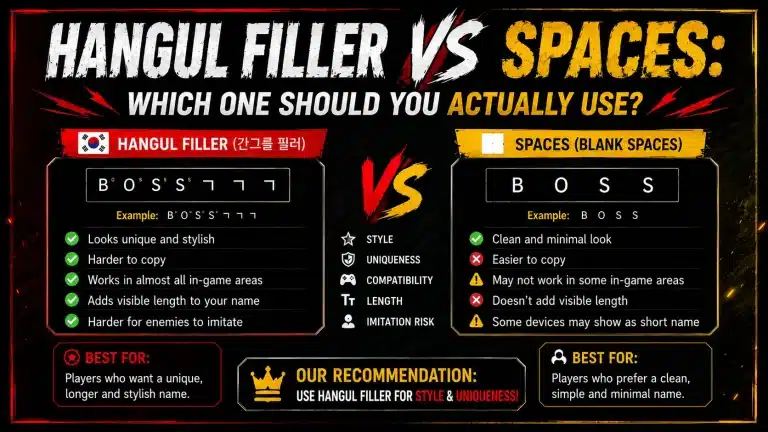
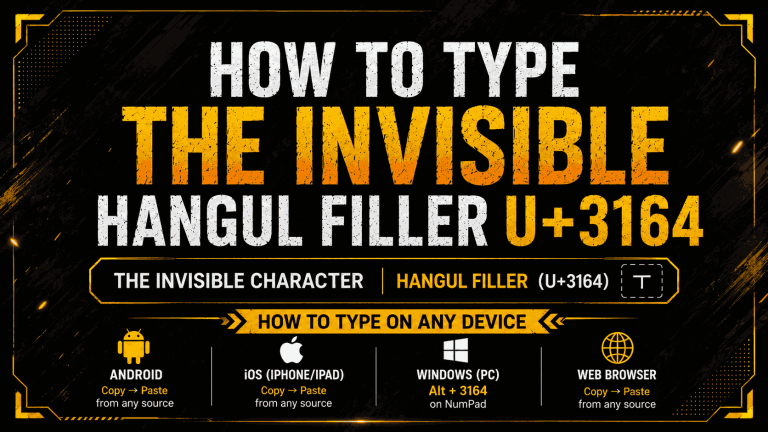
The specific character that works most reliably right now is U+3164, a character from the Hangul Filler block originally used in Korean text formatting. It looks like nothing, but it is recognized by the game as valid text input.
Step-by-Step: How to Set Your Free Fire Invisible Name
Follow these steps carefully. If any step goes wrong, your rename card will not be wasted the game only uses it if the name change saves successfully.
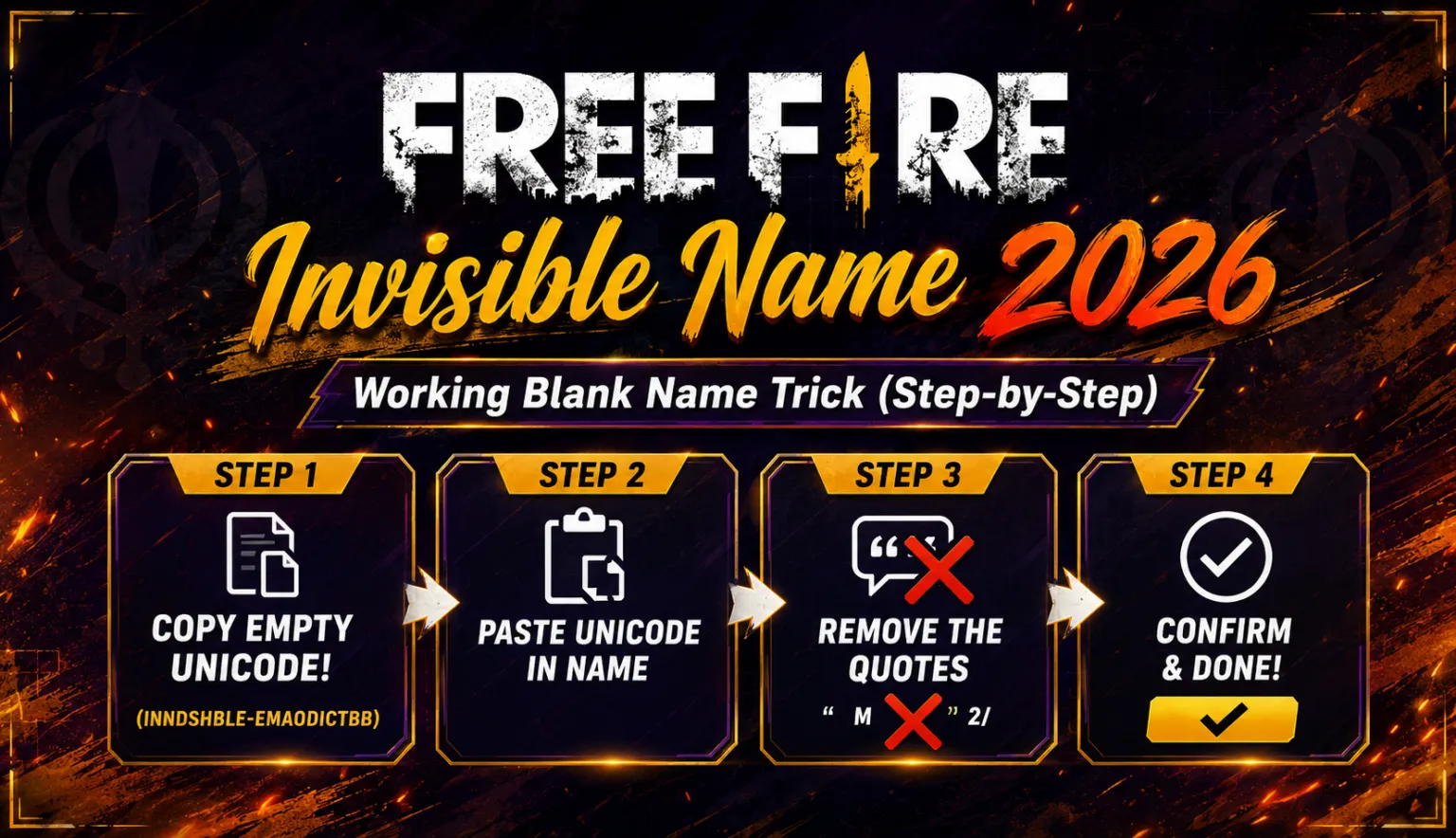
Step 1 Copy the invisible character
Copy this character: ㅤ (that is U+3164, Hangul Filler)
The easiest way is to use a Free Fire invisible name tool or copy directly from a Unicode reference site. The character looks like an empty space when pasted, which is exactly correct.
Step 2 Make sure you have a rename card
Open Free Fire. Go to your profile by tapping your avatar in the top left of the main screen. Check that you have a rename card available. You can get rename cards from events, login rewards, and the in-game shop. Without one, you cannot change your name.
Step 3 Open the rename field
Tap the pencil or edit icon next to your current name. This opens the name change input field.
Step 4 Clear your current name
Delete your existing name completely so the field is empty and ready for new input.
Step 5 Paste the invisible character
Paste the U+3164 character you copied in Step 1. The input field will appear empty to you that is completely normal. Do not type anything else unless you want a partially visible name.
Step 6 Tap confirm
Hit the confirm or save button. If the game accepts the invisible character, your rename card is used and your name updates immediately. If the game rejects the character, no rename card is consumed and you can try again.
Step 7 Verify the result
Go back to your profile and check how the name appears. Then jump into a custom room or check your lobby display to see exactly how other players will see it a completely blank name field.
Why Regular Spaces Do Not Work
Many players try pasting a few spacebar spaces and wonder why the game rejects it.
Free Fire’s input validation treats a name made entirely of standard keyboard spaces as an empty submission. It detects that there is no real content and blocks the save before it happens.
The U+3164 character gets past this check because it is a genuine Unicode character, not a string of spaces. The validation system sees a real character value and allows the save. The rendering system then displays nothing because the character has no visual form.
That is the entire trick: using a character that is real enough to pass validation but invisible enough to display nothing.
Does This Still Work in 2026?
Yes, as of 2026 the trick continues to work for most players, though there are some variables worth knowing:
Server region matters. Different Free Fire servers run on slightly different update schedules. A character that works on one server might be rejected on another, or might have different results after a regional patch.
Game version matters. Garena occasionally updates its text validation system. When a specific Unicode character becomes too widely known, it sometimes gets added to a rejection list in a patch. The community usually identifies replacement characters quickly after major updates.
Always test before confirming. If a character gets rejected, the rename card is not consumed. You can try alternative invisible Unicode characters without losing anything. Only the successful saves use your rename card.
If U+3164 does not work on your current version, active Free Fire communities on Reddit, Discord, and regional player forums are the fastest source for currently working alternatives.
What Happens After Your Name Goes Invisible?
Once your invisible name is saved, here is what you will notice:
In your own profile, the name field appears blank. In the main lobby, your display shows no name. In kill feeds during matches, other players see an empty space where your name would normally appear. In squad screens, your slot shows no name text.
The effect is consistent across all in-game screens where names are displayed.
One thing to be aware of: clan tags and squad leader indicators still appear even with an invisible name, so you are not completely anonymous if you are in an active clan.
Is the Invisible Name Against Free Fire Rules?
This is a reasonable question. Using Unicode tricks sits in a grey area:
Garena has not issued bans specifically targeting blank name users. The method does not exploit any game mechanics, modify game files, or interact with servers in an unauthorized way. It simply uses a valid character that happens to be invisible.
That said, if Garena decides to update their validation rules and specifically block this character, they are within their rights to do so. The safest approach is to use a tested, working character rather than attempting obscure exploits, and to stay updated through community resources after major patches.
Quick Summary
| What you need | A rename card + the U+3164 character |
|---|---|
| Where to paste | Free Fire profile name field |
| Cost | One rename card (free ones available from events) |
| Result | Completely invisible name across all in-game screens |
| Still working in 2026 | Yes, with region and version variables |
Want a stylish visible name instead? Try our Free Fire stylish name generator for hundreds of instant options