Font Generator: Create Custom Text Styles for Free
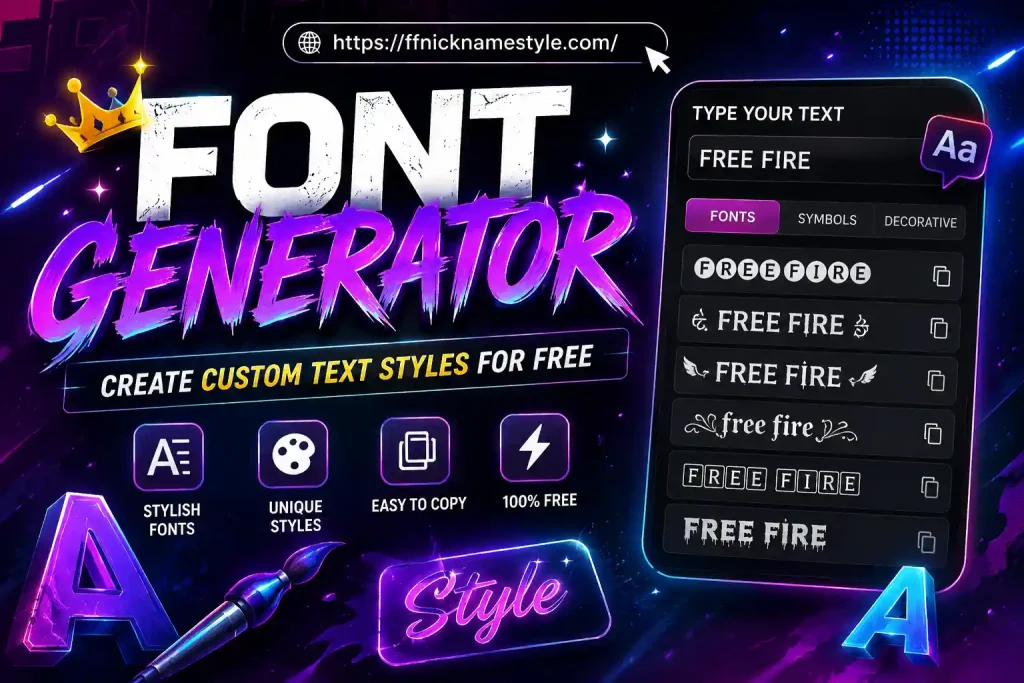
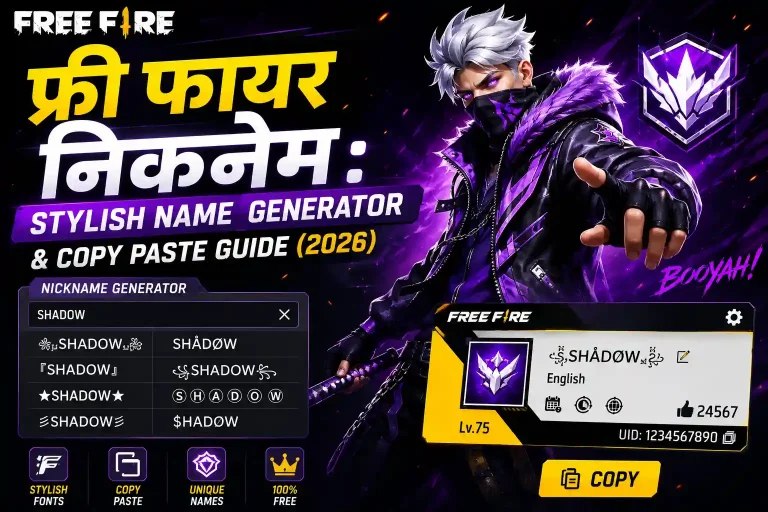
Typing a plain name into Free Fire is the fastest way to disappear in a lobby full of players running gold crowns, gothic letters, and neon symbols. A font generator fixes that in seconds no app download, no design skills, no waiting. Type your name once, pick a style, copy it, and paste it straight into your Free Fire profile. This guide walks through exactly how these tools work, which styles actually render properly in-game, and how to avoid the mistakes that get names rejected.
Key Takeaways
- A font generator converts normal text into styled Unicode characters that look like new fonts but paste as plain text.
- Free Fire supports Unicode, so most generated styles display correctly in your nickname, guild name, and chat.
- Character limits and older Android devices can cause certain styles to fail stick to simpler fonts if you run into issues.
- The free FF Nickname Style font generator needs no sign-up, no downloads, and works directly in your browser.
- “Lettertype generator” is simply another name for the same tool, mostly used in European search regions.
What Is a Font Generator and How Does It Work?
A font generator doesn’t create actual font files. Instead, it maps every letter you type to a matching character from the Unicode standard the same universal character set used for emoji, accented letters, and symbols across every platform. When you type “Alex,” the tool swaps each letter for a stylised Unicode look-alike, so it becomes something like 𝔄𝔩𝔢𝔵 or ᴬʟᴱˣ. Because the output is still plain text under the hood, it copies and pastes anywhere text is accepted including Free Fire’s nickname field.
This is different from an image or a custom font file, which games can’t read in a username box. Unicode styling is what makes it possible to get fancy-looking names without installing anything.
Why Free Fire Players Need a Font Generator
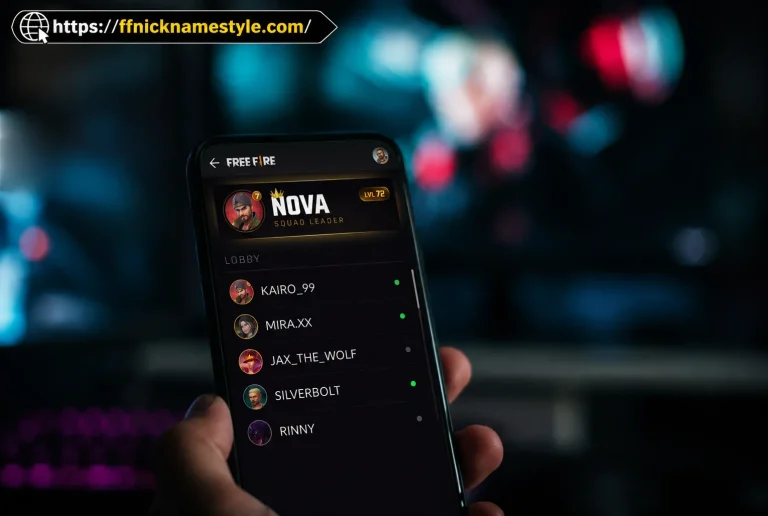
In a battle royale with over a billion downloads, thousands of players are visible in the same servers, guild lists, and leaderboards every day. A plain name blends in. A styled name gets noticed in the kill feed, in squad chat, on the scoreboard after a win. For competitive players, a clean, readable styled name also builds a recognisable identity that teammates and rivals remember. For casual players, it’s simply a way to make a profile feel personal instead of default.
Guilds benefit too: a well-styled clan tag or guild name signals an active, organised squad, which matters when recruiting new members.
How to Use a Font Generator for Your Free Fire Name
- Open the font generator in your browser mobile or desktop both work.
- Type your desired name into the input box.
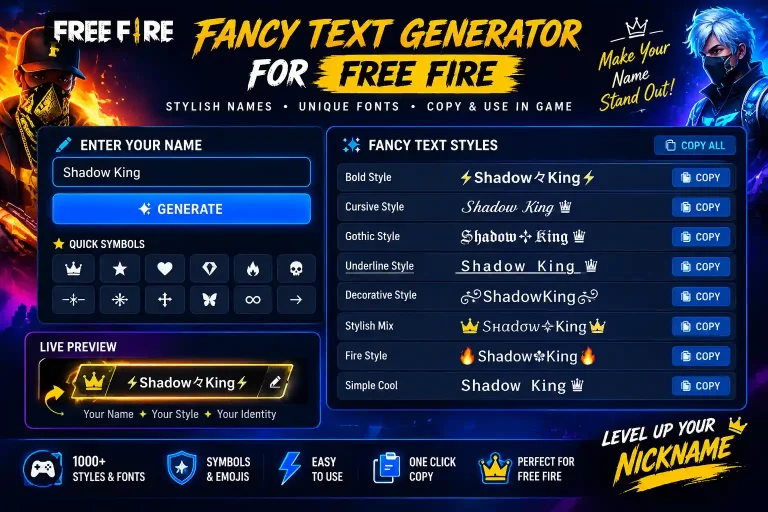
- Browse the live preview of every available style as it updates in real time.
- Tap the copy icon next to the style you like.
- Open Free Fire, go to your profile, tap the edit (pencil) icon next to your name.
- Long-press the name field and paste.
- Confirm the change and save.
The entire process takes under a minute, and you can repeat it as many times as you want until the name looks right just keep in mind Free Fire limits how often you can change your name for free before requiring a rename card.
Free Fire Font Compatibility: Character Limits & Rendering Issues
Not every styled character behaves the same way inside the game, so it’s worth understanding the limits before you commit to a name.
Character limit: Free Fire caps nicknames at 12 characters. Every Unicode character including symbols and decorative marks counts as one character toward that limit, regardless of how complex it looks. A name like ꧁Ghost꧂ already uses 7 of your 12 slots.
Older devices: Some heavier Unicode styles elaborate script fonts, dense symbol combinations, or rare decorative characters can display as blank boxes or question marks on older Android versions (Android 8 and below), which still make up a meaningful share of Free Fire’s global player base.
If a name won’t save: Remove one character or symbol at a time and try again. Bold, small caps, and simple gothic styles are the most consistently supported across devices, so they’re a safe fallback if a fancier style keeps failing.
Quick fix checklist:
- Swap complex script fonts for bold or small caps
- Reduce symbol clusters to one or two characters
- Test the name on a second device before finalising it, if possible
Exploring Different Font Styles for Your Profile
Font generators typically offer dozens of styles, and each one suits a different vibe:
- Bold and Sans-Bold clean, highly readable, works on nearly every device. Best for competitive players who want their name to stay legible in the kill feed.
- Gothic / Fraktur dark, intimidating look popular for solo or aggressive playstyles.
- Script and Cursive elegant, flowing style, though slightly less reliable on older phones.
- Small Caps subtle and professional, a favourite for guild names.
- Bubble and Circled playful, rounded characters that stand out visually without looking aggressive.
- Symbol-Framed Styles wrapping a name in brackets or icons like ꧁ ꧂, ♛, or ★ to add a finishing touch.
Mixing a stable font style with one or two symbols is usually the best balance of looking sharp and staying compatible.
Free Fonts and Where to Find Them
Every style on a dedicated font generator like ffnicknamestyle.com is free, with no sign-up, subscription, or watermark. That’s the main advantage over generic font marketplaces or design software, which often lock premium styles behind a paywall. Because the output is just styled Unicode text, there’s nothing to license or purchase you’re free to generate and use as many combinations as you like, for personal or clan use.
Lettertype Generator: A Different Name for the Same Tool
If you’ve come across the term “lettertype generator,” you haven’t found a different tool “lettertype” is simply the Dutch and German word for “font.” Search traffic for this term mostly comes from European players looking for the exact same Unicode text conversion described above. Whether you search “font generator” or “lettertype generator,” you’ll land on tools that do the same job: converting plain text into stylised Unicode characters.
Tips for Choosing the Perfect Free Fire Name
- Prioritise readability a name that’s too decorative can be hard for teammates to read quickly during a match.
- Match your playstyle sharp, bold fonts suit aggressive players; clean small caps suit strategic or support roles.
- Keep symbols minimal one or two well-placed symbols make more impact than a name buried in decoration.
- Test before committing preview the name in different lighting or screen sizes if you can, since some styles look different on small mobile displays.
- Stay within the 12-character limit plan your name and symbols together rather than adding decoration as an afterthought.
Common Mistakes to Avoid When Using a Font Generator
- Overloading the name with symbols, which eats into the 12-character limit and can look cluttered.
- Choosing overly complex script fonts that fail to render properly on older Android devices.
- Not testing the name before spending a rename card, especially if Free Fire charges for additional name changes.
- Copying styled text with hidden extra spaces or characters, which can cause the paste to fail or the name to be rejected.
- Ignoring guild/clan naming conventions, if your squad has a shared tag or symbol style everyone is expected to follow.
Frequently Asked Questions
Can I use a font generator to create a stylish name for Free Fire?
Yes. A font generator converts your text into Unicode styles that paste directly into Free Fire’s nickname field, no extra steps required.
Are the fonts from a font generator compatible with Free Fire?
Most styles are compatible, since Free Fire supports Unicode characters. Very complex or rare symbol combinations can occasionally fail to render on older devices simpler styles like bold or small caps are the safest choice.
Do I need to download any software to use a font generator?
No. It works entirely in your browser, on mobile or desktop, with no downloads or installs required.
Can I use a font generator for my Free Fire clan name?
Yes. The same styled text works for guild and clan names, and is a popular way to give a squad a consistent, recognisable look.
Is it safe to use a font generator for my game account?
Yes. Since the tool only generates plain Unicode text the same kind of characters used in emoji and accented letters there’s no risk to your account. No permissions, downloads, or account access are requira