Free Fire Stylish Name Generator 2026: How to Build a Name That Actually Gets Noticed
Most players don’t lose fifteen minutes picking a weapon skin. They lose fifteen minutes picking a name. You open the rename screen, type something, delete it, try a symbol, watch it turn into a blank box, try again. By the time you’re done, the match has already started without you.
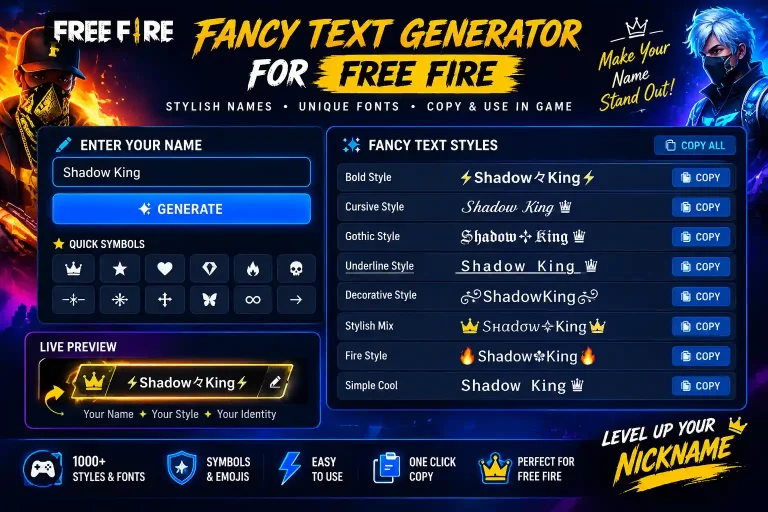
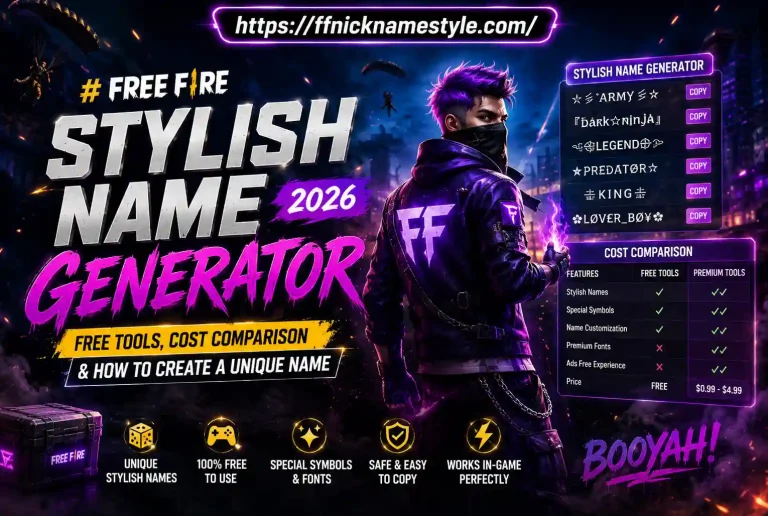
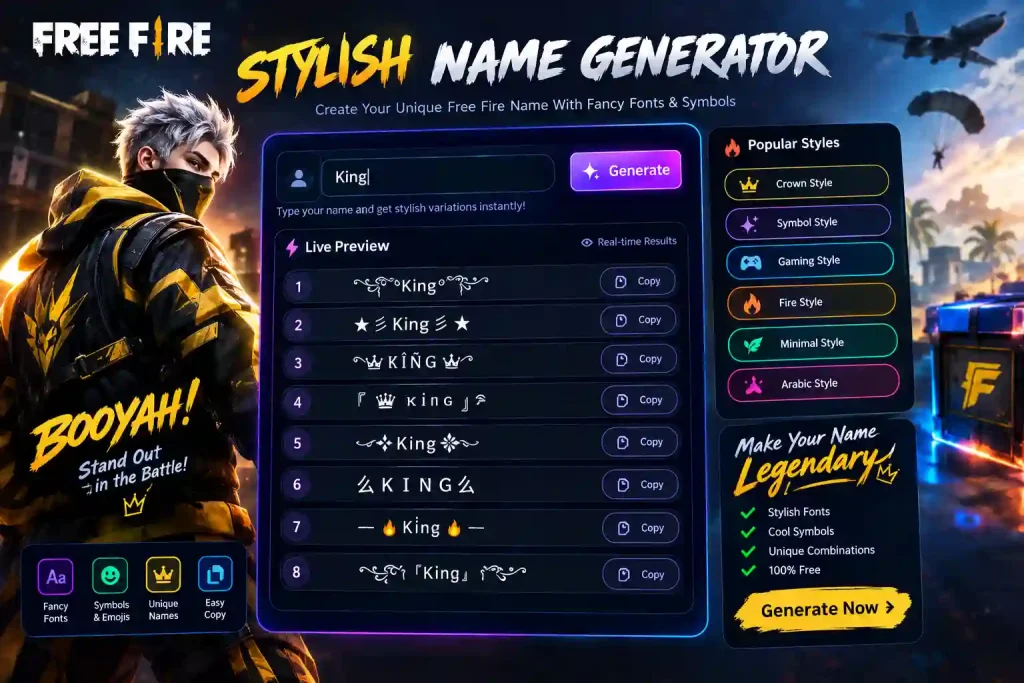
A free fire stylish name generator exists to skip that whole loop. Type a base word, get a finished, game-ready name back, copy it, done. This guide walks through how these tools actually work, which styles hold up in real matches, and the mistakes that quietly wreck an otherwise good name.
What a Stylish Name Generator Really Does
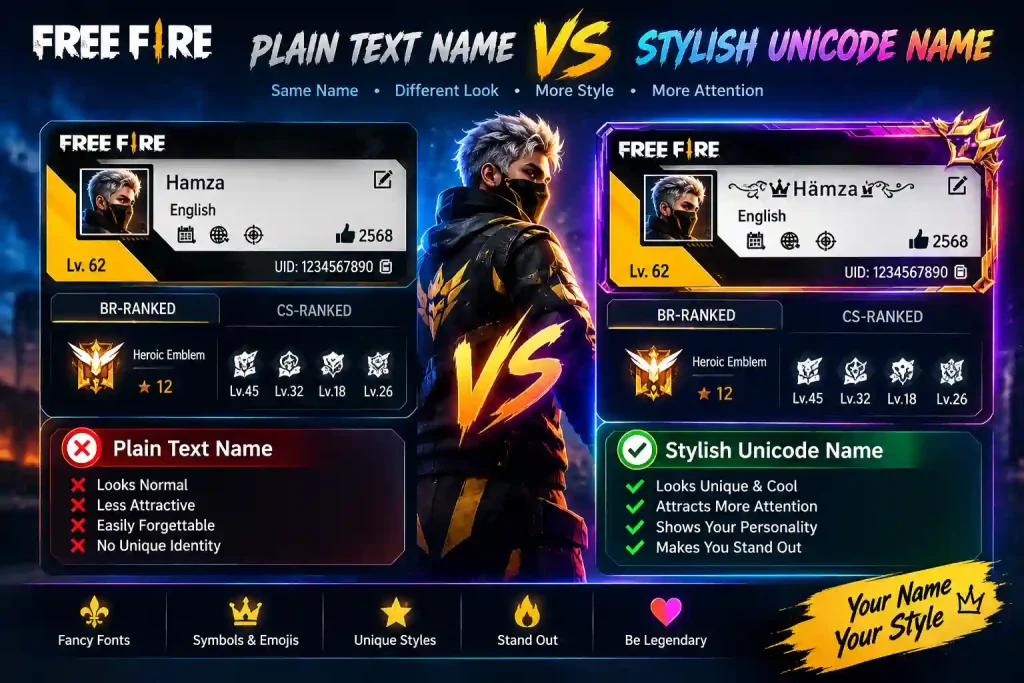
At the simplest level, a stylish name generator swaps your normal letters for Unicode look-alikes the kind of characters that render as fancy script, bold blocks, or bubble letters but are still plain text underneath. That last part matters more than people realize. Because they’re real characters and not images, Free Fire reads them exactly like it reads regular letters, so the style survives the paste into the rename field without breaking.
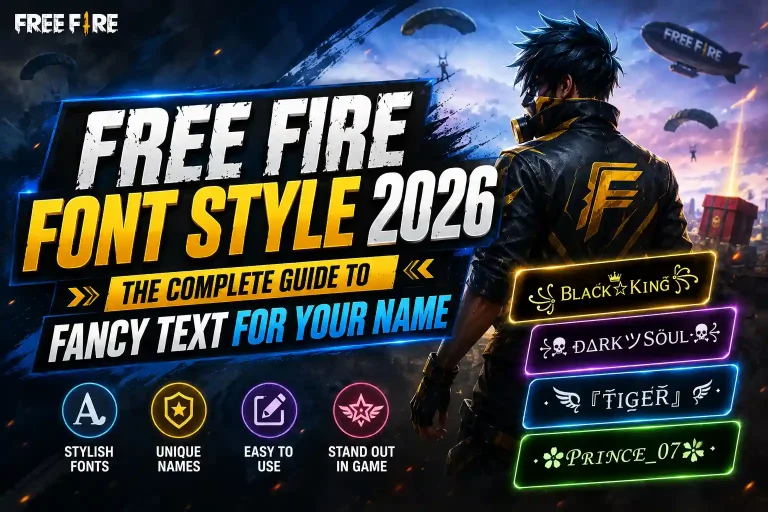
Type “Rex” into a generator and you’ll get back dozens of versions a gothic ᖇᗴ᙭, a boxed 【Rex】, a symbol-framed ✦Rex✦ all built from the same six letters. The tool’s real job isn’t decoration, it’s filtering: making sure whatever it hands you actually displays the same way on your screen as it does on your squadmate’s.
Using ffnicknamestyle.com as an example, the generator shows a live preview before you copy anything, so there’s no guessing whether a symbol will show up as a box on someone else’s phone. What you see in the preview is what shows up in the lobby.
Why Hand-Picking Symbols Wastes More Time Than It Saves
There’s a version of this where you skip the generator entirely and build a name by hand copying a crown from one site, a bracket from another, pasting them together in a notes app. It feels more personal, but it comes with three recurring problems:
Broken characters. A symbol that displays fine in a browser can render as an empty square inside Free Fire’s font. You don’t find out until after you’ve already spent the rename card.
Character limit surprises. Free Fire counts every bracket, symbol, and letter toward the same cap. Hand-built names regularly go over without the person realizing until the game rejects the paste.
Inconsistent spacing. Symbols pulled from different sources don’t always sit at the same height or width, so the finished name looks slightly off crowded on one side, oddly spaced on the other.
A generator sidesteps all three because it’s only pulling from characters that have already been tested inside the game.
Name Styles Worth Actually Using in 2026
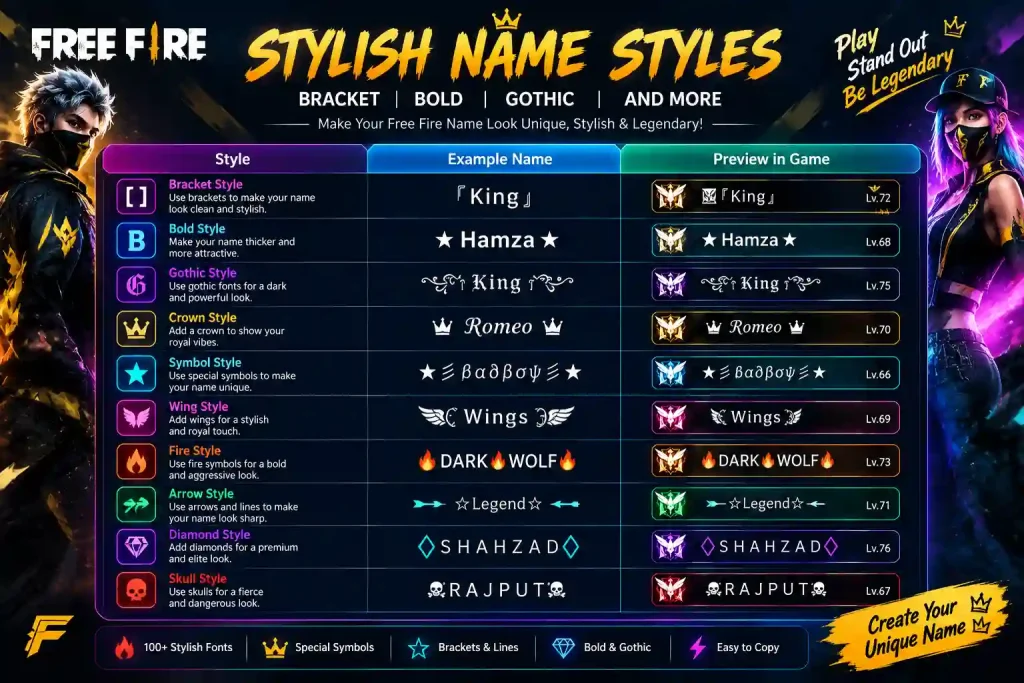
Not every style reads well once the match speeds up. Here’s what tends to hold up versus what tends to fall apart in a firefight:
| Style | Example | Works well for |
|---|---|---|
| Bracket-framed | 『Ghost』 | Snipers, precise players |
| Bold minimal | REX | Anyone who wants instant readability |
| Symbol accent | ☠Vader☠ | Attitude names, solo players |
| Gothic | R𝔢𝔵 | Dark or moody profiles |
| Soft/aesthetic | 🌸Rex🌸 | Casual and social profiles |
The pattern worth noticing: every name here uses one decorative idea, not five stacked on top of each other. A name wrapped in three different symbol sets might look impressive in the preview box, but in the middle of a squad fight it just reads as noise. One accent, one clean base word that combination is what actually gets remembered.
Matching a Name to How You Actually Play
The style that looks best in a preview box isn’t always the one that fits how you play. This is the part most players skip, and it’s the difference between a name that feels borrowed and one that feels like yours.
If you’re the player who dives into every fight first, a sharp, aggressive style reads better short base word, one hard-edged symbol, nothing soft about it. Think ☠Reaper☠ or 亗BLAZE亗. Snipers and slower, methodical players tend to look better in a bracket-framed or minimal style something that reads as controlled rather than chaotic, like 『Ghost』 or ᴹᵉᵈⁱᶜシ for a support role.
There’s also a regional layer to this that’s easy to miss. A huge share of Free Fire’s player base builds names that mix English with Hindi, Punjabi, or Indonesian script for a more personal touch, rather than sticking to plain English words. If that’s the direction you want, a generator that supports region-specific styles like the Sikh and Punjabi stylish names collection saves you from having to manually mix scripts and hope the spacing holds up.
The simplest test: generate three or four versions of the same base word, screenshot them, and look again the next day. The one that still feels right after you’ve forgotten the excitement of picking it is usually the one that actually fits.
Building a Name in Under a Minute
- Pick a short base word. Your real name, a nickname, or a single word tied to your playstyle “Storm,” “Echo,” “Vex.” Skip spaces and symbols at this stage; let the generator add those.
- Scan the categories. Most generators group results by theme fire, crowns, brackets, gothic, cursive so you’re not scrolling one long list.
- Check the live preview. This is the step people skip and regret. If a character looks even slightly off in the preview, it’ll look worse in-game.
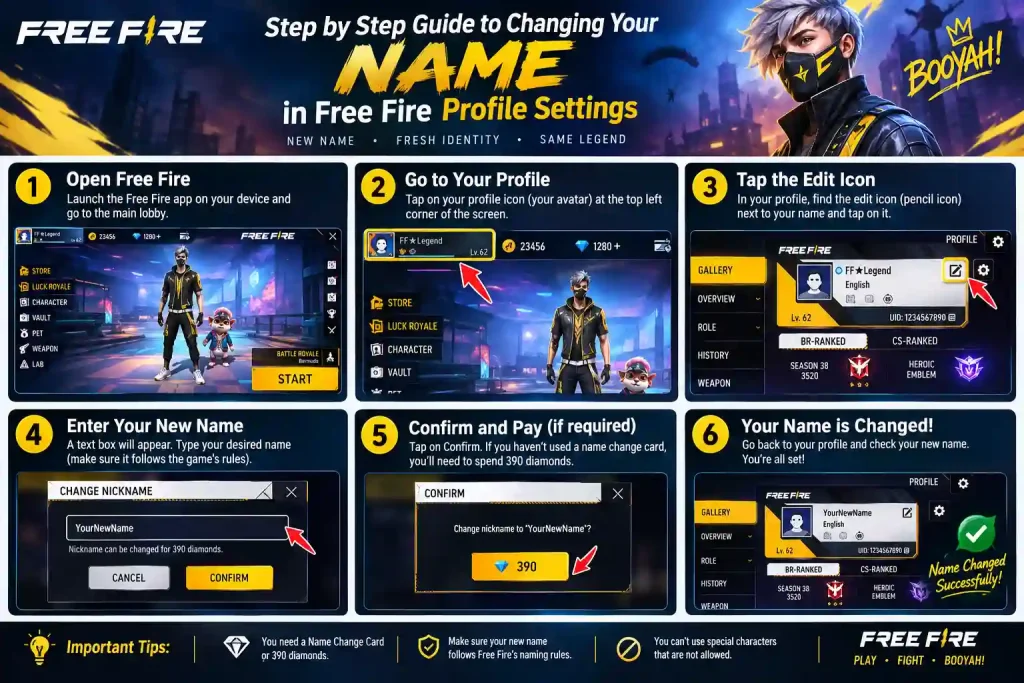
- Copy and paste into Free Fire. Open your profile, tap the pencil icon next to your name, long-press to paste, confirm.
- Test it in a chat message first. If the symbols render correctly there, they’ll render correctly in your profile and the kill feed.
If the finished name gets rejected for length, go back and either shorten the base word or drop to a lighter style some symbol sets count as two characters instead of one.
Mistakes That Quietly Ruin a Good Name
The most common one is over-decoration stacking a crown, two brackets, and a line of dots around a name until nobody can tell where the actual word starts. A cluttered name isn’t more stylish, it’s just harder to read at a glance, which defeats the point of picking a name in the first place.
The second mistake is choosing symbols nobody else can type. If your squad can’t invite you by typing your name because half of it is an obscure Unicode character, that’s a real cost, not just a cosmetic one.
The third is copying a name that’s already common. It might look great for a day before you realize a quarter of the server has the same crown-and-brackets combo. A generator gives you enough raw variation that there’s no real reason to settle for a recycled template.
Beyond Free Fire: Where Else These Names Actually Work
A stylish name built for Free Fire almost always works everywhere else too, because the underlying trick Unicode text, not custom fonts isn’t game-specific. The same generated name pastes cleanly into an Instagram bio, a WhatsApp display name, a Discord tag, or a PUBG Mobile profile without any changes.
The one thing that shifts between platforms is what “clean” looks like. A name that reads well in Free Fire’s kill feed, which is small text moving fast during a fight, can feel over-decorated on an Instagram profile where people are actually stopping to look at it. For social platforms, a lighter touch a single soft symbol, a script font, no more than one accent — tends to land better than the sharper, more aggressive styles that work in-game. It’s worth generating two versions of the same base word: one built for speed and readability in matches, one built for a slower second look on a profile page.
Frequently Asked Questions
Is a stylish name generator safe to use?
Yes. A proper generator runs entirely in the browser, doesn’t ask for your Free Fire login, and only produces a text string for you to copy. Nothing touches your account directly.
Will every symbol show up correctly on other devices?
Most common symbols stars, crowns, brackets display fine across Android and iOS. Rarer characters occasionally show as blank boxes on older phones, which is exactly why testing the name in a chat message first is worth the extra ten seconds.
Does changing my name affect my rank or stats?
No. A name is purely cosmetic. Rank, stats, and inventory stay exactly as they were before the change.
How many characters can I actually use?
Free Fire’s cap includes every symbol, bracket, and letter as one character each. Count the full design including brackets before committing to it with a rename card.
Can I use the same stylish name for Instagram or PUBG?
Yes. Since the styling is built from standard Unicode characters rather than custom fonts, a name generated for Free Fire pastes just as cleanly into Instagram, WhatsApp, Discord, or PUBG Mobile.
The Bottom Line
A stylish name is a small thing that shows up in every single match the kill feed, the friend list, the lobby screen. Building one by hand is possible, but it costs time and produces mixed results. A generator gets you there in under a minute with a name that’s already been checked for the things that actually break in-game.
For a full library of ready-to-copy Free Fire names, symbol combinations, and clan name ideas, the Free Fire Stylish Name Generator has categories built for exactly this, including a dedicated clan name generator for squads picking a name together and a Sikh and Punjabi name style collection for a more personal, region-specific touch.